![CSS-CMYK-logo-2015-2.png]](https://go.christiansteven.com/hs-fs/hubfs/social-suggested-images/CSS-CMYK-logo-2015-2.png?height=40&name=CSS-CMYK-logo-2015-2.png)
Administration - Client Service Status
The Client Service Status allows you to view and manage the backend services and dependencies for Intellifront BI.
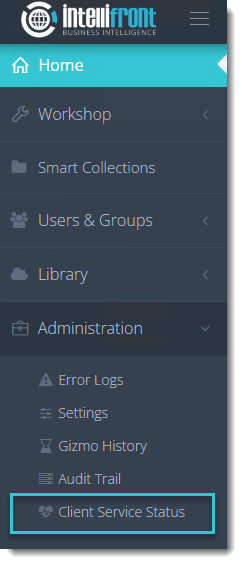
- Go to Administration and select Client Service Status.
Service Status
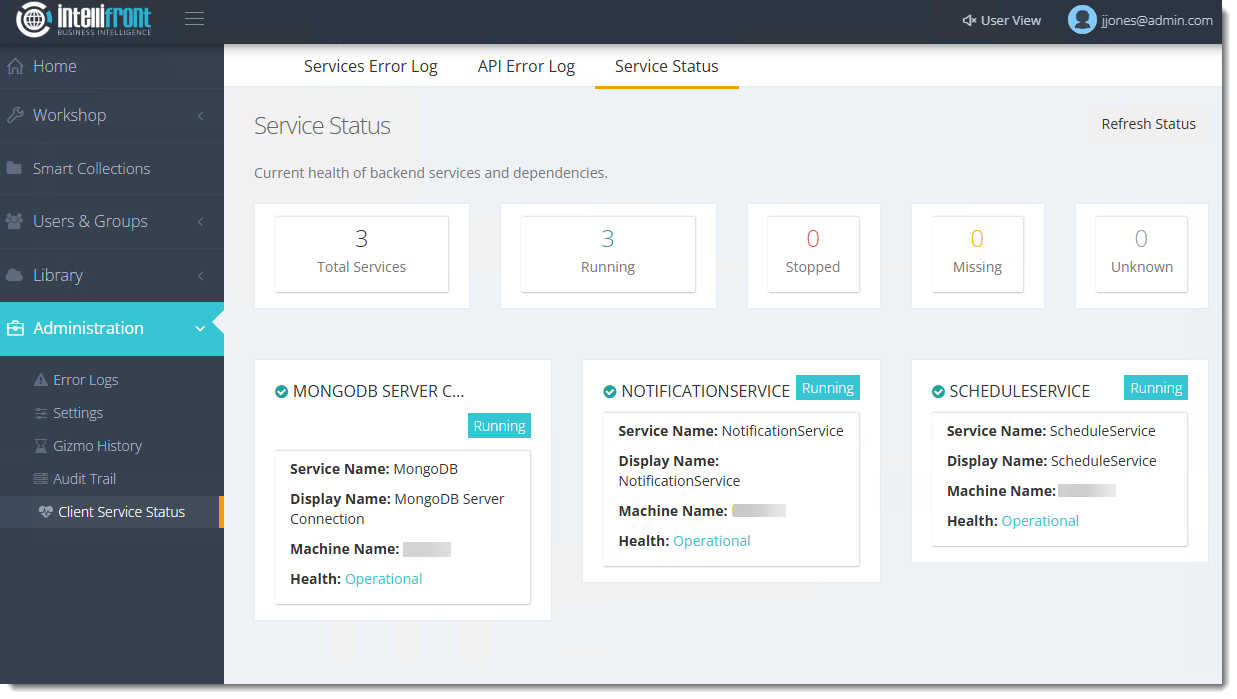
Here you can view and manage the Service Statuses of the backend services being used for Intellifront BI. You can also Refresh the status of these services.
API Error Log
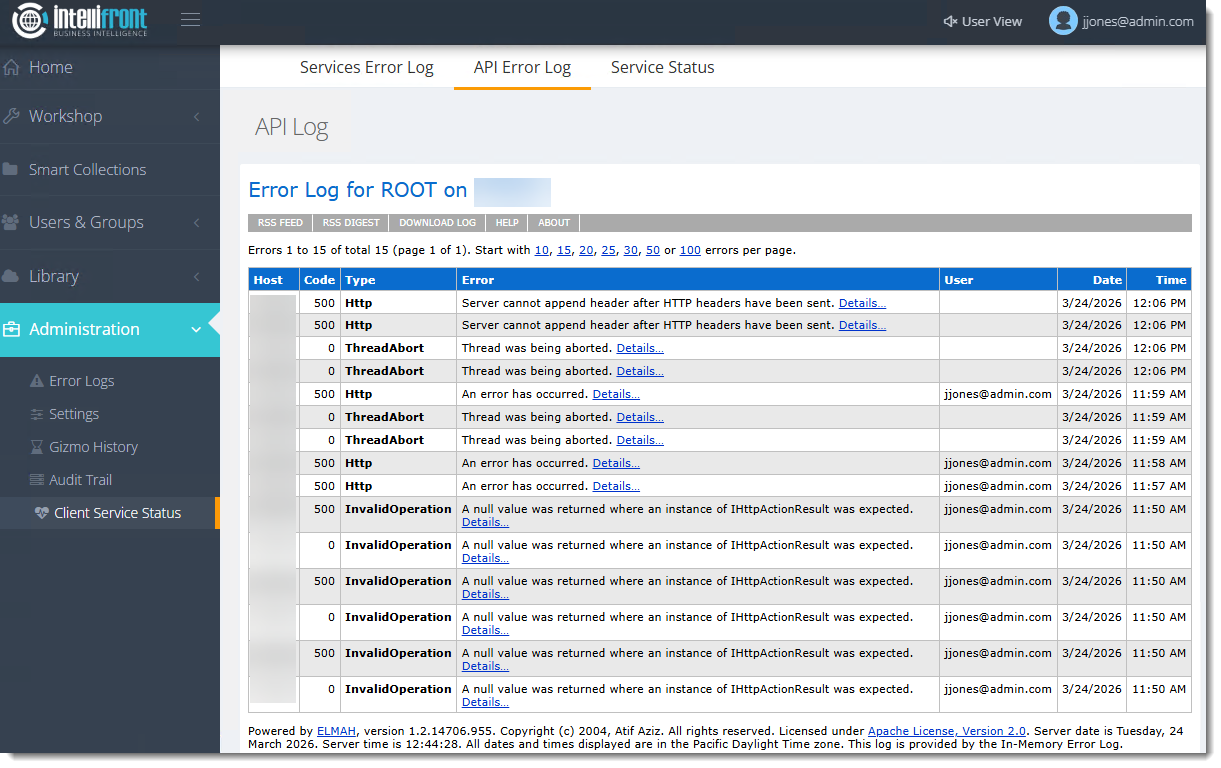
Here you can view the Error Log for ROOT on your machine.
Services Error Log
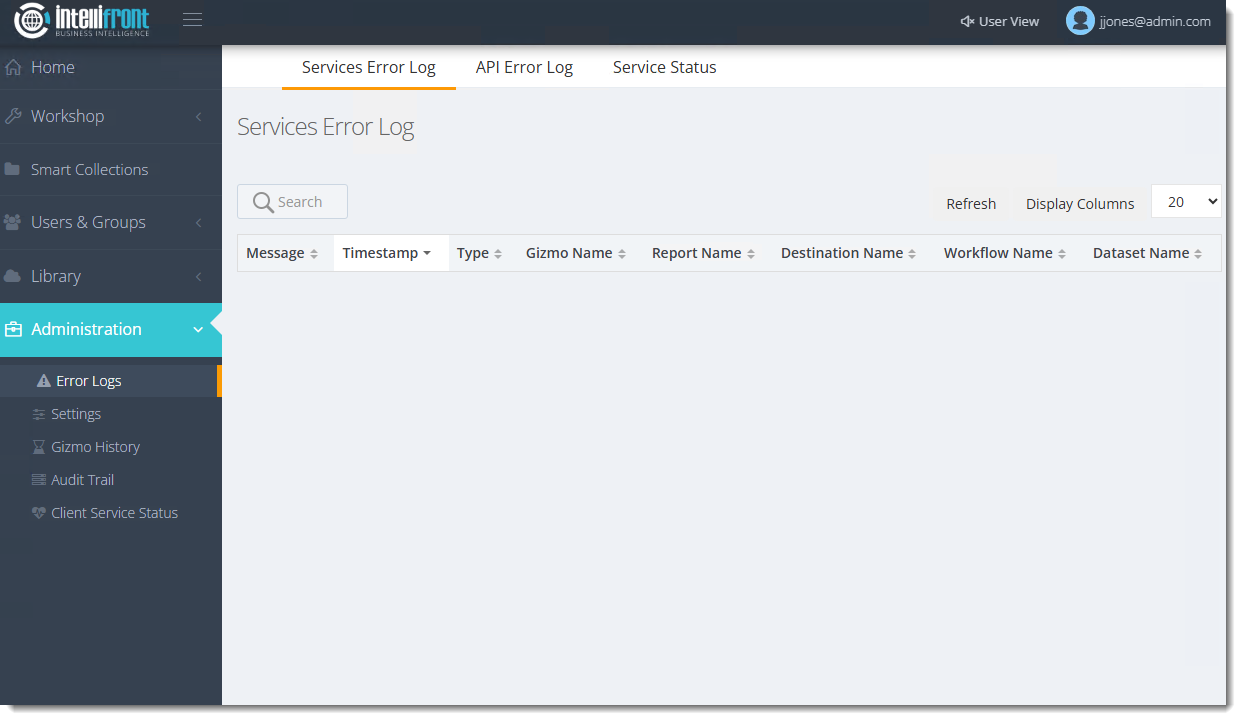
Here is where you can view, refresh, and display the columns for the Services Error Log.
You have now managed the Client Service Status in Intellifront BI.