

Dynamic Parameters in Crystal Reports: Set Up a Supplier Prompt
by Christian Ofori-Boateng on Nov 21, 2026, 9:00:00 PM

To create dynamic parameters in Crystal Reports, add a parameter in Field Explorer, set its list of values to Dynamic, and choose the field that supplies the options. Then use the parameter in record selection so the report returns the records the reader chooses.
Tableau Report Scheduler: Subscriptions and Automated Delivery
by Alexandra Nicholls on Nov 21, 2026, 5:30:00 PM

Use a native Tableau Cloud subscription when people who already have access need a regular PDF or image by email. Use a Tableau report scheduler such as ATRS when the same report also needs to land in a folder or go through a separate delivery workflow.
Automate Power BI Export to Excel: Schedule a Weekly Workbook
by Melanie Robinson on Nov 21, 2026, 2:00:00 PM
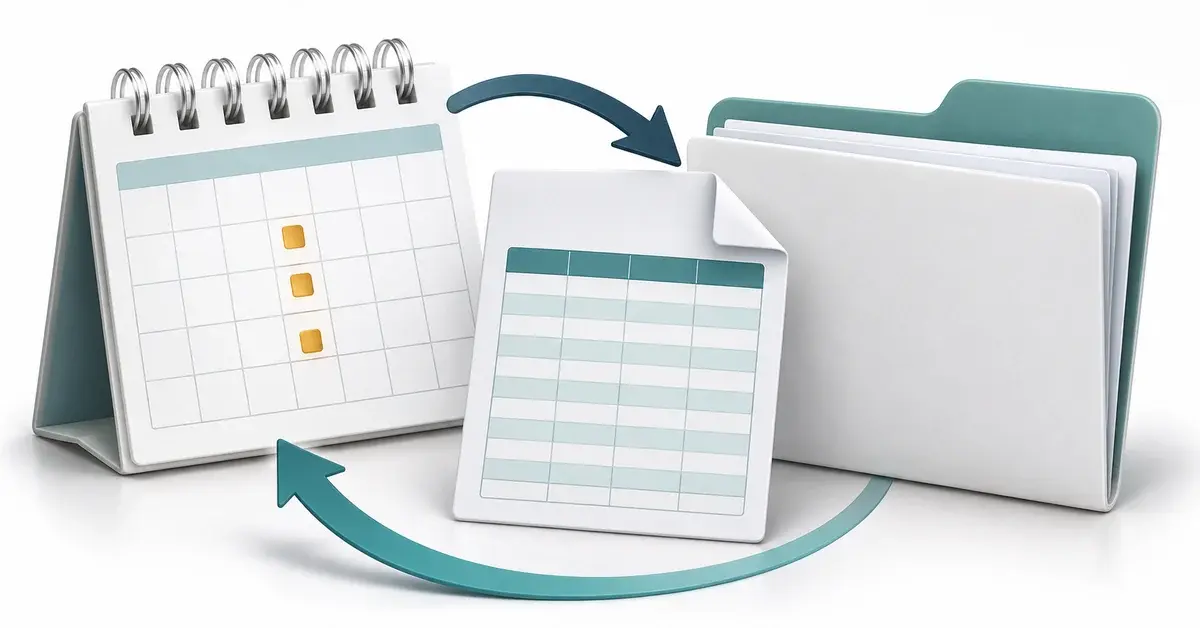
To automate Power BI export to Excel, first decide whether you need a fresh workbook on a schedule or a workbook people can refresh themselves. For scheduled copies, use a Power Automate flow with an eligible paginated report, or use PBRS to export the data from selected visuals in a …
Power BI Export to PDF: Service, Desktop, and Scheduled Delivery
by Steven Amani on Nov 21, 2026, 10:30:00 AM
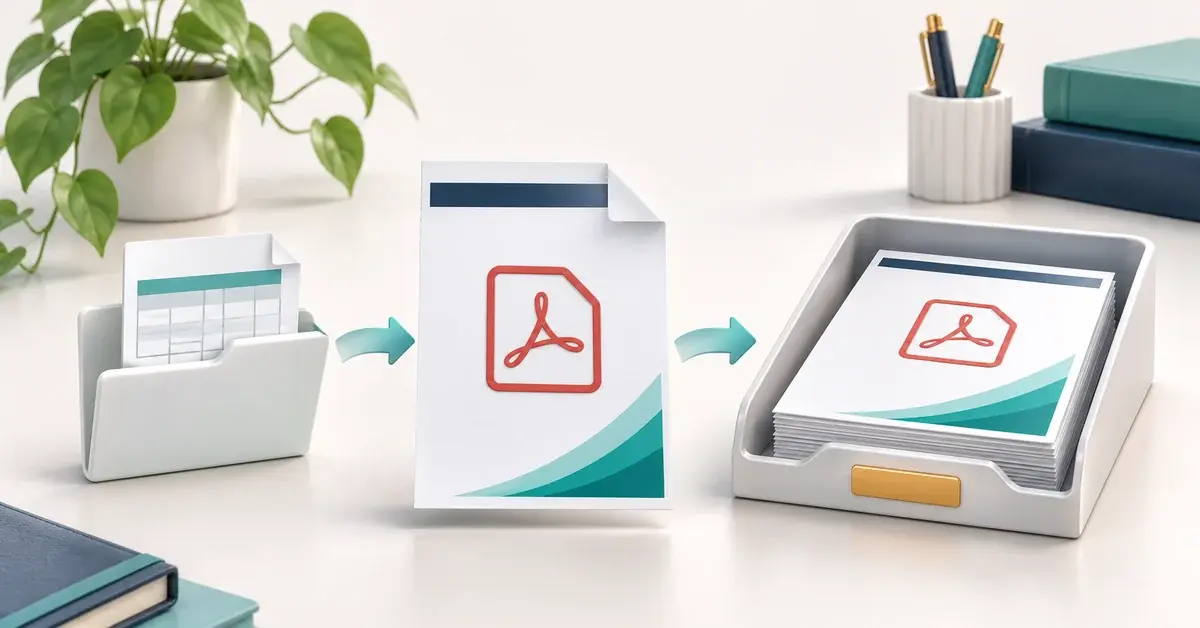
To export Power BI to PDF, open the report in the Power BI service and choose Export → PDF. Choose Current values to keep your slicer and filter selections. If you’re working in Power BI Desktop, open the PBIX file and choose File → Export → Export to PDF.
Power BI Analyze in Excel Is Greyed Out: How to Fix It
by Hunter Taylor on Nov 21, 2026, 5:45:00 AM

If Power BI Analyze in Excel is greyed out, check whether you have Build permission on the semantic model. Then confirm that your license and workspace support live Excel connections and that your organization allows you to use the feature.