{{ js_integration_head_start() }} {{ head_elements() }} {{ head_css() }} {{ head_js() }} {{ js_integration_head() }} {% if "CRD automates Crystal Reports scheduling, file preparation and delivery." != "" %}{% endif %} {% if "CRD automates Crystal Reports scheduling, file preparation and delivery." != "" %}{% endif %} {{ include_default_custom_css(content.include_default_custom_css, template_meta.include_default_custom_css, domain_settings.include_default_custom_css) }} {{ include_attached_css(content_group.attached_stylesheets or domain_settings.attached_stylesheets, content.enable_domain_stylesheets, template_meta.enable_domain_stylesheets, theme_meta.enable_domain_stylesheets, domain_settings.enable_domain_stylesheets) }} {{ include_attached_css(template_meta.attached_stylesheets, content.enable_layout_stylesheets) }} {{ include_attached_css(content.attached_stylesheets) }} {{ require_attached_js(template_meta.attached_js) }}

Crystal Reports Scheduler

Schedule Crystal Reports. Deliver the Finished Work.

CRD Crystal Reports Scheduler

Keep the Crystal reports your business relies on, and let CRD handle the work that follows: preparing workbooks, protecting PDFs and sending complete report packs. All CRD features are included in your licence, with no paid feature add-ons.

Assemble reports into one Excel workbook or merged PDF.

Personalize filenames, report data and recipient messages.

Deliver to email, Teams, SharePoint, cloud storage and more.

Run on a timetable or respond to business events.

Download the CRD Internal Evaluation Guide START FREE TRIAL
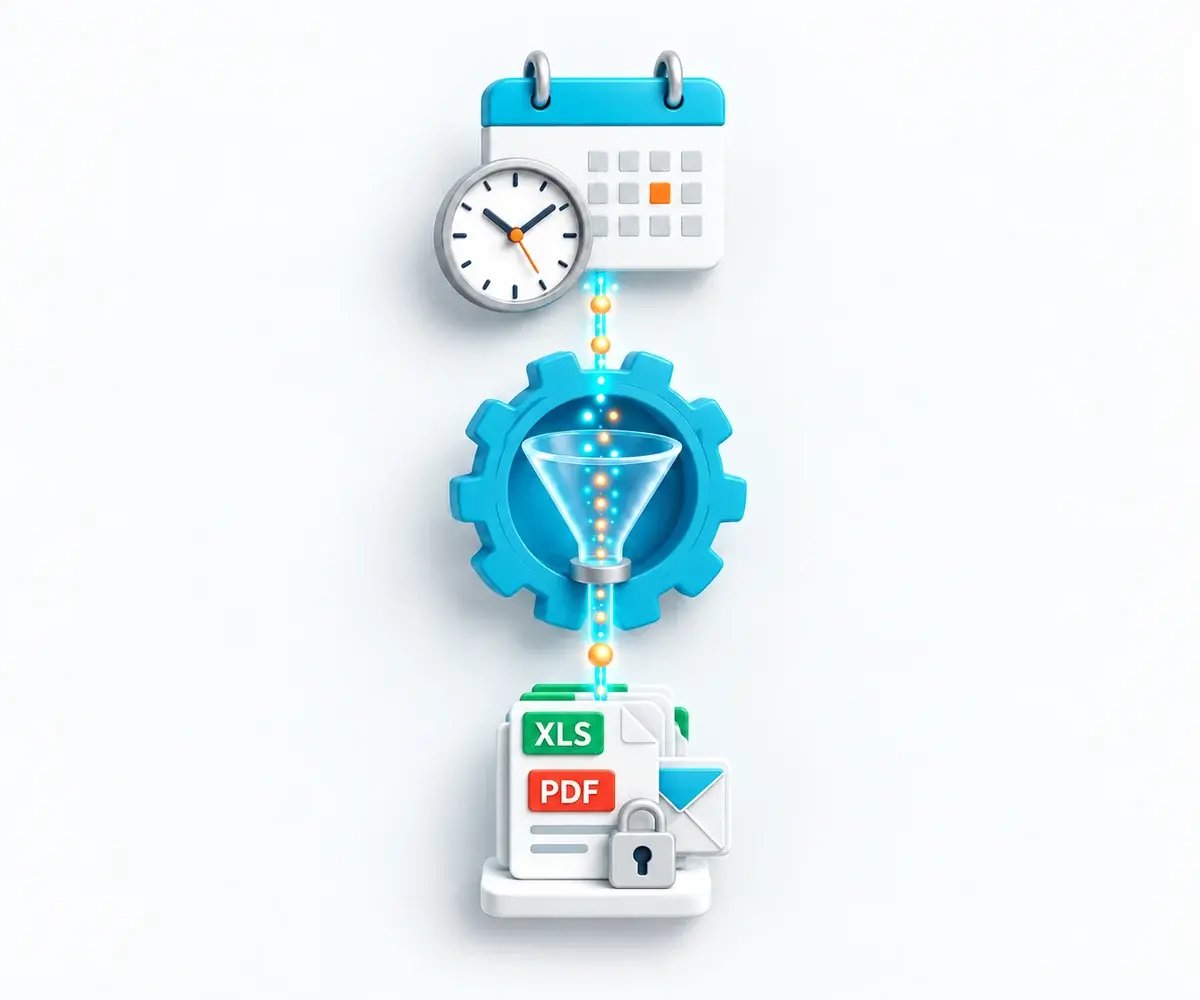
A calendar and automation hub prepare a protected package of Excel and PDF report files for delivery.

The Reporting Challenge

Still Finishing Every Report by Hand?

Running the report is only the first step. Your team still has to assemble, protect and distribute the results. CRD makes those steps part of the schedule.

Spreadsheets Need Rebuilding

Every week, someone copies report outputs into a workbook and renames the tabs.

Packs Need Assembling

Recipients need the complete set of reports in the right order, with the right protection.

Every Recipient Needs Something Different

Customers, branches and teams need their own data, filenames, messages and delivery locations.

Why Choose CRD

Go Beyond Crystal Server’s Standard Scheduling

CRD brings workbook assembly, business-event checks and more delivery destinations into your reporting schedule.

SAP Crystal Server

Crystal Server’s Built-In Options

Crystal Reports’ native Excel export does not split report groups into separate worksheets. SAP documents workbook merging through a custom publication extension.

Built-in event types cover file existence, custom events and schedule dependencies.

Standard scheduling destinations do not include Teams, Slack, Amazon S3 or Azure Blob Storage.

SAP Crystal Server’s Named User licence supports scheduled delivery. Personalized Publications require Concurrent Sessions licensing, which allows unlimited unique recipients. Publications also support embedded reports, merged PDFs, PDF passwords and ZIP output. Calendars, custom filenames and multiple destinations are available.

CRD

More of the Finished Job, Built In

Merge report outputs into one workbook through package settings, without developing a publication extension.

Give each branch or department its own worksheet with Excel Group Bursting.

Deliver directly to Teams, Slack, Amazon S3 and Azure Blob Storage.

Start reporting from database changes, incoming email, file changes or program results.

Add PDF watermarks and permissions, or protect a pack inside an encrypted ZIP.

Match reports to recipients through bursting or data-driven schedules.

Bursting, data-driven schedules, packages and file finishing are included in your CRD licence. No additional publishing feature licence is needed.

Monday’s Sales Pack, Ready for the Regional Managers

Imagine Monday morning with the sales, margin and overdue-order reports already together in the managers’ inboxes. CRD can run the weekly reports, assemble the workbook and save an archive copy.

01

Run

Report on the previous week.

02

Assemble

Bring the reports together.

03

Protect

Apply the chosen password.

04

Deliver

Send and archive the pack.

Fit Reporting Around Your Business

From morning operations to month-end accounts, CRD runs reports on the timetable your team works to.

✓

Working Days and Month-End

Run on selected weekdays, the third Monday or a particular working day of the month.

✓

Holidays and Exceptions

Use custom calendars for specific dates and exception calendars for days to skip.

✓

Repeated Runs

Repeat within a reporting window and use blackout times to pause scheduling when required.

START FREE TRIALBOOK A DEMO
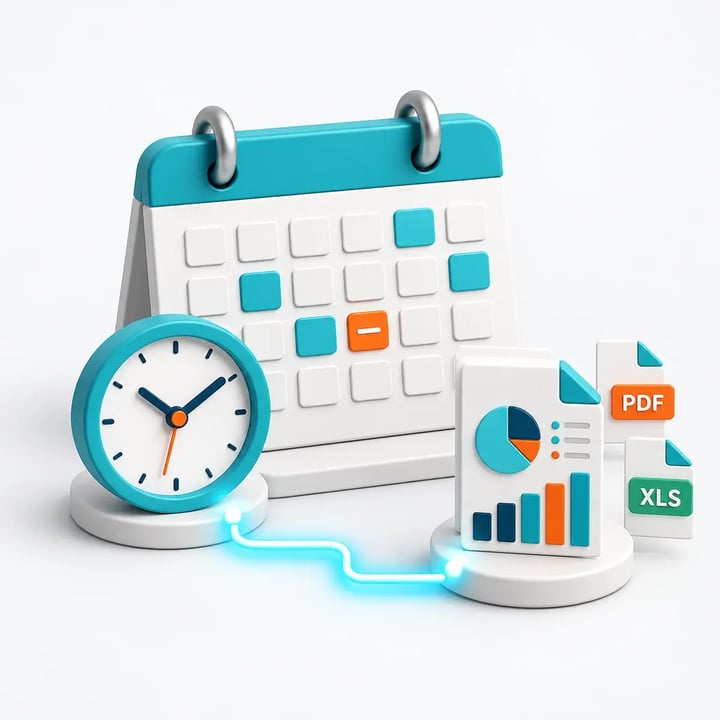
Selected reporting dates and an excluded date determine when Crystal report outputs are prepared.

Prepare Files People Can Use

Make the files easier to read, find and share.

01

A Separate Excel Tab for Each Group

Give each report group its own named worksheet, with freeze panes and workbook protection. Excel Group Bursting is included at no additional cost.

02

PDFs With Protection and Branding

Brand documents with a watermark or logo, and set opening passwords and permissions.

03

Encrypted ZIP Delivery

Keep related files together in an encrypted, password-protected archive.

04

Emails Designed for the Reader

Include a readable report in a personalized HTML email, with an attachment when readers need a copy.

Crystal Reports Packages

Send the Complete Pack in One Delivery

Bring the reports for a meeting, month-end review or customer update together. Standard and Data-Driven Packages are included at no additional cost.

01

One Management Pack

Choose the format the reader needs: attachments, an ordered PDF or a combined workbook.

02

A Different Pack for Each Recipient

Let customer records determine the reports, values and delivery details in each pack.

Crystal Reports Bursting & Data-Driven Reporting

The Right Report for Each Recipient

Stop preparing each customer’s version by hand. Bursting and Data-Driven Schedules are included at no additional cost.

Burst Existing Report Groups

Separate a grouped report into customer, branch or department files.

Drive Each Version From Your Data

Let database records supply parameters, recipients, formats and destinations.

Filenames That Mean Something

Include a customer reference and reporting period in each filename.

Messages That Fit the Recipient

Give the email a subject and message that tell the recipient what has arrived.

START FREE TRIALBOOK A DEMO
Database-driven instructions create different report versions, filenames and messages for three recipients.

Deliver Beyond the Inbox

Email the customer, save the office copy and send the warehouse printout from one schedule.

✓

Collaboration and Document Libraries

Deliver to Microsoft Teams, Slack and SharePoint, as well as Google Drive, Google Sheets, OneDrive and Dropbox.

✓

Storage and System Handoffs

Save to network folders, send through FTP/SFTP, or deliver to Amazon S3 and Azure Blob Storage.

✓

Several Destinations, One Schedule

Give each destination its own output and delivery settings.

START FREE TRIALBOOK A DEMO
One reporting job delivers report files to email, stored folders and a printer.

Events and Exceptions

Start Reporting When the Work Is Ready

Wait for the data, handle empty reports and give your team a way to respond when a run needs attention. Event automation is included in your CRD licence.

Watch Business Conditions

Watch for a database change, arriving file or matching unread email.

Automate the Surrounding Work

Move files, run programs or update a database before or after reporting.

Skip Empty Reports

Avoid sending an empty report when there is nothing useful to share.

Retry and Alert Your Team

Use retries, alerts and run history to help your team resolve problems.

Try the Reporting Job You Want to Hand Over

Start your free 30-day trial with a report you already use. See what arrives in the inbox, workbook or shared folder, and share the evaluation guide with your team.

✓ Your reports ✓ Your timetable ✓ Your finished files

Built by ChristianSteven Software

Reporting automation experience from organizations around the world.

20+
Years of reporting automation experience
Nearly 5,000
Organizations helped worldwide
47
Countries with customer organizations
SOC 2 Type II
Independent assurance over security and operational controls
Visit Our Trust Center →
Before You Start

Your CRD Questions, Answered

Answers to common questions before you try CRD.

Can we keep our existing Crystal reports?

Yes. CRD schedules your existing .rpt files in Windows with compatible Crystal Reports components and database access.

Does CRD need SAP Crystal Server?

No. You still need the appropriate Crystal Reports components and licences for designing and running your reports.

Can reports run while I am logged off?

Yes. The Windows service scheduler can run while you are logged off if the host remains running. Outlook delivery needs an active Outlook session; use another supported email method for unattended delivery.

Which Excel output should we use?

Formatted XLS preserves report layout; data-only XLSX suits analysis. Excel Group Bursting creates group worksheets, while package merging combines report outputs. Both features are included at no additional cost.

Can the report appear inside the email?

Yes. An individual report can be embedded in the message and optionally attached. HTML embedding uses SMTP; MAPI embedding is text-only. Grouped Data-Driven Package emails use attachments or merged files instead.

What protection can we apply?

Use opening and permission passwords for PDFs, or encrypted ZIP archives for a collection of files. PDF printing, copying and editing restrictions depend on the recipient’s viewer; they do not provide remote revocation.

Can our application start reports?

Yes. The CRD REST API works with supported schedules, packages, parameters and execution operations. API functionality is included in your CRD licence.

Ready to Automate the Work Around Your Reports?

Show Us What Your Finished Report Should Look Like

Bring the workbook, PDF or report pack your recipients need. See how CRD can prepare and deliver it automatically.

START FREE TRIAL BOOK A DEMO
✓ Free 30-day trial✓ Installed in your Windows environment✓ Evaluate your own report and destination