

Share this
by Angelo Ortiz on May 6, 2026, 8:30:00 AM
KPI tracking software for enterprises can't just look good on a dashboard. It has to pull trusted data from multiple systems, keep teams aligned, and help leaders act before small issues turn into expensive problems.
That's where many enterprise teams get stuck. They outgrow spreadsheets, disconnected dashboards, and manual status updates, but they still need a practical way to compare platforms and choose one that fits how the business actually runs.
In this guide, we'll walk through what enterprise KPI tracking software should do, how to evaluate it, and where IntelliFront BI from ChristianSteven fits. We'll also look at business use cases, common buying mistakes, and rollout practices that help large organizations get value faster.
Why Enterprise KPI Tracking Needs More Than Basic Dashboards
Basic dashboards often work for a single team. Enterprise KPI tracking software has a harder job. It must support many departments, many data sources, and many decision-makers without losing trust in the numbers.
When finance tracks margin, operations tracks cycle time, sales tracks pipeline, and HR tracks retention, leadership needs one clear view. If each team defines metrics differently, the dashboard becomes decoration instead of a management tool.
The Limits Of Manual Reporting And Spreadsheet-Based Tracking
Manual reporting breaks down fast in large organizations. Someone exports data. Someone else cleans it. A manager updates a spreadsheet. Then a slide deck gets built for the weekly review. By the time executives see the KPI report, the numbers may already be stale.
Common problems include:
- Version confusion across teams
- Formula errors inside spreadsheets
- Delayed updates that hide fast-moving issues
- Heavy analyst workload for recurring KPI prep
- No consistent audit trail for metric changes
This is one reason many enterprises move toward centralized KPI tracking software. The goal is not just prettier charts. The goal is trusted, repeatable performance tracking.
Industry research and vendor guidance across BI platforms point in the same direction: manual KPI processes slow response times and reduce confidence in executive reporting.
Why Cross-Department Visibility Matters At Scale
Enterprise decisions rarely sit inside one function. A drop in revenue may relate to lead quality, fulfillment delays, customer churn, or service issues. KPI tracking software for enterprises should connect these signals, not isolate them.
Cross-department visibility helps leadership see cause and effect. It also reduces the classic problem where every team claims success while the business misses its goals.
This is where IntelliFront BI becomes relevant. ChristianSteven positions IntelliFront BI as a platform for data analytics, KPI dashboards, and business reporting that helps organizations present information in a unified way. On the IntelliFront BI product page, the focus is on turning business data into useful dashboards and KPI views for decision-makers.
For enterprises, that matters because KPI tracking software should support a shared operating picture across business units, not a pile of disconnected charts.
Core Features To Look For In Enterprise KPI Tracking Software
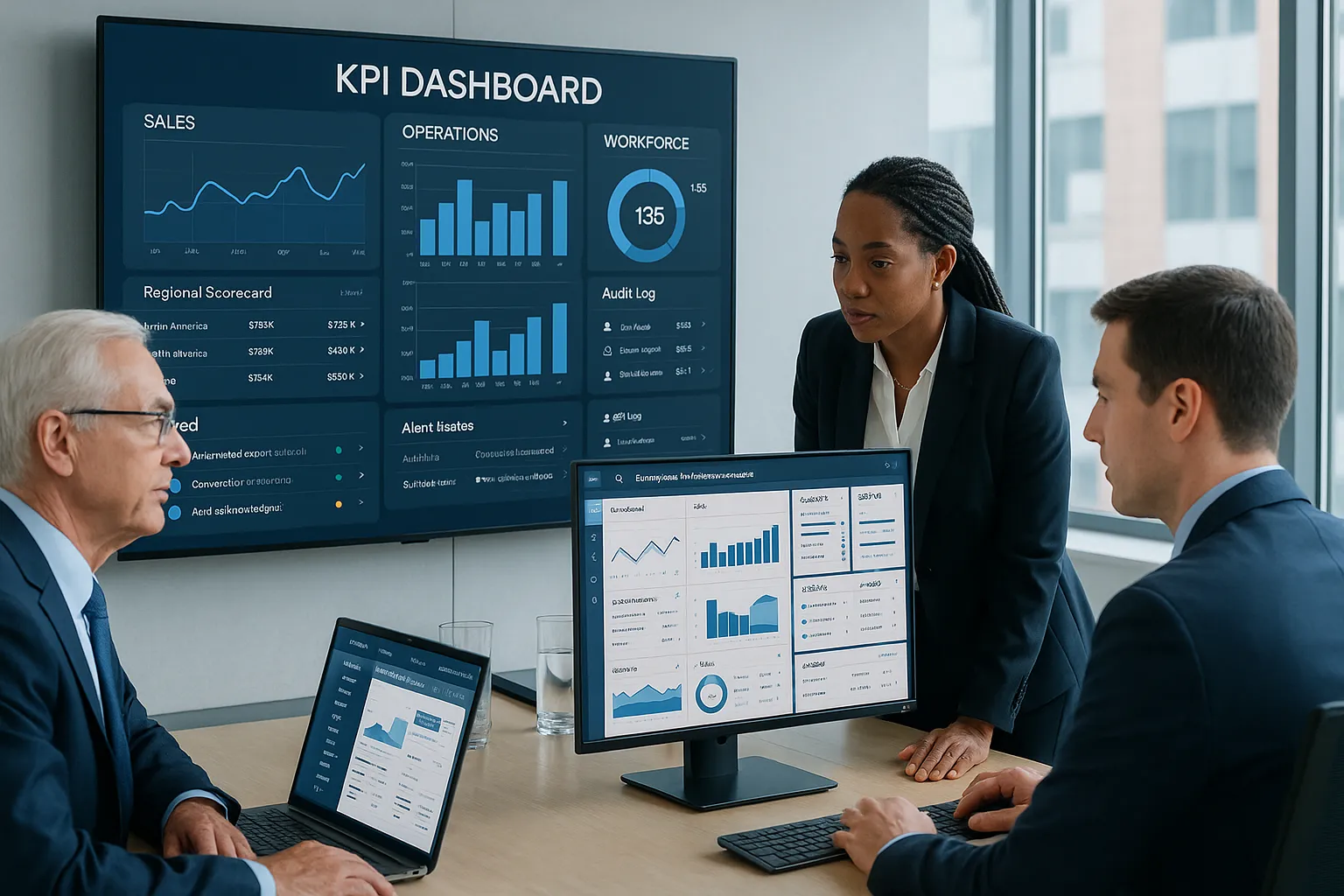
Not all KPI tracking software for enterprises is built for enterprise reality. Some tools are fine for departmental reporting but struggle with governance, scale, or data consistency.
When we evaluate platforms, we look beyond interface design and ask a simpler question: Will this system help people trust and use KPI data every week?
Automated Data Collection And Real-Time KPI Updates
At the enterprise level, manual refreshes are a liability. KPI tracking software should connect to core systems and update metrics automatically so teams can react to current conditions.
Look for:
- Connections to ERP, CRM, HRIS, finance, and operational systems
- Support for cloud and on-prem data sources
- Near real-time or scheduled refresh options
- Data transformation support or compatibility with existing BI layers
- Alerts or visual indicators for trend changes
This capability supports practical use cases such as:
- A retail group tracking same-store sales, inventory turns, and margin by region
- A healthcare organization monitoring patient throughput, staffing ratios, and claim cycle times
- A manufacturer following downtime, defect rate, on-time delivery, and cost per unit
IntelliFront BI fits this conversation because it is designed for KPI dashboards and business intelligence reporting. ChristianSteven's IntelliFront BI knowledgebase provides implementation and usage guidance that can help teams understand how dashboards, metrics, and data views are managed in practice.
Role-Based Access, Governance, And Audit Controls
Enterprise KPI tracking software must protect data without making access painful. Executives, regional leaders, analysts, and department managers often need different levels of visibility.
A strong platform should support:
- Role-based access by user, team, or region
- Metric governance so KPI definitions stay consistent
- Audit controls that show who changed what
- Data source controls for sensitive information
- Compliance support for regulated environments
This matters in real business settings. A bank may want branch managers to see branch KPIs but not enterprise compensation data. A healthcare group may need service-line views without exposing restricted patient information. Governance is not optional: it is part of whether KPI tracking software for enterprises is usable at all.
Scheduled Reporting And Stakeholder Delivery
Even with live dashboards, many executives still rely on recurring KPI summaries. Some want weekly business reviews. Others want monthly board packs or regional scorecards.
So yes, delivery matters in the category. Buyers often ask whether KPI tracking software can support scheduled outputs for stakeholders in the format they already use.
But the bigger point is this: enterprise KPI tracking software should make it easy for stakeholders to consume performance information consistently. If distribution is clumsy, adoption falls. If KPI access is simple, review habits improve and decisions get faster.
How KPI Tracking Software Supports Better Executive Decision-Making

Executives do not need more charts. They need faster answers, fewer blind spots, and a clearer link between performance signals and next actions.
That is the real value of KPI tracking software for enterprises. It turns scattered operational data into a usable management system.
Improving Accountability Across Teams And Business Units
When KPI definitions are visible and consistent, accountability gets sharper. Teams know what is being measured, how it is calculated, and how performance compares across units.
That changes behavior. Meetings become less about debating the spreadsheet and more about fixing the issue.
For example:
- A multi-location services company can compare response time, customer satisfaction, and labor utilization by branch
- A software company can align pipeline coverage, renewal rate, support backlog, and product adoption across departments
- A logistics enterprise can track cost per shipment, delivery exceptions, and warehouse throughput in one view
In each case, KPI tracking software for enterprises creates a common scorecard. Leaders can identify underperformance early and ask better follow-up questions.
Turning KPI Reports Into Actionable Performance Reviews
Good KPI reports do more than summarize. They support action.
That means the software should help teams spot trends, compare periods, and understand variance. A red-yellow-green status light is not enough if no one can trace the reason behind the change.
IntelliFront BI can support this kind of review process by giving organizations KPI dashboards and business reporting views that organize information for decision-makers. Instead of treating metrics as static snapshots, teams can use a BI environment to connect operational results with business context.
When KPI tracking software is set up well, executive reviews become more direct:
- What changed?
- Where did it change?
- Who owns it?
- What action happens next?
That sounds simple. In many enterprises, it is not. The software should make it simpler.
How To Evaluate Enterprise KPI Tracking Software

If you are comparing vendors, resist the urge to start with the demo. Start with your operating requirements.
The best KPI tracking software for enterprises is the one that fits your data environment, governance model, and decision process, not just the one with the nicest homepage.
Integration With BI Tools, Data Sources, And Existing Workflows
First, map the systems that feed your KPIs. Most enterprises pull from a mix of ERP, CRM, finance, HR, support, and custom databases. If the platform cannot connect cleanly, everything else becomes harder.
We suggest asking these questions:
- Which data sources are supported out of the box?
- Can the software work with our current BI stack?
- How are KPI definitions managed across teams?
- Can analysts reuse existing data models?
- How much IT support is needed for changes?
This is where IntelliFront BI deserves a close look for organizations that want KPI dashboards and business intelligence views as part of a broader reporting environment.
Scalability, Security, And Deployment Requirements
Enterprise KPI tracking software should not struggle when the audience grows from 20 users to 2,000. It should also meet security expectations from day one.
Review these areas carefully:
- User scale across departments and regions
- Performance with large datasets
- Authentication and access controls
- Deployment options based on your IT standards
- Data residency and compliance needs
Security and scalability are easy to underweight during selection because they are less flashy than visual design. But they tend to decide long-term success.
A practical buying move is to score each vendor against a shortlist of must-haves, should-haves, and nice-to-haves. That keeps the evaluation grounded in business reality instead of demo theater.
Common Mistakes Enterprises Make When Selecting KPI Tracking Tools
Most buying mistakes happen before implementation starts. Teams focus on what is easy to see and skip what matters most in daily use.
Focusing On Visuals Over Data Reliability
A polished dashboard can hide weak data foundations. If KPI formulas are inconsistent, refreshes fail, or source data arrives late, the dashboard loses credibility fast.
We have seen this play out in many organizations: leadership loves the demo, adoption spikes at launch, then trust fades because numbers do not match finance or operations.
So when reviewing KPI tracking software for enterprises, ask for proof of:
- Data consistency across systems
- Error handling and monitoring
- Change tracking for KPI logic
- Clear ownership of source metrics
Pretty visuals help. Reliable data matters more.
Overlooking Adoption, Automation, And Reporting Needs
Another common mistake is assuming people will naturally use the platform because it exists. They won't.
Adoption depends on whether the software fits actual review habits. Can department heads find their KPIs quickly? Can executives get a clean summary? Can analysts maintain metrics without constant fire drills?
This is also where enterprises should think about business use cases, not just features. For example:
- An insurance company may need executive KPI views for claims cycle time, loss ratio, and policy retention
- A university may track enrollment, student persistence, budget variance, and department utilization
- A field service business may monitor first-time fix rate, technician productivity, and customer wait time
The clearer the use cases, the easier it is to choose KPI tracking software for enterprises that people will actually use.
Best Practices For A Successful KPI Tracking Software Rollout
Software selection is only half the job. Rollout is where value is either created or quietly lost.
Define Ownership, Metrics, And Reporting Cadence Early
Before launch, define who owns each KPI, how each metric is calculated, and how often each audience reviews it.
This sounds basic. It is also where many enterprise projects wobble.
Create a rollout plan that names:
- Executive sponsors who set priorities
- Metric owners who approve definitions
- Data owners who manage source integrity
- Review cadence for weekly, monthly, and quarterly KPI checks
- Escalation rules for off-target metrics
With KPI tracking software for enterprises, clarity beats speed. A slower rollout with clean definitions usually outperforms a fast launch with fuzzy numbers.
Build A Sustainable Process For Ongoing Optimization
No KPI environment stays fixed. Business priorities change. Teams reorganize. Data sources get replaced.
That is why rollout should include an optimization process from the start. Review KPI relevance, retire unused metrics, and refine dashboards based on how leaders actually work.
IntelliFront BI can be part of that process because it is built for ongoing KPI dashboarding and business reporting rather than one-off views.
A few practical habits help a lot:
- Hold quarterly KPI governance reviews
- Track dashboard usage by audience
- Remove duplicate or low-value metrics
- Document changes to definitions and logic
- Train managers on how to interpret KPI trends
That last point matters. Even the best KPI tracking software for enterprises fails if users do not know what action a metric should trigger.
Conclusion
Choosing KPI tracking software for enterprises is really about choosing how your organization will see performance, discuss problems, and act on facts.
Basic dashboards may work for small teams. Enterprise environments need more: trusted data, cross-department visibility, governance, and a platform that can scale with the business.
If you are comparing options, keep your focus on integration, data reliability, security, and adoption. And if your team is looking at KPI dashboards and BI reporting as part of that effort, IntelliFront BI from ChristianSteven is worth reviewing.
The best platform is not the one with the flashiest demo. It is the one your enterprise can trust, use, and grow with.
Key Takeaways
- KPI tracking software for enterprises must integrate multiple data sources to provide trusted, real-time insights that support cross-department visibility and action.
- Automated data collection and role-based access with strong governance are essential features to ensure data consistency and security at scale.
- Selecting KPI tracking software should prioritize fit with existing BI tools, scalability, and robust reporting over visual design alone to ensure long-term adoption and reliability.
- Clear ownership of KPIs, regular review cadences, and ongoing optimization processes are critical practices for successful software rollout and sustained business value.
- IntelliFront BI offers a centralized platform combining KPI dashboards and business intelligence to help enterprises align metrics and improve executive decision-making effectively.
- Avoid common mistakes like focusing on dashboard visuals over data reliability and neglecting user adoption needs to maximize the impact of enterprise KPI tracking software.
Frequently Asked Questions about KPI Tracking Software for Enterprises
Why do enterprises need KPI tracking software beyond basic dashboards?
Enterprises require KPI tracking software that integrates data from multiple departments and systems, providing trusted, consistent metrics and cross-department visibility to support unified decision-making and avoid fragmented reporting.
What core features should I look for in enterprise KPI tracking software?
Look for features like automated data collection with real-time updates, role-based access and governance controls, integration with ERP and CRM systems, scalable deployment, and scheduled reporting to ensure accuracy, security, and usability across teams.
How does KPI tracking software improve executive decision-making in large organizations?
It provides real-time, trustworthy data and actionable insights by connecting operational metrics with business context, enabling executives to spot trends early, enhance accountability, and make faster, informed decisions across business units.
What are common mistakes enterprises make when selecting KPI tracking tools?
Common errors include prioritizing visual appeal over data reliability, ignoring user adoption and automation needs, and failing to define clear metric ownership and reporting cadence before implementation, which can undermine trust and usability.
How important is data governance and security in enterprise KPI tracking software?
Data governance and security are critical; enterprise platforms must provide role-based access, audit trails, compliance support, and secure deployment options to protect sensitive information while ensuring users have appropriate visibility.
How can enterprises ensure successful rollout and ongoing optimization of KPI tracking software?
Define ownership and KPI definitions early, establish review cadences, involve executive sponsors and metric owners, and implement continuous optimization practices like quarterly governance reviews and user training to maintain relevance and adoption.


No Comments Yet
Let us know what you think