

How Power BI Export Automation Speeds Reporting
by Angelo Ortiz on Aug 13, 2026, 9:00:03 AM

For BI teams supporting executive reporting, manual Power BI exports create a persistent bottleneck. Each ad hoc request, each recurring delivery, each filtered report for a different stakeholder adds to the queue. Power BI export automation addresses this directly by scheduling repor …
How to Reduce BI Report Automation Risks in 7 Steps
by Alexandra Nicholls on Aug 6, 2026, 7:54:03 PM
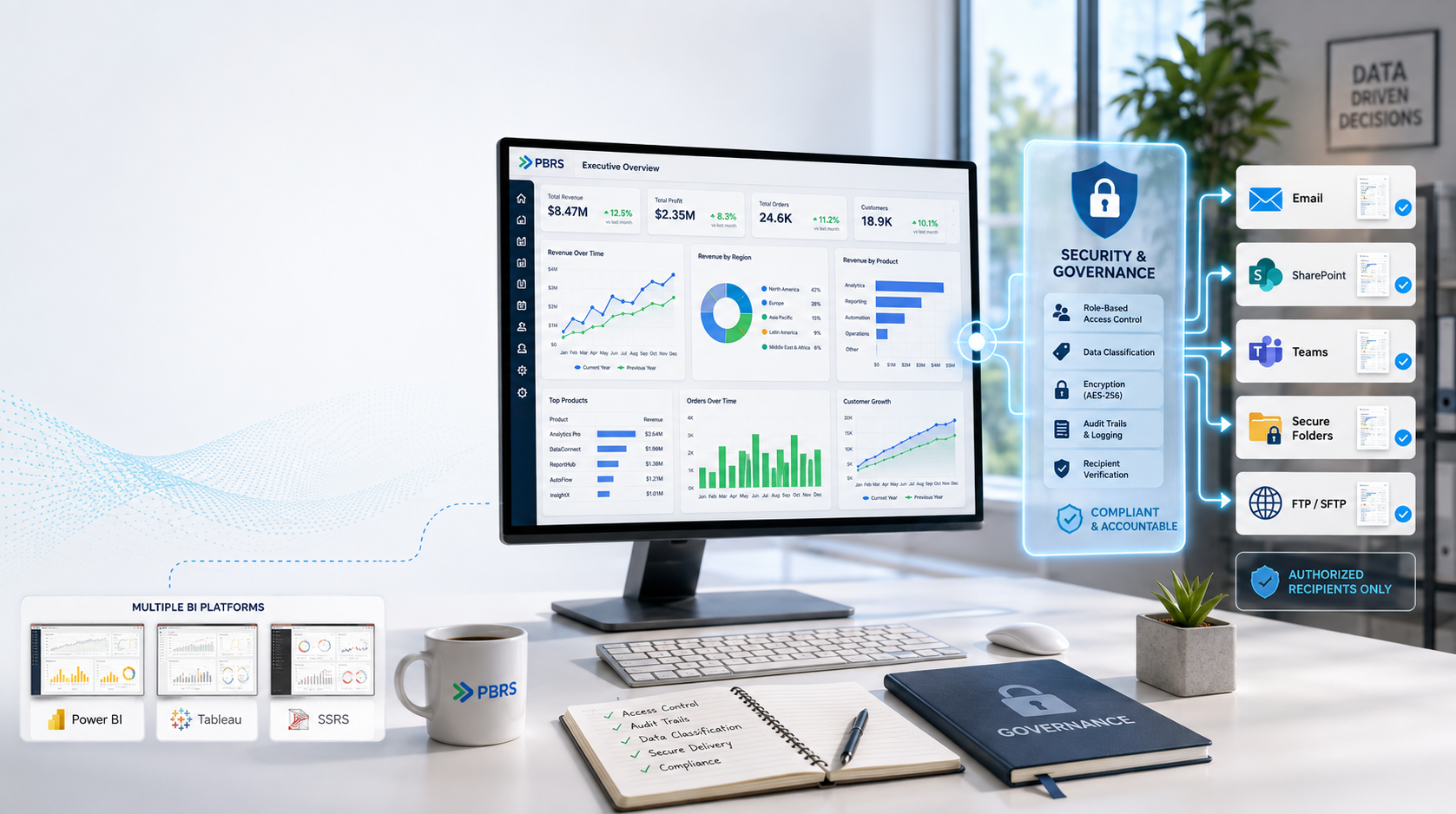
Enterprise BI teams face a tough challenge: automating report delivery while keeping sensitive data secure and compliant. When reports go out to the wrong recipients or lack proper access controls, the consequences can range from regulatory fines to damaged stakeholder trust. Christia …
How To Use Dynamic Subscriptions In Power BI For Enterprise-Grade Report Delivery
by Bobbie Ann Grant on Jun 29, 2026, 11:30:01 AM

Static report emails don't cut it for an enterprise that lives and dies by timely, relevant data. Leaders want the same report, but filtered to their region, business unit, or portfolio, without your BI team juggling dozens of near-duplicate dashboards and manual exports.
Advanced Tableau Report Scheduler: Architecting Enterprise-Grade Automation
by Angelo Ortiz on Jun 26, 2026, 4:00:02 PM

Manual Tableau exports might work when we're supporting a handful of stakeholders. Once we're serving hundreds of users, dozens of departments, and global time zones, that approach collapses almost overnight.
How to Subscribe to Power BI Reports With Filters for Automated Enterprise Delivery
by Angelo Ortiz on Jun 25, 2026, 5:15:02 AM

When executives expect the right numbers in their inbox at 7:00 a.m. sharp, "log into Power BI and click around" isn't a scalable answer. We need those KPIs delivered automatically, filtered correctly for each leader, region, and business unit, without daily manual intervention.