

How to Use Power BI: Build and Share Your First Report
by Steven Amani on Nov 20, 2026, 5:42:00 PM

To use Power BI, connect to your data in Power BI Desktop, prepare it in Power Query, and build a report that answers a question. When the numbers check out, publish the report to the Power BI service and give the right people access. Let’s build a simple sales report that shows how r …
Automate Power BI Export to Excel: Schedule a Weekly Workbook
by Melanie Robinson on Nov 20, 2026, 12:30:00 AM
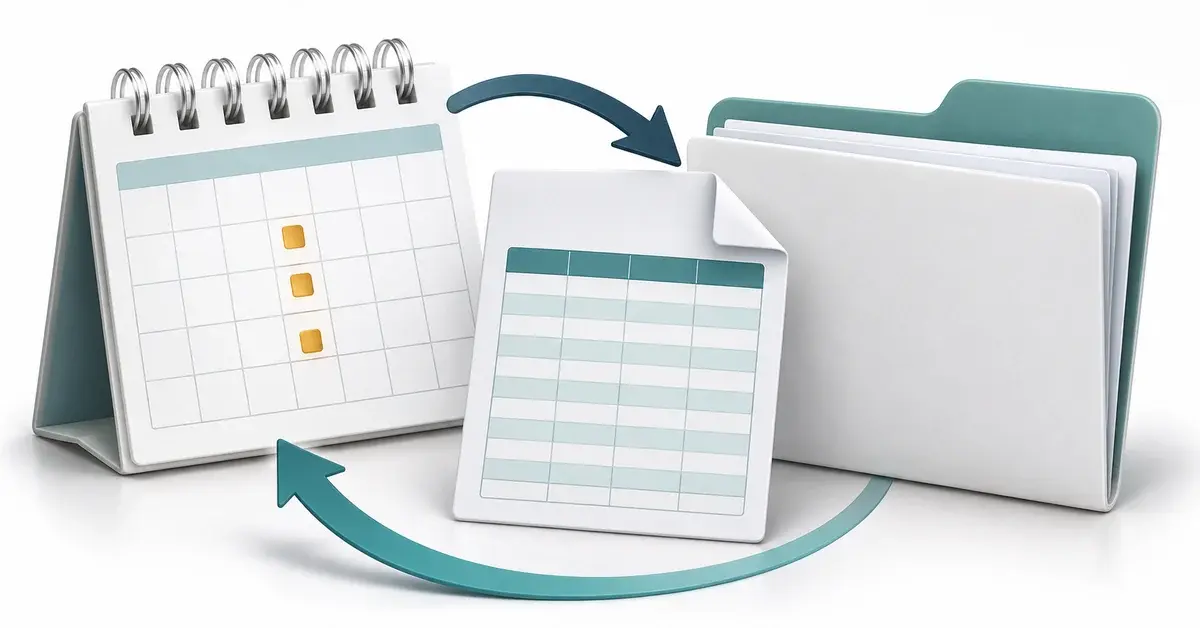
To automate Power BI export to Excel, first decide whether you need a fresh workbook on a schedule or a workbook people can refresh themselves. For scheduled copies, use a Power Automate flow with an eligible paginated report, or use PBRS to export the data from selected visuals in a …
How Power BI Export Automation Speeds Reporting
by Angelo Ortiz on Aug 13, 2026, 9:00:03 AM

For BI teams supporting executive reporting, manual Power BI exports create a persistent bottleneck. Each ad hoc request, each recurring delivery, each filtered report for a different stakeholder adds to the queue. Power BI export automation addresses this directly by scheduling repor …
How to Reduce BI Report Automation Risks in 7 Steps
by Alexandra Nicholls on Aug 6, 2026, 7:54:03 PM
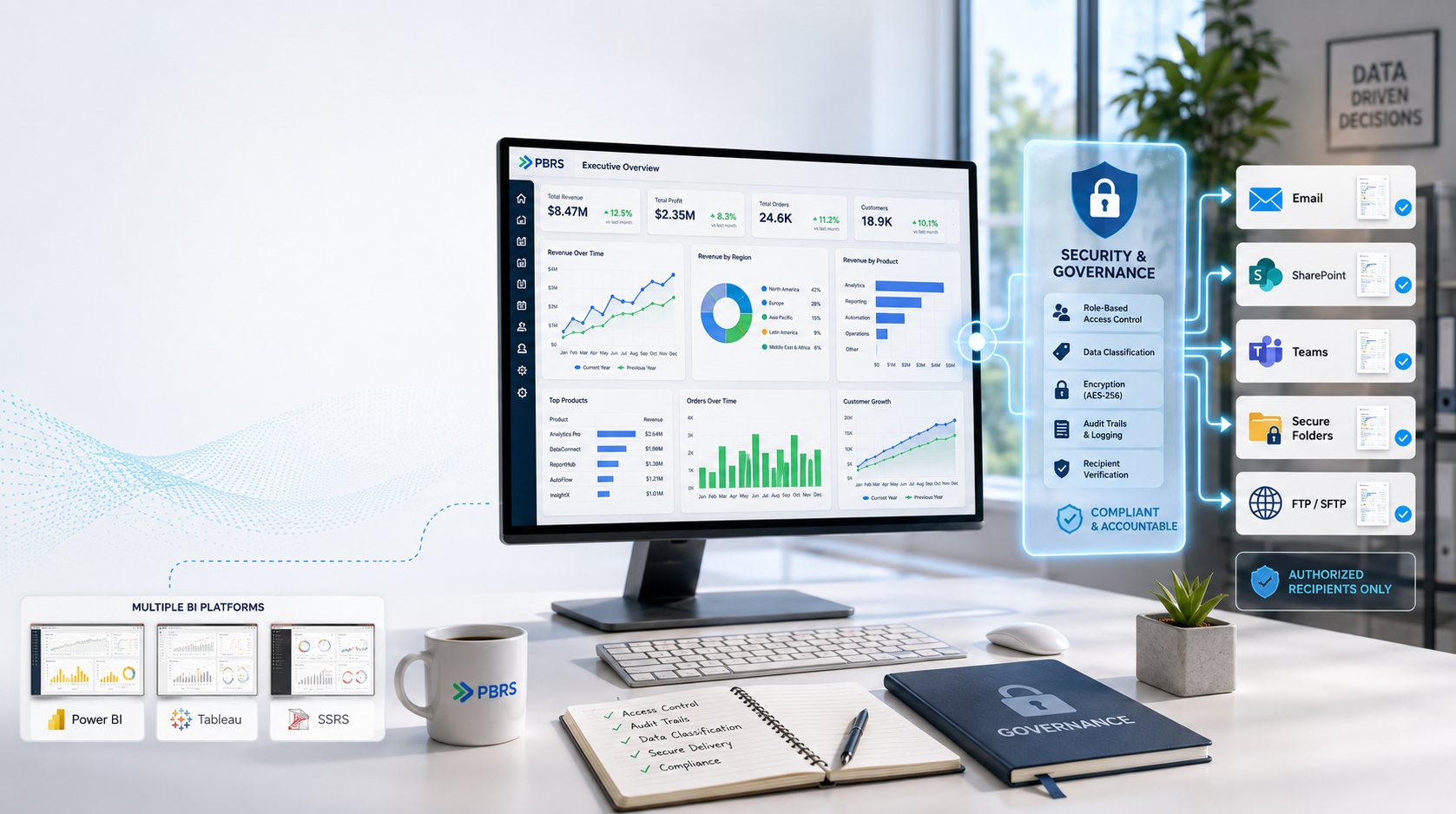
Enterprise BI teams face a tough challenge: automating report delivery while keeping sensitive data secure and compliant. When reports go out to the wrong recipients or lack proper access controls, the consequences can range from regulatory fines to damaged stakeholder trust. Christia …
How To Use Dynamic Subscriptions In Power BI For Enterprise-Grade Report Delivery
by Bobbie Ann Grant on Jun 29, 2026, 11:30:01 AM

Static report emails don't cut it for an enterprise that lives and dies by timely, relevant data. Leaders want the same report, but filtered to their region, business unit, or portfolio, without your BI team juggling dozens of near-duplicate dashboards and manual exports.