

Share this
by Alexandra Nicholls on May 2, 2026, 3:15:01 PM
Real-time dashboards for business give teams a live view of what's happening now, not what happened last week. That matters when sales dip at noon, inventory tightens by 2 p.m., or service queues spike before the day ends.
We use real-time dashboards for business to shorten reaction time, improve KPI visibility, and help leaders act with more confidence. In this guide, we'll explain what they are, where they help most, how to build them well, and where IntelliFront BI from ChristianSteven fits for enterprise teams that need clearer business intelligence views across functions.
What Real-Time Dashboards Are And Why They Matter
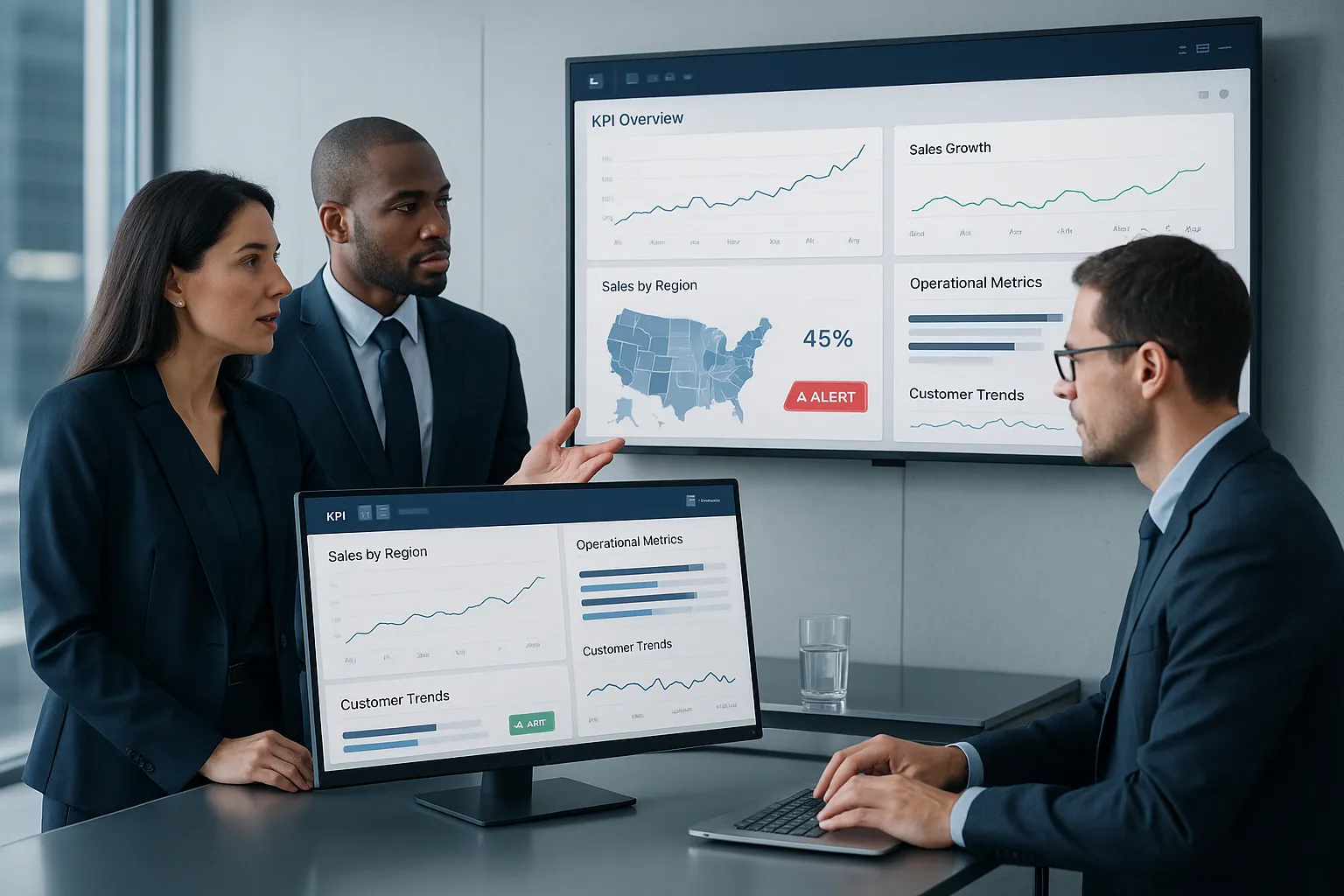
A real-time dashboard is a visual interface that pulls current data from one or more systems and updates it automatically. It shows live performance, status, and trends in a way people can scan quickly.
That's different from a static spreadsheet or a weekly report. Those have value, but they capture a moment in time. Real-time dashboards for business help us watch operations as they unfold.
Why does that matter? Because delay has a cost.
If customer churn starts rising, if a production line slows down, or if a sales region misses pace, we don't want to find out days later. We want to see the signal while there's still time to respond.
For enterprise organizations, this is even more important because data often sits across multiple systems. A live dashboard can bring those streams together into one shared view. That reduces guesswork and cuts down on teams arguing over whose spreadsheet is right.
This is also where IntelliFront BI becomes relevant. IntelliFront BI is ChristianSteven's business intelligence and dashboard platform for building KPI dashboards and visual reporting views that help organizations monitor performance across departments.
How Real-Time Dashboards Improve Business Performance
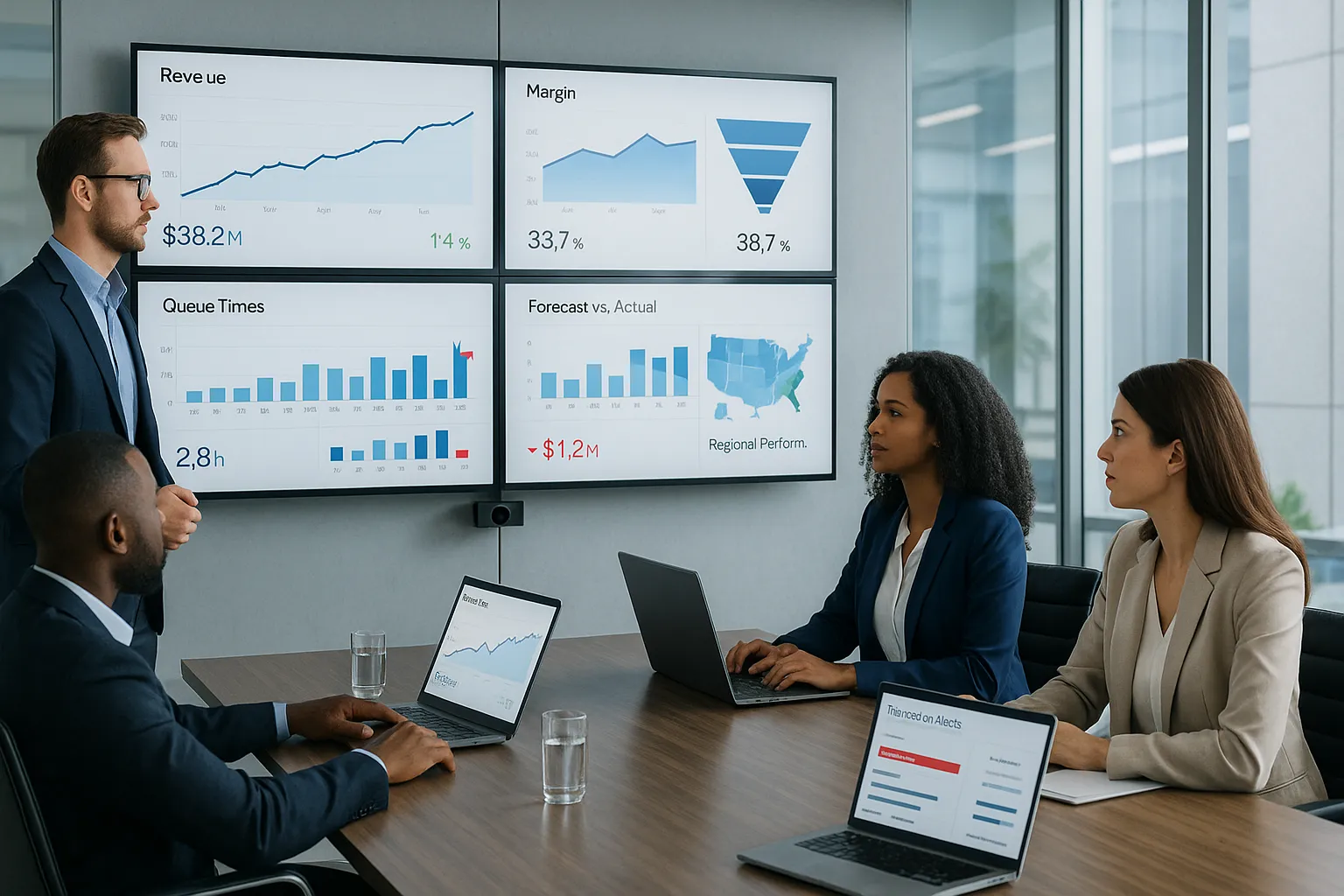
Real-time dashboards for business improve performance when they help people act sooner and with better context. That's the big benefit. But it plays out in a few specific ways.
Faster Decision-Making Across Teams
When data updates continuously, teams don't have to wait for someone to compile and send an update. Managers can spot exceptions as they happen and decide faster.
A few examples:
- A sales leader sees pipeline conversion drop in one region and shifts coaching that same day.
- A service manager notices queue times rising and reallocates staff before SLA misses pile up.
- A finance team flags unusual transaction patterns and investigates before losses grow.
This kind of speed matters because most operational problems start small. Live dashboards help us catch them early.
Real-time dashboards for business also reduce friction between teams. If everyone sees the same KPI definitions and the same current numbers, discussions become more practical. We spend less time validating data and more time deciding what to do next.
Better Visibility Into KPIs, Risks, And Opportunities
Visibility is more than putting charts on a screen. It means showing the right KPIs, at the right level, to the right people.
An executive might need revenue, margin, forecast variance, backlog, and customer retention in one view. An operations manager might care more about throughput, defect rates, downtime, and order cycle time. A real-time dashboard lets each audience focus on what they can influence.
This visibility helps us in three ways:
- KPIs stay current, so performance discussions reflect what is happening now.
- Risks appear earlier, such as stockouts, cost spikes, fraud signals, or support delays.
- Opportunities become visible, like high-performing products, regions, or channels that deserve more investment.
That's why many enterprise teams pair live dashboards with BI best practices from sources like Qlik.
Common Use Cases For Real-Time Dashboards In Enterprise Organizations
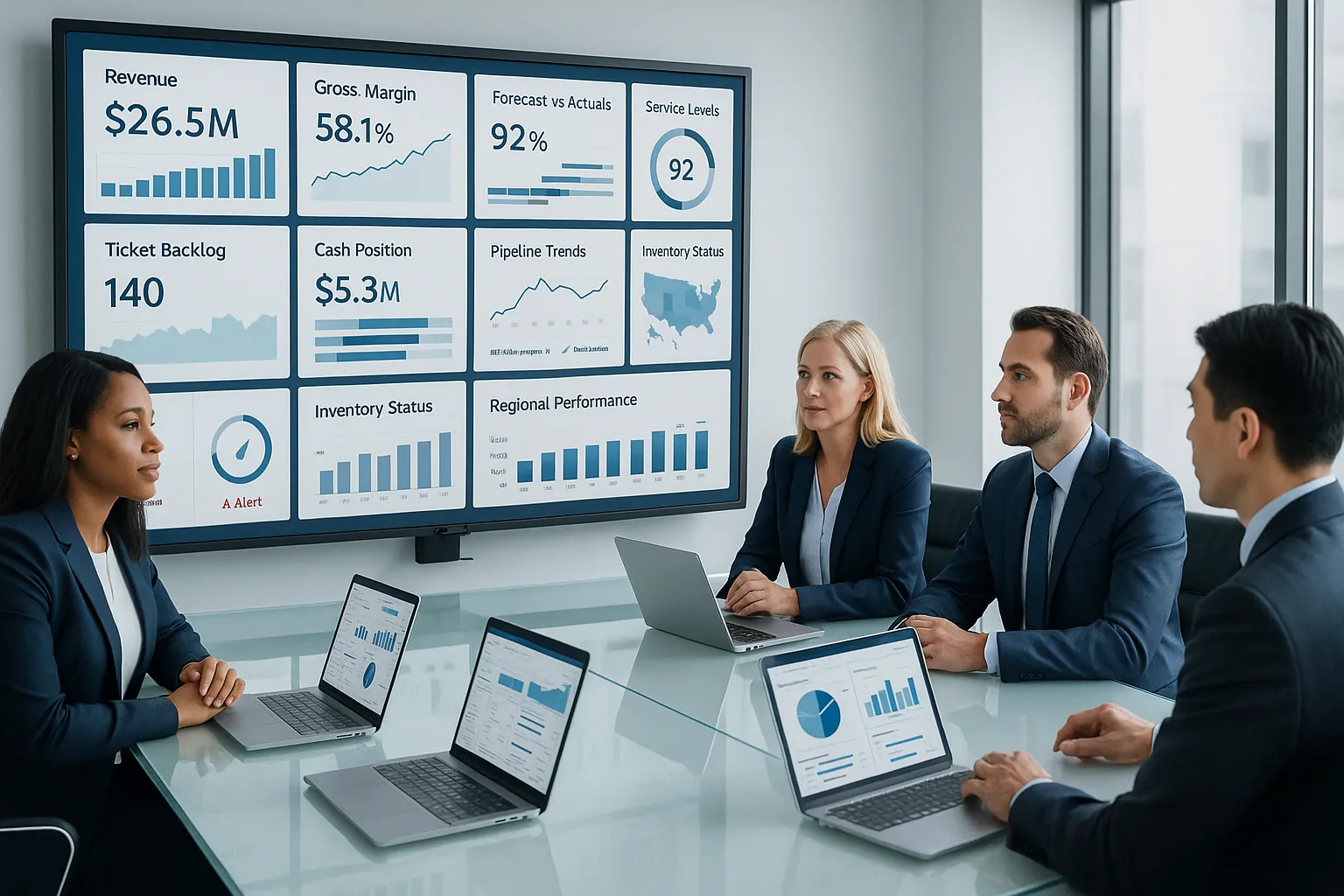
Real-time dashboards for business are not just for one department. They work best when they solve clear operational or strategic problems.
Executive And Operational Reporting
Executives need a fast read on business health. They want to know whether revenue is on track, whether margins are holding, whether service levels are stable, and where risk is building.
A real-time executive dashboard can combine data from ERP, CRM, service systems, and finance tools into a unified view. That gives leadership one place to review:
- Revenue and bookings
- Gross margin and costs
- Open issues and service trends
- Forecast vs actuals
- Regional or business-unit performance
Operational leaders use similar dashboards at a different depth. They often need drill-down views that expose the cause of a metric move, not just the headline number.
This is a strong fit for IntelliFront BI, which supports business intelligence dashboards that bring KPI views together for decision-makers across the organization. Teams exploring implementation details can use the IntelliFront BI knowledgebase to understand features and practical configuration paths.
Sales, Finance, Service, And Supply Chain Monitoring
This is where real-time dashboards for business often show the fastest return.
Sales: We can monitor pipeline value, close rates, rep activity, average deal size, and regional trends in near real time. If a channel slows down, leaders see it quickly.
Finance: Dashboards can track cash position, overdue receivables, budget variance, expense spikes, and unusual transaction activity. For finance teams, speed often reduces risk.
Customer service: Live views of ticket volume, first-response time, backlog, and SLA status help managers balance workload before service quality drops.
Supply chain: Teams can watch inventory levels, fill rates, shipment delays, supplier performance, and warehouse throughput. A dashboard that updates often helps planners respond before a small delay becomes a larger disruption.
Healthcare, manufacturing, and retail all use similar models. The specific KPIs change, but the pattern stays the same: current data supports quicker operational action.
The Core Elements Of An Effective Real-Time Dashboard
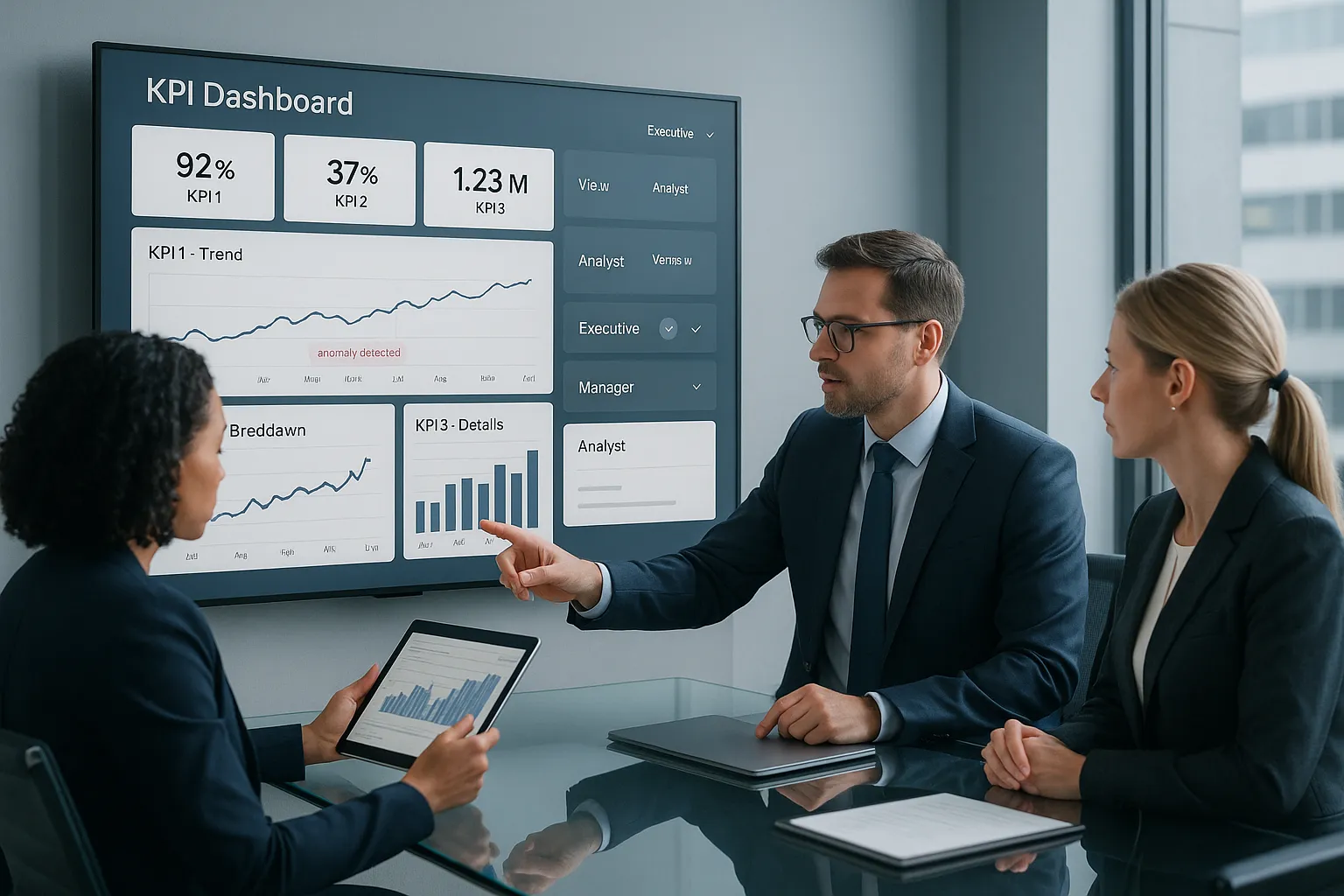
Not every dashboard is useful. Some look impressive and still fail because the data is stale, the visuals are cluttered, or the wrong people see the wrong metrics.
Data Sources, Refresh Frequency, And Accuracy
The first requirement is trustworthy data. Real-time dashboards for business only work when users believe the numbers.
We need to decide:
- Which systems feed the dashboard
- How often data refreshes
- Which metrics are calculated and how
- Who owns data quality
Refresh frequency should match the business need. Some dashboards need second-by-second updates. Others only need refreshes every 15 minutes or every hour. More frequent is not always better if it adds noise or system strain.
Accuracy matters just as much as speed. A slightly delayed dashboard with clear metric logic is more useful than an instant dashboard full of inconsistent definitions.
Visual Design, Alerts, And Role-Based Access
Good dashboard design reduces effort. Users should know what matters in seconds.
That usually means:
- A clear KPI hierarchy
- Limited use of colors, with alerts reserved for exceptions
- Simple charts that match the question being asked
- Drill-down paths for investigation
- Different views for executives, managers, and analysts
Alerts can add value when they point to meaningful thresholds or anomalies. But too many alerts train people to ignore them.
Role-based access matters in enterprise settings because not every user should see every detail. Finance data, employee data, and customer-level data often require access controls. This is one reason organizations choose established BI platforms rather than improvised dashboard layers.
If teams want a platform designed around business intelligence views and KPI dashboards, IntelliFront BI is directly relevant to this need.
Real-Time Dashboards Vs Scheduled Reports: When You Need Each
This comparison matters because many organizations need both.
Use real-time dashboards when the goal is monitoring, quick response, and active management. They are best for conditions that change often and require fast action.
Use scheduled reports when the goal is review, documentation, trend analysis, or formal communication. They work well for board packets, monthly financial summaries, compliance reviews, and recurring management updates.
A simple way to think about it:
- Dashboard: What is happening right now?
- Scheduled report: What happened over a defined period, and what does it mean?
Real-time dashboards for business are strong for active oversight. Scheduled reports are strong for consistency and historical context.
And while this article focuses on live dashboards, most enterprise BI programs perform better when dashboards and recurring reports support each other. Many organizations use a dashboard to monitor live KPIs, then use formal reporting to analyze trends, document outcomes, and share agreed results on a regular cadence.
How To Build A Real-Time Dashboard Strategy That Scales
A dashboard project usually fails for one of two reasons: it starts as a design exercise instead of a business one, or it grows without governance. A scalable approach is more disciplined.
Define Business Goals And KPI Ownership
Start with the business question, not the chart type.
Ask:
- What decision should this dashboard improve?
- Which KPI proves progress?
- Who owns each KPI?
- What action should follow if a metric moves out of range?
That last question is easy to skip, but it matters. If nobody knows what to do when a number turns red, the dashboard won't change behavior.
We also need KPI ownership. One person or team should define each metric, approve its logic, and resolve disputes. That avoids the common problem of sales, finance, and operations all reporting slightly different versions of the same number.
Connect Dashboards With Automated Report Delivery
Dashboards scale better when they sit inside a broader BI practice. Live views support immediate action, while recurring business reporting supports communication, review, and accountability.
For organizations building out that practice, IntelliFront BI can serve as the dashboard layer for interactive KPI visibility and data analysis. The IntelliFront BI product page explains its role in helping teams create business intelligence dashboards, data visualizations, and analytics views that support enterprise decision-making.
To keep a dashboard strategy scalable, we should also:
- Standardize KPI definitions early
- Limit each dashboard to a clear audience and purpose
- Build reusable data models where possible
- Test dashboard performance under real usage loads
- Review adoption and retire low-value views
For more on dashboard planning, Looker's dashboard resources and IBM's business intelligence overview offer useful supporting context.
Common Mistakes To Avoid When Launching Real-Time Dashboards
The most common mistake is trying to show everything. A crowded dashboard does not create clarity. It creates delay.
Here are the big ones to avoid:
- Too many metrics: If every KPI is critical, none is.
- Weak data governance: Users stop trusting the dashboard when numbers conflict.
- Poor refresh design: Updating too often can add noise: updating too slowly defeats the purpose.
- No audience focus: Executives, managers, and analysts need different levels of detail.
- Overdesigned visuals: Fancy charts often slow comprehension.
- No action path: A dashboard should help someone decide or act, not just observe.
Another mistake is treating rollout as the finish line. Adoption needs training, feedback, and iteration. People use dashboards more when they can see that the metrics are relevant to their day-to-day decisions.
Real-time dashboards for business work best when they stay focused, trusted, and tied to action.
Conclusion
Real-time dashboards for business help enterprise teams move from delayed awareness to active management. They show what is happening now, highlight KPI changes early, and make it easier to spot risks and opportunities before they grow.
The key is not just speed. It's relevance, accuracy, and clear ownership. When we pair strong data foundations with simple design and a defined business purpose, dashboards become far more than wallboard visuals.
If your organization wants a business intelligence platform built for KPI dashboards and interactive analytics, IntelliFront BI from ChristianSteven is worth a look, and the IntelliFront BI knowledgebase offers practical guidance as you evaluate fit. Done well, real-time dashboards for business don't just inform people. They help teams act sooner and smarter.
Key Takeaways
- Real-time dashboards for business provide live data updates that enable teams to react quickly to operational changes and improve decision-making speed.
- They enhance KPI visibility by showing current performance, risks, and opportunities tailored to different roles within the organization.
- Integrating data from multiple systems into real-time dashboards reduces data conflicts and promotes unified team understanding.
- Effective real-time dashboards focus on accurate data, clear visuals, alerts for exceptions, and role-based access to ensure relevance and usability.
- Real-time dashboards complement scheduled reports by supporting immediate actions, while reports offer historical context and formal analysis.
- Building scalable dashboard strategies requires defining business goals, KPI ownership, and connecting dashboards with automated reporting to sustain adoption and impact.
Real-Time Dashboards for Business: Frequently Asked Questions
What is a real-time dashboard for business and why is it important?
A real-time dashboard for business is a live visual display of current data from multiple systems, updating automatically to show performance as it unfolds. It matters because it enables faster decisions by providing immediate insights into KPIs, risks, and opportunities, unlike delayed static reports.
How do real-time dashboards improve business decision-making?
Real-time dashboards improve decision-making by providing continuous updates that help teams spot issues early, act quickly, and respond to changing conditions. This reduces delays, enhances visibility into KPIs, and aligns teams with accurate, shared data, fostering faster, confident actions.
In which business areas are real-time dashboards most effective?
Real-time dashboards are particularly effective in sales, finance, customer service, supply chain management, and executive reporting. They help monitor pipeline health, detect financial anomalies, manage service queues, track inventory, and give leaders a unified, current view of organizational performance.
What are key elements to consider when building an effective real-time dashboard?
Key elements include selecting trustworthy data sources, defining appropriate refresh frequency, ensuring metric accuracy, designing clear visuals with alerts, and implementing role-based access. Dashboards must focus on relevant KPIs and support actionable insights for different user roles.
When should a business use real-time dashboards versus scheduled reports?
Use real-time dashboards for active monitoring and fast responses to dynamic conditions, ideal for operational management. Scheduled reports are better for detailed review, trend analysis, and formal documentation. Both complement each other in a comprehensive business intelligence strategy.
What common mistakes should be avoided when implementing real-time dashboards?
Avoid overwhelming dashboards with too many metrics, poor data governance, overly frequent or slow refreshes, ignoring audience needs, complicated visuals, and lacking clear action paths. Effective dashboards require focus, trust, simplicity, and alignment with business goals to drive adoption.


No Comments Yet
Let us know what you think