

Share this
by Bobbie Ann Grant on Apr 10, 2026, 2:45:00 AM
There's a big difference between receiving a Tableau dashboard every morning and receiving it right after the data is actually updated. For most enterprise teams, that difference shows up as missed risks, late decisions, and a lot of "Is this data current?" back-and-forth.
In this guide, we walk through how to use Tableau's "When Data Refreshes" subscription option in a way that's reliable at scale. We'll look at how extract refreshes really work on Tableau Server and Tableau Cloud, how to configure and govern these subscriptions, where they can fail, and how to extend them with broader scheduling tools like ChristianSteven's ATRS software for more complex enterprise delivery scenarios.
What Tableau Subscriptions Are And How They Work

Tableau subscriptions are essentially automated snapshots of a view or workbook, sent to people's inboxes on a schedule. Instead of users logging into Tableau Server or Cloud, they get an email with an image of the view (and usually a link back to the live content).
At a high level, we can think of subscriptions in three parts:
- The content – a specific view or workbook.
- The trigger – when Tableau decides it's time to send (time-based or data-based).
- The delivery – the email generated and sent to one or many recipients.
The "When Data Refreshes" option is the data-based trigger. Rather than firing at a fixed time (like 8:00 AM), the subscription fires after Tableau finishes a successful extract refresh for the underlying data source.
In practice, that means:
- If the extract refresh fails, the subscription doesn't send.
- If the refresh runs late, the email goes out late.
- Everyone receiving that subscription sees data that's aligned with the most recent successful refresh.
For enterprise BI teams, this is critical for:
- Operational dashboards (contact center, logistics, plant performance) where near-real-time insight matters more than a fixed time of day.
- Executive scorecards where no one wants to be caught in a meeting arguing about whether numbers are up to date.
Tableau handles the mechanics behind the scenes via the Backgrounder process, which runs extract refreshes, evaluates subscription conditions, and generates the emails. Our job is to configure things so Backgrounder has clear, efficient work to do and the business receives consistent, trustworthy outputs.
Understanding Data Refreshes In Tableau Server And Tableau Cloud

To use "When Data Refreshes" subscriptions well, we need a solid grasp of how Tableau handles data refreshes.
Extracts vs. live connections
In Tableau, content can be powered by:
- Extracts: Cached, optimized copies of source data. These are what we schedule refreshes for.
- Live connections: Queries go straight to the underlying database or warehouse.
The "When Data Refreshes" option only ties to extract refreshes. For live connections, you can still use time-based subscriptions, but they're not tied to a refresh event.
Full vs. incremental extract refresh
For extracts, we can schedule:
- Full refresh: Rebuilds the extract from scratch, replacing all existing data.
- Incremental refresh: Appends only new rows, based on a key column such as a date, timestamp, or monotonically increasing ID.
In Tableau Server or Tableau Cloud, we typically:
- Navigate to the data source.
- Choose Actions → Refresh Extracts.
- Select Full or Incremental.
- Attach a schedule (e.g., every 15 minutes, hourly, daily).
Incremental refreshes are usually better for enterprise workloads: less strain on databases, faster completion times, and more predictable subscription triggers.
Many of us run mixed environments where Tableau sits alongside other BI platforms like Power BI. Microsoft's own guidance on modern analytics with Power BI mirrors this pattern: push as much work as possible into efficient refresh pipelines, then fan it out through subscriptions or alerts. Tableau behaves similarly in that respect.
For our purposes, the key mental model is simple: a successful extract refresh is the event that can trigger a "When Data Refreshes" subscription. Everything else we design has to support that event happening reliably and on time.
Configuring Subscriptions To Run When Data Refreshes
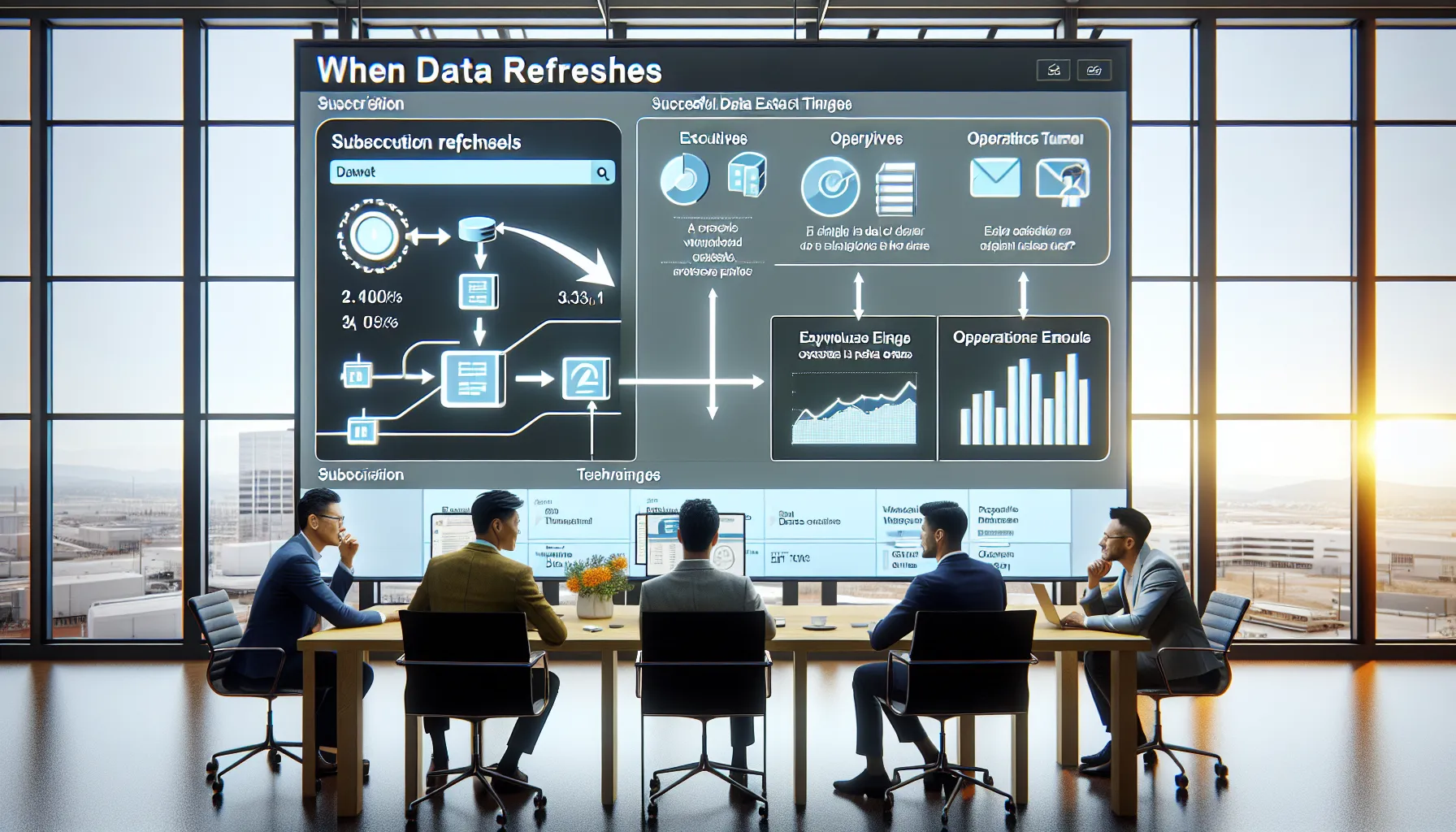
Once our extract refresh schedules are in place, setting up a "When Data Refreshes" subscription is straightforward. The nuance is in doing it in a way that actually maps to business needs.
Step-by-step configuration
- Open the view or workbook on Tableau Server or Tableau Cloud.
- Click Subscribe.
- Choose the recipients – this can be just us, specific users, groups, or a distribution list.
- Under Schedule or frequency, select When Data Refreshes.
- Confirm the data source listed is indeed using an extract with a refresh schedule.
- Optionally set custom subject and message text that makes sense to the business audience.
From that point on, Tableau listens for successful extract refresh events for that data source. After each refresh completes, Backgrounder generates the subscription email.
Business-oriented configuration tips
We've found a few patterns work particularly well in enterprise settings:
- Align to operational cycles: For a warehouse operations dashboard, trigger subscriptions from an incremental extract that runs whenever the WMS posts a new batch of transactions, not just at midnight.
- Segment subscriptions by role: Create different subscriptions for executives vs. analysts. Same data, different presentation and timing.
- Use groups where possible: Subscribing security groups instead of individuals makes user lifecycle management far easier.
This is also the point where we should think ahead to integration with broader scheduling ecosystems. If we later decide to orchestrate Tableau alongside other BI tools, we'll want a clear mapping of which extracts drive which subscriptions and which business outcomes.
Prerequisites And Governance Considerations For Enterprise Teams

Before we roll out "When Data Refreshes" subscriptions broadly, a bit of groundwork on governance and infrastructure saves a lot of firefighting.
Technical prerequisites
We need to confirm:
- Extract refresh schedules are configured and enabled by Tableau Server or Tableau Cloud admins.
- Backgrounder capacity is sized appropriately (number of Backgrounder processes, hardware, and concurrency settings).
- Data source design supports incremental refresh (proper key column, stable schema, reasonable data volumes).
In larger BI estates, Tableau often shares airspace with other platforms. We've seen teams successfully align Tableau's Backgrounder queues with existing data refresh windows driven by tools such as SQL Agent, orchestration frameworks, or even patterns similar to those described in Power BI's official documentation. The idea is to avoid refresh storms and overlapping heavy jobs across platforms.
Governance and guardrails
From a governance perspective, we recommend:
- Central ownership of critical schedules: Don't let every project owner define their own 5-minute refresh job for a shared data source.
- Documented refresh SLAs: For key dashboards, define how fresh the data should be and when.
- Subscription design standards: Name subscriptions clearly (e.g., "Ops – Daily Orders – When Refresh Completes"), and standardize subject lines.
We also need a clear process for schema changes. If upstream teams alter tables without coordination, extracts can fail, which means subscriptions never fire.
For enterprises with complex compliance requirements, "When Data Refreshes" subscriptions should sit inside a broader BI governance framework that defines who can create schedules, who approves them, and how we monitor platform impact over time.
Best Practices For Reliable “When Data Refreshes” Subscriptions

The concept behind "When Data Refreshes" is simple. Making it reliable for hundreds or thousands of users in an enterprise environment is where the craft comes in.
1. Favor incremental refresh with smart ranges
Wherever possible, use incremental extracts instead of full refreshes. Define a key column (often a date or timestamp) and configure a reasonable range, such as the last 90 days for high-volume fact tables.
This approach gives us:
- Faster refresh times.
- Less load on source systems.
- More predictable subscription windows.
We still pair this with a less frequent full refresh (e.g., weekly or monthly) to clean up any late-arriving records or anomalies.
2. Separate critical from non-critical workloads
For high-importance dashboards (regulatory reporting, revenue, risk), create dedicated schedules and, if needed, separate projects and Backgrounder pools so those refreshes aren't competing with ad hoc workloads.
3. Test end-to-end, not just the refresh
When we validate a "When Data Refreshes" setup, we:
- Manually trigger an extract refresh.
- Watch the job complete.
- Confirm the subscription email actually arrives, and that it reflects the new data.
In practice, this is similar to what many teams do in other platforms: for instance, community discussions on the Power BI forums frequently highlight the importance of validating not just the dataset refresh but also the downstream subscriptions and alerts.
4. Communicate data freshness clearly
Include data freshness indicators on dashboards ("Data refreshed at: 2026-02-03 08:05 UTC"). When users receive the email, they can immediately see how current the data is, without guessing.
5. Monitor and refine schedules
Regularly review:
- Average refresh duration.
- Failure rates.
- Subscription volume and timing.
We use that feedback loop to refine schedules, move noisy workloads to quieter windows, and fine-tune Backgrounder capacity.
Designing Dashboards That Work Well With Data-Refresh Subscriptions
Getting subscriptions right isn't just a scheduling and infrastructure problem. Dashboard design has a huge impact on whether "When Data Refreshes" delivers real value.
Design for fast, predictable refreshes
We should:
- Limit unnecessary data fields in the extract.
- Avoid overly complex custom SQL where a clean view or stored procedure would do.
- Aggregate data upstream (in the warehouse) where possible.
The smaller and more focused the extract, the more reliably it can refresh, and the more predictable our subscription timings become.
Design for email consumption
Remember: many users only ever see the email snapshot, especially executives on mobile.
We design with that in mind by:
- Putting the most important KPIs in the top-left quadrant.
- Using clear, high-contrast visuals.
- Avoiding massive, scroll-heavy layouts.
In operational and executive use cases, each subscription should answer a simple question at a glance, such as "Are we on target today?" or "Where is performance off vs. last week?"
Link dashboards to specific business rhythms
We've seen strong adoption when dashboards are explicitly anchored to business processes:
- Daily store performance: Subscription triggers after the nightly POS data load.
- Hourly logistics tracking: Triggered from incremental extracts tied to TMS updates.
- End-of-day financial flash: Fired after ledger postings complete.
When stakeholders know why the subscription arrives when it does, the trust level goes up dramatically.
Troubleshooting Common Issues With Data-Triggered Subscriptions
Even well-designed setups occasionally misbehave. Most issues with "When Data Refreshes" subscriptions fall into a few consistent categories.
Symptom: Subscriptions don't arrive
Common causes:
- Extract refresh failed: The data source never completed its refresh, so the subscription never fired.
- Backgrounder is overloaded or down: Jobs are queued for too long or can't execute.
- Permissions issues: Users lost access to the underlying content.
How we respond:
- Check extract refresh history for the data source.
- Review Backgrounder status and logs.
- Confirm the subscription and content permissions for affected users.
Symptom: Stale or inconsistent data
Sometimes subscriptions arrive on time, but the data doesn't match expectations:
- Subscription fired from the wrong data source (e.g., dev instead of prod).
- Upstream job order changed so Tableau refreshed before the ETL completed.
- Incremental logic broke due to schema changes or corrupted key values.
We fix this by revalidating the data flow end-to-end and, if necessary, regenerating the extract or adjusting the incremental key.
Symptom: Subscriptions are slow or sporadic
If emails arrive at unpredictable times, it often points to:
- Backgrounder contention with other heavy jobs.
- Too many subscriptions tied to the same refresh event.
In these cases, we:
- Throttle low-priority workloads.
- Split subscriptions across different refresh windows.
- Consider decomposing monolithic dashboards into smaller, purpose-built ones.
A healthy troubleshooting habit is to treat each "When Data Refreshes" subscription as the last mile of a pipeline. If we trace back from that last mile through the extract, the ETL, and the source systems, we almost always find the root cause.
Extending Tableau Subscriptions With Broader Report Scheduling Strategies
Tableau's built-in "When Data Refreshes" capability is powerful, but many enterprises quickly run into needs that span tools, formats, and delivery channels.
We see this especially in organizations that:
- Run mixed BI environments (Tableau, Power BI, legacy reporting).
- Need bursting (different filters per recipient from a shared template).
- Require file-based outputs (PDF, Excel, CSV) to be delivered to SFTP, SharePoint, or line-of-business applications.
Where ATRS software fits in
This is where dedicated scheduling and distribution platforms like ATRS software from ChristianSteven come into play. ATRS is designed to sit on top of BI outputs and orchestrate enterprise-grade report scheduling and delivery across tools, including Tableau.
In practice, we can use Tableau's "When Data Refreshes" events as the data backbone and then let ATRS handle:
- Complex distribution rules – e.g., send different region-filtered Tableau reports to hundreds of store managers.
- Mixed-format packages – combine a Tableau PDF with CSV detail extracts and policy documents in a single delivery.
- Cross-platform coordination – align Tableau outputs with other BI content so recipients get a single, coherent package instead of several uncoordinated emails.
For example, a global sales organization might:
- Refresh Tableau extracts whenever the data warehouse processes nightly sales.
- Use "When Data Refreshes" as the signal that the data is ready.
- Let ATRS pick up updated Tableau reports and deliver:
- PDFs to regional leadership.
- Excel files to finance.
- CSVs to integrations that feed planning tools.
This pattern mirrors how enterprises often extend other BI platforms. We see similar orchestration patterns described in resources around enterprise deployments of Power BI, where built-in subscriptions are supplemented by external scheduling and distribution layers for more complex needs.
The key is that Tableau handles analytics and refresh logic, while ATRS specializes in who gets what, when, and in which format, at scale and under strict governance. Together, they form a more complete automated reporting strategy for enterprises that can't afford manual workarounds or inconsistent delivery.
Conclusion
"When Data Refreshes" subscriptions in Tableau are one of those features that look simple on the surface but become strategic when we line them up with how our business actually runs.
When we design clean extracts, schedule efficient refreshes, apply clear governance, and keep dashboard design focused on decision-making, these subscriptions give our stakeholders exactly what they want: current, trustworthy insights that just show up when the data is ready.
And when the organization needs more, cross-platform packaging, advanced bursting, or complex routing, pairing Tableau with a distribution layer like ATRS software from ChristianSteven turns "When Data Refreshes" into the starting point of a broader, automated reporting ecosystem.
In other words, we're not just sending dashboards: we're operationalizing insight delivery across the enterprise, on the business's schedule, not the tool's.
Key Takeaways
- Using the Tableau subscription when data refreshes option ensures emails only send after a successful extract refresh, so recipients always see up-to-date data.
- Reliable data-triggered subscriptions depend on well-designed extract refreshes, favoring incremental refreshes, clear scheduling, and sufficient Backgrounder capacity.
- Governance is critical: centralize ownership of key refresh schedules, define data freshness SLAs, and standardize how you name and configure subscriptions across projects.
- Design dashboards and layouts specifically for email consumption, with clear KPIs, visible “last refreshed” timestamps, and scope-limited extracts to keep refresh and delivery times predictable.
- For complex enterprise needs like bursting, multi-format outputs, and cross-platform coordination, pair Tableau’s when data refreshes subscriptions with orchestration tools such as ChristianSteven’s ATRS software.
Frequently Asked Questions
What does the Tableau subscription "When Data Refreshes" actually do?
The Tableau subscription "When Data Refreshes" sends an email snapshot of a view or workbook only after its underlying extract finishes a successful refresh. If the extract fails, no email is sent. This ensures everyone receives data aligned with the most recent successful refresh, not a fixed clock time.
How do I set up a Tableau subscription to run when data refreshes?
Open the desired view or workbook on Tableau Server or Tableau Cloud, click Subscribe, choose recipients or groups, and under Schedule or Frequency select When Data Refreshes. Confirm the data source uses an extract with a refresh schedule, optionally customize the email subject/message, then save the subscription.
Does "When Data Refreshes" work with live connections in Tableau?
No. The Tableau subscription when data refreshes option only ties to extract refresh events. For live connections, you can still create time-based subscriptions (such as daily at 8 AM), but they are not triggered by a data refresh; they simply run on the configured schedule regardless of upstream changes.
What are best practices for reliable "When Data Refreshes" subscriptions in enterprise environments?
Use incremental extract refreshes with well-chosen key fields, separate critical workloads from non-critical ones, and size Backgrounder capacity appropriately. Test end-to-end by triggering a refresh and confirming the email. Add clear data freshness indicators on dashboards and regularly monitor refresh duration, failure rates, and subscription timing.
Can I integrate Tableau "When Data Refreshes" subscriptions with broader enterprise scheduling tools?
Yes. Many enterprises use the Tableau subscription when data refreshes as the data-ready signal and then layer tools like ChristianSteven’s ATRS on top. ATRS can handle complex bursting, multi-format output (PDF, CSV, Excel), and cross-platform coordination, orchestrating who gets which reports, when, and in what format.

No Comments Yet
Let us know what you think