

For NHS pharmacy stores, procurement and stock-control teams
Hospital Pharmacy Stock Dashboards
Find the medicine. See where stock is recorded.

IntelliFront BI is self-hosted business intelligence software for National Health Service (NHS) pharmacy teams. Bring medicine, pack and location balances into a stock view your stores colleagues can explore, with separate ordering dashboards for procurement. Keep the reporting on your organisation’s infrastructure.
Unlimited users. Unlimited reports, dashboards and KPIs.
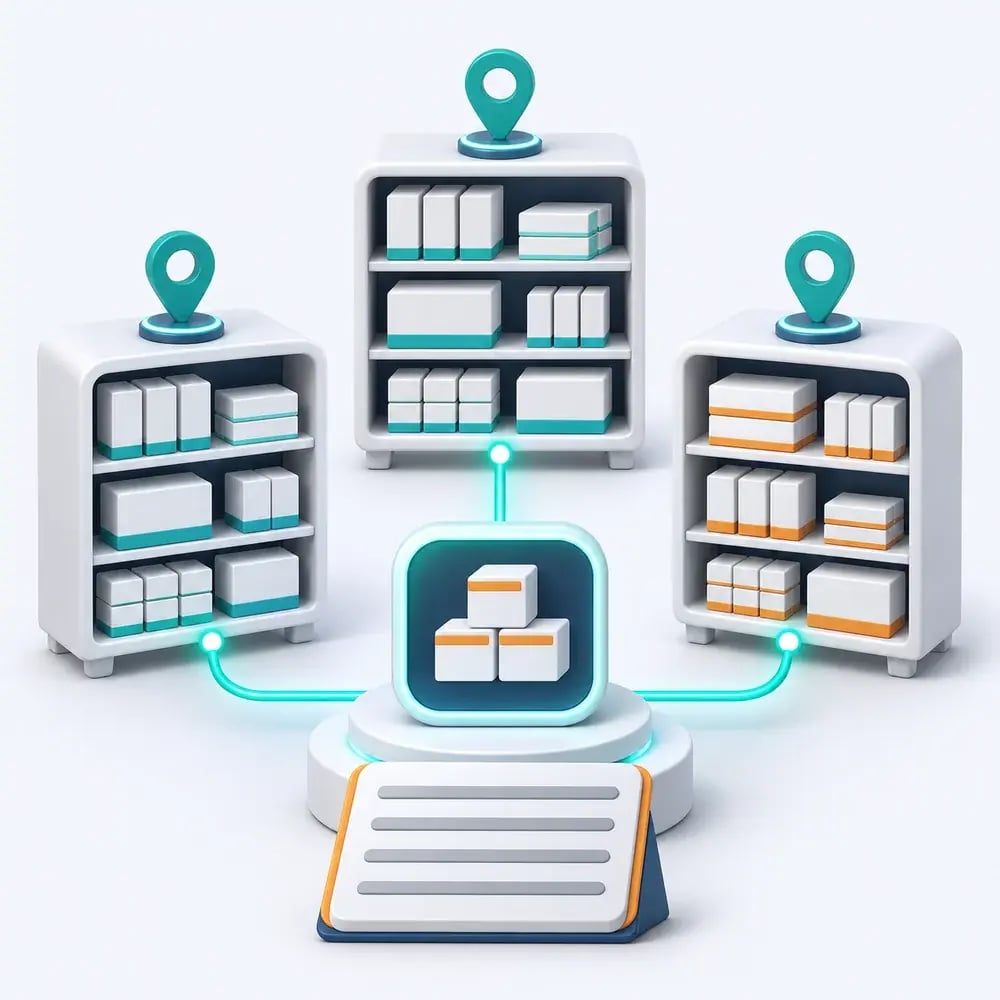
- ✓Find recorded stock for the medicine and pack you need.
- ✓Compare holdings across pharmacy locations.
- ✓Review ordering activity in a separate procurement view.
Answer the next stock enquiry with more than a total
A colleague needs a particular medicine and pack. A combined balance leaves the next question unanswered: which pharmacy location records the stock?
IntelliFront BI’s hospital pharmacy stock dashboards give stores teams a shared view of those recorded holdings. Find the relevant item, compare locations and keep the supporting detail close when discussing a requisition.
Keep the pack in view when comparing locations
Different pack sizes can make a medicine total difficult to use. Bring the selected medicine, pack description and location into the same reporting view so colleagues can see what each balance relates to.
Keep recorded container counts, dose units and minimum levels distinct. Your team gets a more useful basis for a stock enquiry, with the detail needed to check the next step in its normal pharmacy process.
Keep stock enquiries and procurement reviews within reach
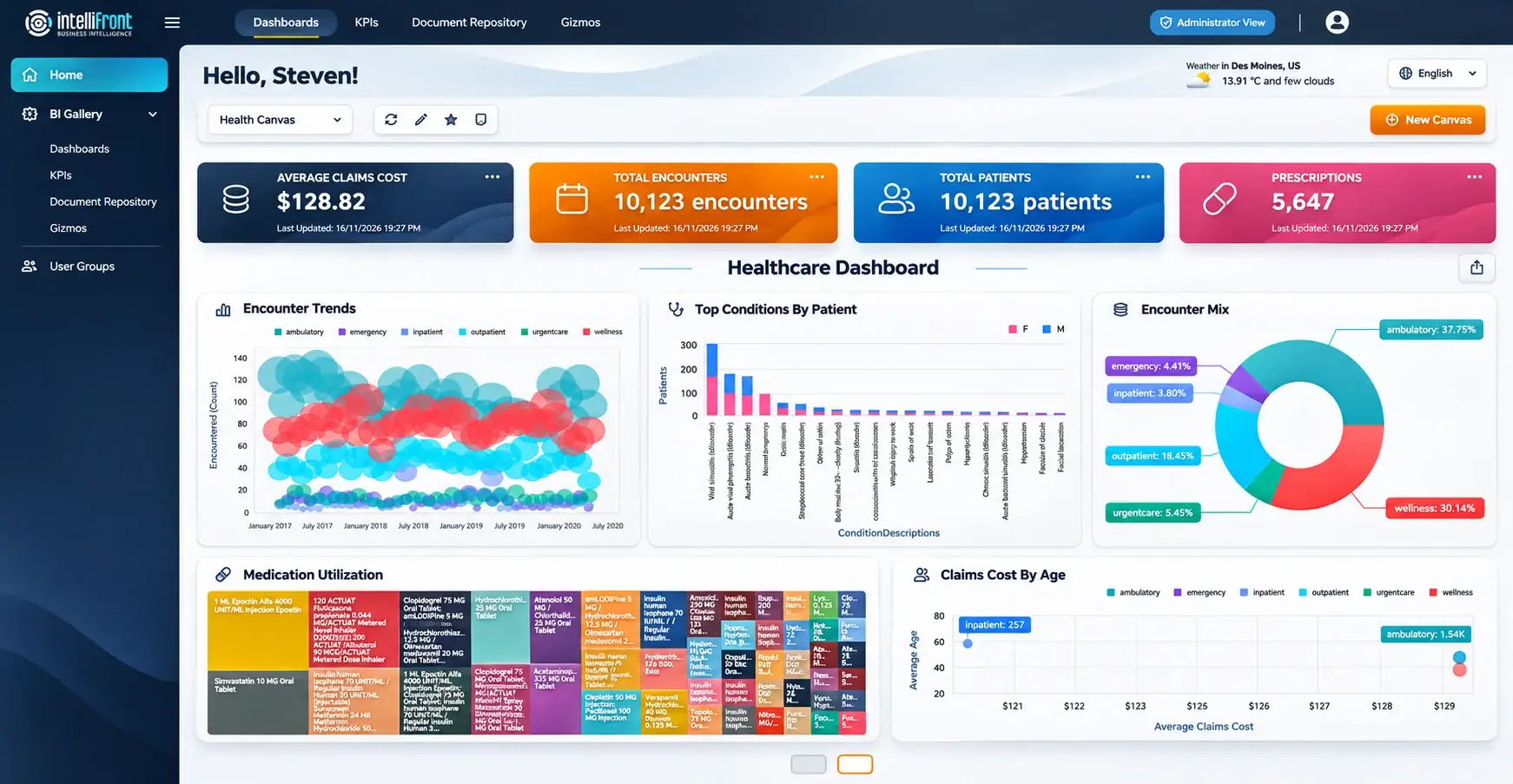
Start with the reporting you return to most. Stores and procurement colleagues can organise their assigned dashboards and KPIs in a personal Canvas, with a separate workspace for each responsibility.
Set a favourite Canvas as your home view. Your reporting authors maintain the dashboards centrally, while each reader chooses the assigned views to keep together.
Enhanced healthcare Canvas illustration showing the personal workspace. View the full Canvas.
See the locations behind a stock enquiry
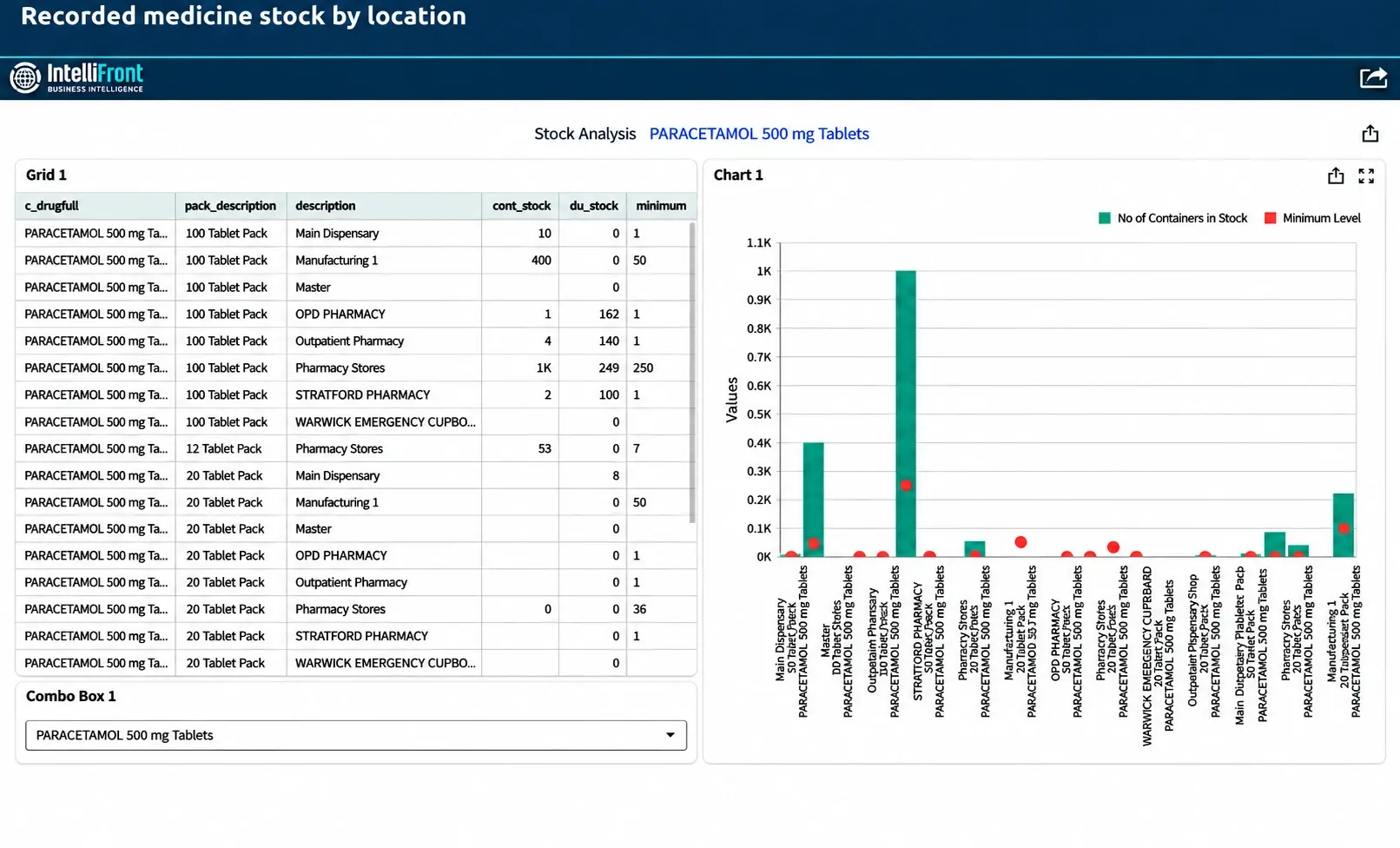
Select a medicine and compare its recorded holdings across dispensaries, stores and other included locations. Keep the pack and unit information beside the balance, rather than relying on a single hospital total.
Use the view to identify a location to contact about a requisition. It shows the stock recorded in your source system; colleagues confirm physical availability through the usual pharmacy process.
Enhanced stock dashboard illustration. View the full stock dashboard.
Give procurement a separate view of ordering activity
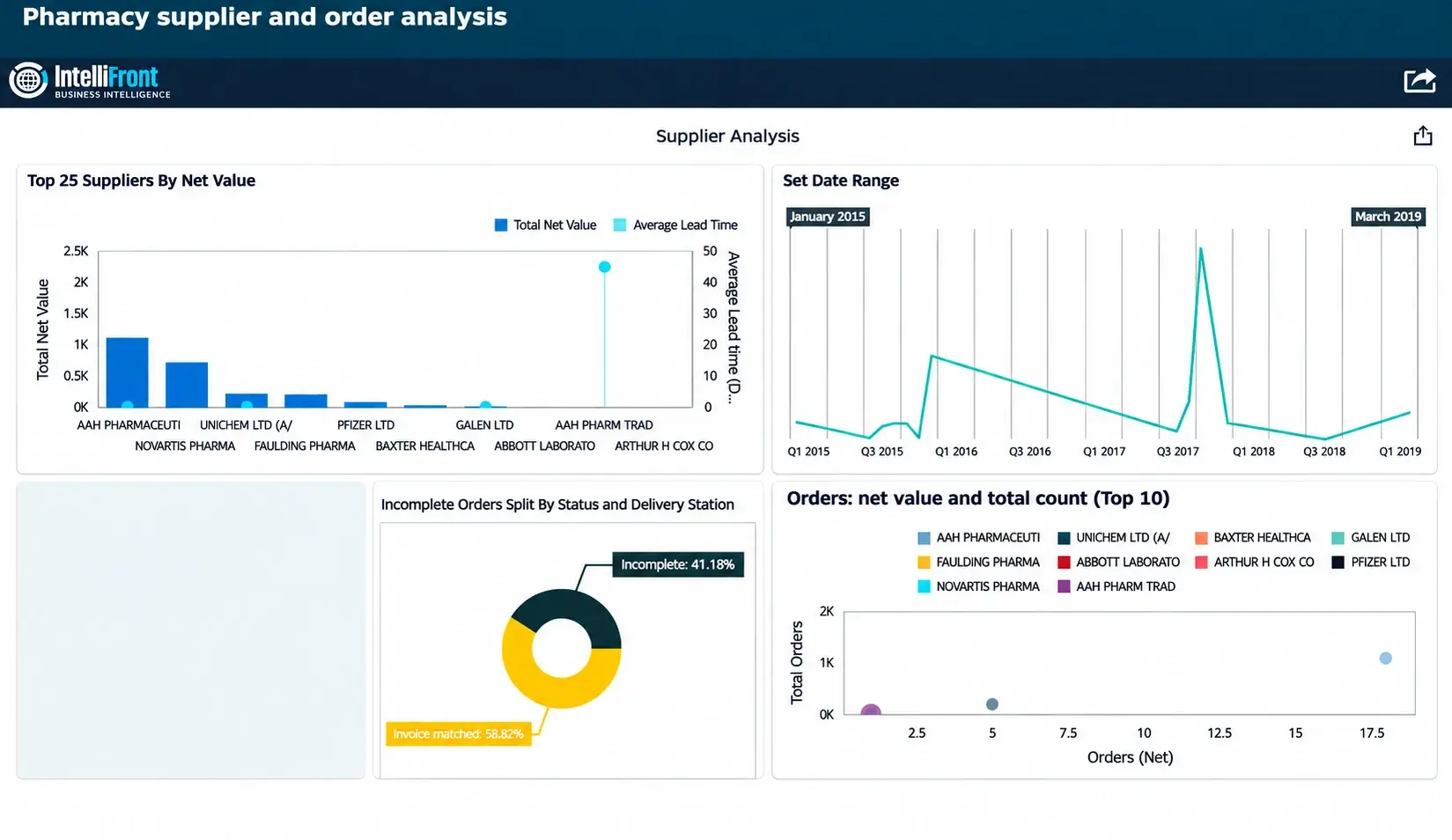
A stock balance answers a different question from an order history. Bring supplier and order measures together in a dedicated procurement dashboard, with an agreed reporting period for the comparison.
Explore order counts, values and available lead-time information before deciding what deserves a closer review. Stores colleagues can use the stock view for an item enquiry while procurement considers the ordering picture.
Enhanced supplier and order dashboard illustration. View the full supplier dashboard.
Bring a stock enquiry to your demonstration
Choose one medicine your team regularly needs to locate. We’ll show how IntelliFront BI can bring the medicine, pack and recorded location balances into a view for the colleague handling that enquiry.
Then explore the reader’s Canvas and a separate ordering view. Discuss your source records and update needs with us, or start a free 30-day trial to assess reporting on your own infrastructure.
Serving the NHS for over 25 years
We support NHS trusts and health boards in Scotland, Wales and England. Our experience spans hospital pharmacy reporting and partnerships including System C, JAC, WellSky and CareFlow Medicines Management.
NHS user feedback has helped shape IntelliFront BI’s reader and author workflows. That practical experience informs the support we give your pharmacy and reporting teams.
Talk to a team that understands NHS pharmacy reporting.
Questions about hospital pharmacy stock dashboards
Yes, where the relevant stock and location data is available. Your reporting team agrees the medicines, units and locations included so colleagues can make a meaningful comparison.
Yes. Suitable order-line records can show activity by medicine and location over an agreed period. Your team can explore the detail before deciding whether an ordering or stockholding arrangement needs to change.
A dashboard reflects the source data supplied to it. A recorded system balance is not a new physical count. The view should make its source, units and update timing clear.
IntelliFront BI provides reporting and analysis. Ordering, replenishment and stock adjustments remain in your pharmacy’s operational systems and processes.
That requires suitable stock and usage data with agreed units, time periods and calculation rules. A stock quantity or order count alone does not establish days of cover. We’ll review the data needed for your proposed measure.
Yes. Tell us which stockholding or ordering question your team wants to investigate. We can show the dashboard and reader workspace, then discuss the source records and definitions needed for your pharmacy.
Take a closer look at your pharmacy stock and ordering

Bring a stockholding or ordering question to a focused demonstration. See how IntelliFront BI could help your team explore the detail, or start a free 30-day trial.