

Application-Controlled Tableau Reporting

ATRS Tableau Report Automation API

ATRS Tableau Report Scheduler

Let your application decide what reporting is needed and when it should run. Use the ATRS Tableau report automation API to create schedules, prepare packages and request execution while ATRS handles configured report production and delivery.

Create and manage Tableau report schedules.

Build ordinary and data-driven report packages.

Run reporting jobs and track their results. Explore the API guides.
Download the ATRS Internal Evaluation Guide START FREE TRIAL
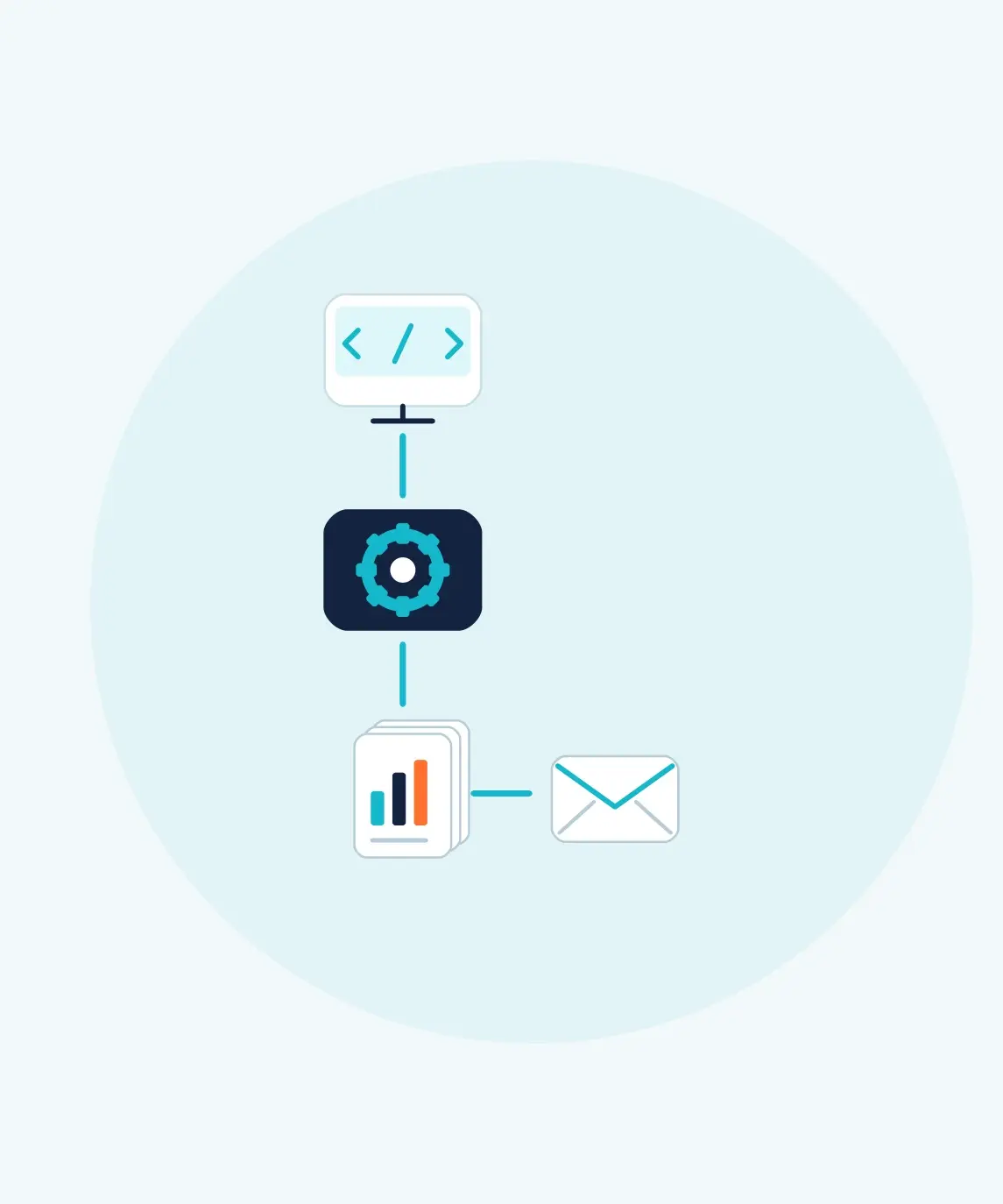
An application connects to a reporting engine that produces a report package and email delivery.

The Reporting Challenge

Your Application Needs Reporting. Who Maintains the Scheduler?

A report request can become a collection of export scripts, scheduling rules and delivery checks. ATRS gives your application a reporting service to call, with saved jobs your team can manage.

Too Much Code to Maintain

Exporting a file is one part of the job. Recurrence, recipients, packages and run history also need a home.

Reporting Choices Keep Changing

A new recipient or reporting period should not require another hard-coded reporting workflow.

Reports Must Follow Your Workflow

An internal process or customer request can start a configured reporting job through the API.

Choosing the Right Approach

When Are Native Tableau APIs Enough?

Tableau has native APIs for resource discovery, file exports and subscription management. Choose the approach around the complete reporting job.

Native Tableau APIs

Keep Focused Exports Close to Your Application

Use direct export calls when your application needs a particular view or workbook file.

Use subscriptions when scheduled PNG/PDF emails to permitted Tableau users meet the need.

Keep your own code when its scheduling, delivery and support requirements remain manageable.

ATRS

Delegate Configured Reporting to ATRS

Create single schedules with recurrence, parameters and email or disk destinations.

Create multi-report packages, including data-driven packages.

Request execution and inspect status and history using saved identifiers.

Tableau export methods · Tableau subscription methods. Tableau version, permissions and site settings govern native operations.

Discover, Configure and Run Reporting

Use ATRS Tableau report scheduler as the reporting engine behind your application.

01

Find Approved Tableau Content

Discover configured accounts, then projects, workbooks and views. Use their identifiers to select the intended report.

02

Create and Manage Schedules

Create single schedules and update their timing, parameters and complete destination configuration. Recipient-only changes have a dedicated email operation.

03

Build Report Packages

Create an ordinary package containing several reports, or a data-driven package whose driver rows supply report values and recipients. See package operations.

04

Execute and Monitor

Queue a job, retain its execution ID and inspect its status and history. Review the result and destination outcome before telling a user that delivery succeeded.

Reporting After a Billing Process

For example, an internal billing system finishes its work and requests a configured Tableau report package.

Request the Package

The backend sends the saved package identifier and package schedule type to the asynchronous execution operation.

Keep the Execution ID

Store the returned execution ID with the billing request. Use it to follow the run without keeping the customer’s browser connected.

Review the Outcome

Read the execution result and confirm the intended delivery. Show the completed result or a useful failure message in the billing system.

Follow the execution and report-package recipes for complete requests and response handling.

START FREE TRIALBOOK A DEMO
An application connects to a reporting engine that produces a report package and email delivery.

Build an Integration Your Team Can Operate

ATRS runs on a supported Windows host connected to Tableau Server or Tableau Cloud. Your backend authenticates to the configured ATRS API service.

Configure the Output and Destination

The public schedule models expose email and disk destinations, output formats and Tableau rendering settings. Use the matching report and destination settings for the required file. Other configured delivery workflows belong to the saved ATRS job; an execution response returns tracking information, rather than a file or download URL.

Keep Customer and Reporting Permissions Clear

Your application decides who can use each report and schedule. Validate parameters and recipients against that authorization. A report filter is not a substitute for customer access control.

Retain the Configuration and IDs

Keep the intended write configuration, schedule ID, destination IDs and execution IDs. A single-schedule update needs the complete intended configuration; a read response is not a lossless update template. Test changes before enabling recurring production runs.

For detailed format choices, see PDF reporting, Excel reporting and CSV exports. The API guides cover setup, authentication and implementation. They apply to the latest ATRS version; download the latest ATRS from ChristianSteven.

Explore customer portal report scheduling or compare Tableau report automation APIs for those integration decisions.

Trusted Report Automation for More Than 20 Years

ChristianSteven Software has helped organizations automate business intelligence reporting and delivery for more than two decades.

20+
Years of reporting automation experience
Nearly 5,000
Organizations helped worldwide
47
Countries with customer organizations
SOC 2 Type II
Independent assurance over security and operational controls
Visit Our Trust Center →
Technical Support
Get help with ATRS setup and configuration
Developer Documentation
ATRS API FAQ

Questions About Automating Tableau Reports from Your Application

Answers about configuration, packages, deployment and execution.
Can my application create schedules as well as run them?

Yes. The API can create Tableau single schedules, update their configuration and execute saved jobs. It can also create ordinary and data-driven report packages.

Can I create a data-driven report package?

Yes. Configure the reports and destinations with a package data driver. JSON-backed creation uses serialized driver rows; SQL-backed creation uses the package operation documented for SQL input.

Can I update a package through the single-schedule update operation?

No. Single-schedule updates apply to single schedules. Use the documented package operations for packages; they have a separate request model and operation set.

Does a run return the report file?

Execution operations return execution information. ATRS produces and delivers files through the job’s configured destinations; the execution response is not a report download.

Does ATRS replace my application’s user permissions?

No. Your application controls which users may access each reporting configuration and request each operation. ATRS credentials and API calls belong on your backend.

Where can developers find complete examples?

The ATRS developer portal provides guides, the API reference and recipes for authentication, execution, email-recipient changes and package creation.

How is the ATRS API secured?

Use the documented bearer-token authentication and ATRS group permissions. Keep credentials on the backend and restrict service access to the network paths your application requires.

Can our team still use the ATRS interface?

Yes. Your team can manage reporting in ATRS while your application uses the API. Expose only the operations and fields documented for the integration; desktop features do not automatically have matching API endpoints.

READY TO CONNECT YOUR APPLICATION?

Put Tableau Reporting Behind Your Application

ATRS Tableau Report Scheduler

Use your free 30-day trial or demonstration to create a schedule, run a report package and review the result from your application.

START FREE TRIAL BOOK A DEMO
Free 30-day trial with no credit card required
Deploy ATRS within your own environment
Static-file recipients do not need interactive Tableau access