

{{ js_integration_head_start() }} {{ head_elements() }} {{ head_css() }} {{ head_js() }} {{ js_integration_head() }} {% if "CRD prepares a named PDF with document protection and an internal watermark for delivery." != "" %}{% endif %} {% if "CRD prepares a named PDF with document protection and an internal watermark for delivery." != "" %}{% endif %} {{ include_default_custom_css(content.include_default_custom_css, template_meta.include_default_custom_css, domain_settings.include_default_custom_css) }} {{ include_attached_css(content_group.attached_stylesheets or domain_settings.attached_stylesheets, content.enable_domain_stylesheets, template_meta.enable_domain_stylesheets, theme_meta.enable_domain_stylesheets, domain_settings.enable_domain_stylesheets) }} {{ include_attached_css(template_meta.attached_stylesheets, content.enable_layout_stylesheets) }} {{ include_attached_css(content.attached_stylesheets) }} {{ require_attached_js(template_meta.attached_js) }}

Crystal Reports PDF Delivery

Deliver the PDF Your Reporting Process Requires.

CRD Crystal Reports Scheduler

Produce and deliver correctly named, branded and protected Crystal report PDFs with CRD. Make file preparation part of the recurring reporting job. All CRD functionality is included in your licence, with no paid feature add-ons.

Give each PDF the required name and reporting-period values.

Apply opening passwords and recipient permission settings.

Add a watermark, stamp or logo to the finished document.

Deliver the prepared PDF to the approved destination.
Download the CRD Internal Evaluation Guide START FREE TRIAL
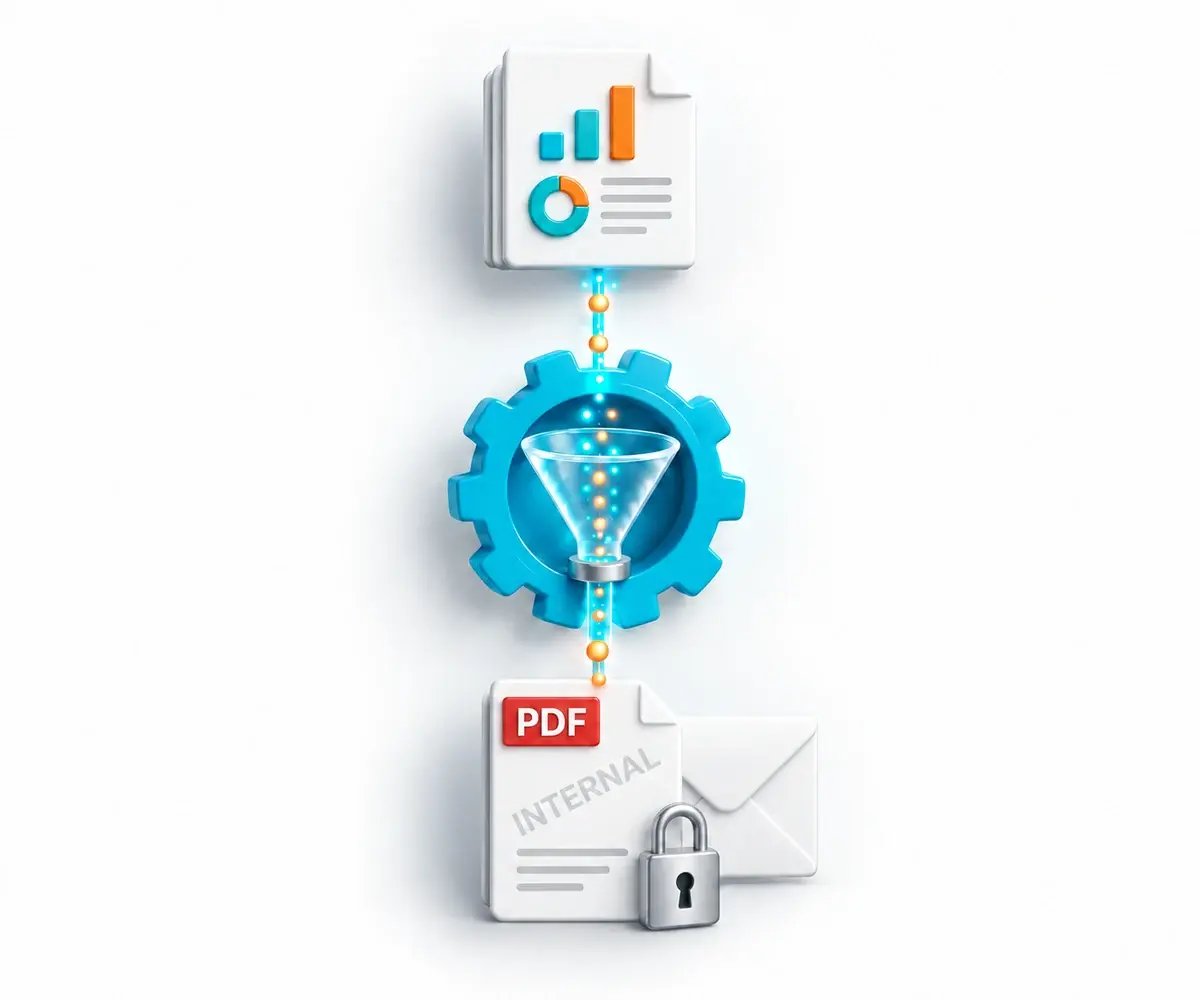
CRD automation prepares a named, watermarked PDF with document protection for delivery.

The Finished PDF Challenge

Exporting a PDF Is Only the First Step.

The recipient needs the right document, name and protection each time. CRD brings those recurring preparation steps into the reporting job.

Names Must Mean Something

A useful file name identifies the customer, report or period.

The Copy Needs Controls

Opening and permission settings must suit the intended recipient.

The Delivered File Must Look Right

Pages, fonts, subreports and branding need to survive the export.

Why Choose CRD

Automate the Finished PDF and Its Delivery

Choose CRD to configure the document controls and delivery around the PDF your business needs to send repeatedly.

SAP Crystal Server

PDF Output and Native Protection

SAP Crystal Server supports PDF delivery and merging. Its merged-PDF settings include passwords and restrictions on printing, copying and modification.

Merged-PDF settings can restrict printing, copying and modification.

CRD

The Required PDF, Prepared Each Time

File names: use the required reporting values in the output name.

Branding: configure the watermark, stamp or logo your document needs.

Document controls: apply opening and permission passwords and supported recipient restrictions.

File details: maintain the relevant page, bookmark and summary settings.

Delivery: send the finished PDF through the approved reporting route.

PDF preparation, data-driven schedules and file-finishing features are included in the CRD licence at no additional feature cost.

A Customer Statement Ready to Send

For example, a recurring statement needs a customer-specific name, an approved watermark and a configured password. CRD can prepare that deliverable as part of the scheduled job.

01

Produce

Run the approved statement report with the required customer and period values.

02

Name

Prepare a meaningful output file name for the reporting run.

03

Protect

Apply the required watermark, password and permission settings.

04

Verify

Open the delivered PDF in the recipient’s viewer and inspect the actual document.

Prepare the Document Before Delivery

Set the required PDF result once, then use it in the recurring reporting process. All CRD file-finishing functionality is included in the licence.

✓

Name the File for Its Recipient

Use the output-name settings and available Inserts to identify the report, customer or period.

✓

Apply the Required Branding

Add a configured watermark, stamp or logo rather than relying on a separate manual finishing step.

✓

Set Passwords and Permissions

Configure the opening password, permission password and supported document restrictions. Check the delivered copy in the intended PDF viewer.
START FREE TRIALBOOK A DEMO
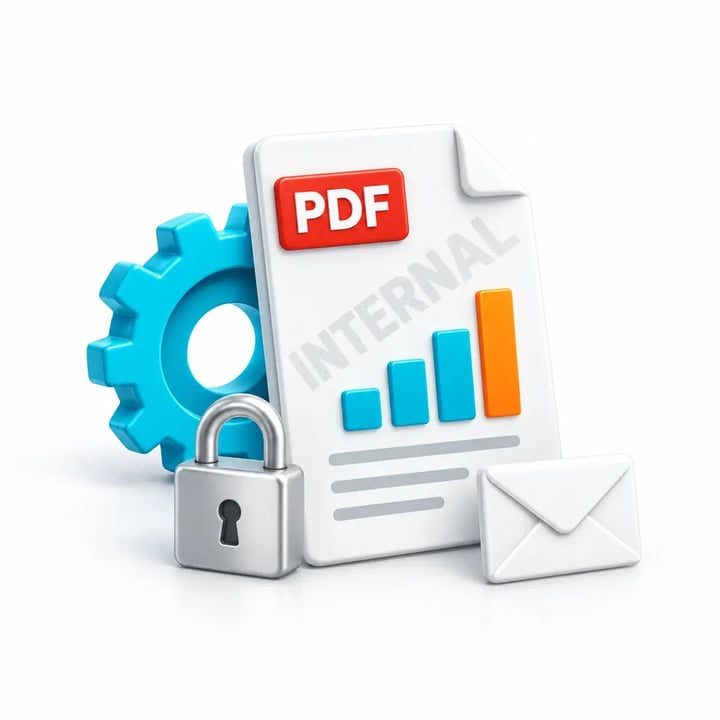
A protected Crystal report PDF combines its watermark, document controls and delivery envelope.

Keep the Different Layers of Protection Clear

Protecting the PDF, protecting an archive and choosing a delivery route address different parts of the handoff.

01

The PDF Itself

Use the PDF security settings for the document’s opening and permission controls.

02

An Encrypted ZIP

Use the ZIP settings when the recipient needs the PDF or related files inside a password-protected encrypted archive.

03

The Delivery Route

Choose the account and destination the reporting process requires. Document passwords do not replace transport or destination access controls.

04

The Finished Document

Configure the applicable page range, bookmarks and file-summary metadata, then inspect fonts, charts and subreports in the delivered file.

Open the PDF Your Recipient Will Receive

Use the free 30-day trial with a representative report and recipient viewer. Open the delivered PDF with and without its password, inspect the file name and watermark, and test the required permissions. Verify page layout, fonts and subreports.

✓ Correct file name ✓ Password behavior ✓ Watermark and layout ✓ Recipient permissions

Built by ChristianSteven Software

Reporting automation experience from organizations around the world.

20+
Years of reporting automation experience
Nearly 5,000
Organizations helped worldwide
47
Countries with customer organizations
SOC 2 Type II
Independent assurance over security and operational controls
Visit Our Trust Center →
Before You Start

Your PDF Delivery Questions, Answered

Practical questions about document preparation, protection and delivery.

Can CRD password-protect exported PDFs?

Yes. CRD provides opening and permission password settings and supported recipient restrictions. The PDF guide specifies 128-bit encryption. Test the delivered file and its permission behavior in the intended viewer.

Can I add a watermark or stamp?

Yes. Configure the PDF watermark, stamp or logo required by your reporting process and inspect its placement and appearance on the delivered document. These file-finishing features are included in your CRD licence at no additional feature cost.

Can file names and passwords use changing values?

Use the Inserts and configuration available for the relevant output-name and PDF settings. Verify the actual values produced for two representative recipients. Data-driven schedule functionality is included in the CRD licence at no additional feature cost.

Does changing the extension convert the file?

No. Select the required export format to produce the file content. A customized extension changes the name, not the underlying format.

How do PDF and ZIP protection differ?

PDF passwords and permissions apply to the document. ZIP encryption protects the archive that contains the files. Delivery-channel and destination access controls are separate; test the complete handoff.

Can several reports become one PDF?

Yes, through an applicable package and merge workflow, with the intended report order and format settings. Package functionality is included in the CRD licence at no additional feature cost. Evaluate the complete merged file.

Do PDF permissions guarantee control after delivery?

PDF permissions depend on the recipient’s viewer. Check printing, copying and modification controls in the viewer your recipients use. These settings do not provide remote revocation after delivery.

Ready to Automate PDF Preparation and Delivery?

Show Us the Finished PDF You Need

Bring your report, required file name, watermark and protection settings. See how CRD can prepare and deliver that document repeatedly.

START FREE TRIAL BOOK A DEMO
✓ Free 30-day trial✓ Installed in your Windows environment✓ Evaluate your own report and destination