

{{ js_integration_head_start() }} {{ head_elements() }} {{ head_css() }} {{ head_js() }} {{ js_integration_head() }} {% if "A customer request in an existing portal starts CRD report production and delivery." != "" %}{% endif %} {% if "A customer request in an existing portal starts CRD report production and delivery." != "" %}{% endif %} {{ include_default_custom_css(content.include_default_custom_css, template_meta.include_default_custom_css, domain_settings.include_default_custom_css) }} {{ include_attached_css(content_group.attached_stylesheets or domain_settings.attached_stylesheets, content.enable_domain_stylesheets, template_meta.enable_domain_stylesheets, theme_meta.enable_domain_stylesheets, domain_settings.enable_domain_stylesheets) }} {{ include_attached_css(template_meta.attached_stylesheets, content.enable_layout_stylesheets) }} {{ include_attached_css(content.attached_stylesheets) }} {{ require_attached_js(template_meta.attached_js) }}

Crystal Reports Customer Portal

Let Customers Request Reports From Your Portal.

CRD Crystal Reports Scheduler

Connect the customer portal your team already operates to CRD reporting. Let authorized users request the report or recurring delivery they need while CRD prepares and delivers the output. All CRD functionality is included in your licence, with no paid feature add-ons.

Show each user the reports your application permits.

Accept approved reporting choices and recipient details.

Request an individual report or applicable customer pack.

Display the execution status returned by CRD.
Download the CRD Internal Evaluation Guide START FREE TRIAL
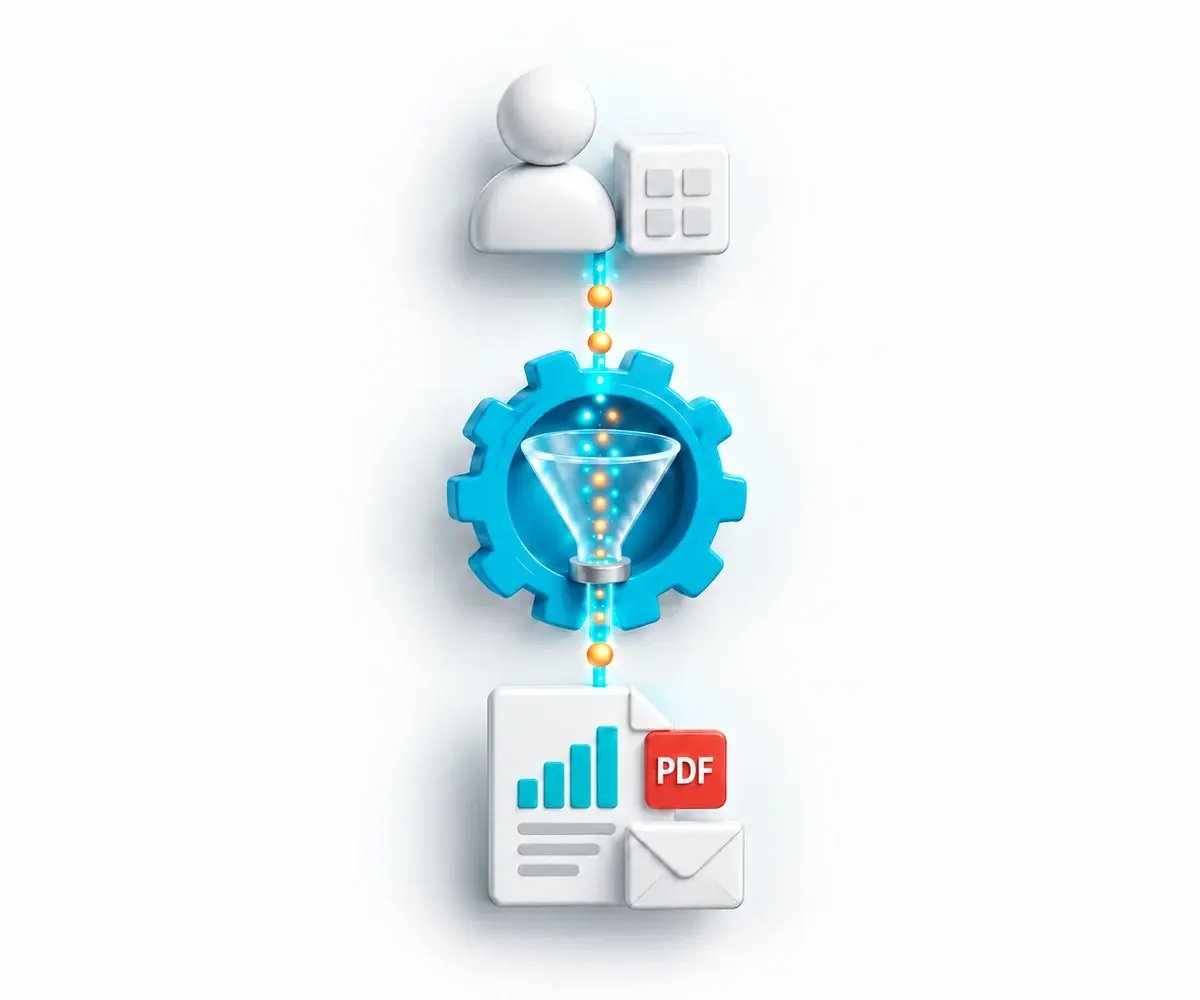
Customer portal request flows through CRD to a report and email

The Customer Reporting Request

Keep the Reporting Request in the Customer’s Existing Journey.

A customer should be able to request an approved statement or reporting arrangement from the portal they already use. Your application controls the request; CRD supplies the reporting operations behind it.

Customers Need Clear Choices

Show the reports, periods and delivery choices the user is allowed to select.

The Backend Needs a Reporting Job

Translate those approved choices into the appropriate CRD schedule and execution operations.

The User Needs a Meaningful Result

Show the returned execution status and confirm that the required output reached its destination.

Why Choose CRD

Keep Your Reporting Experience in Your Own Portal

Choose CRD to connect your existing customer experience to the report production, package and delivery workflow it needs.

SAP Crystal Server

Crystal Server’s Reporting Portal

SAP Crystal Server already provides browser-based report access, parameters, refresh and export through its platform.

Its integration components also support applications that connect to the reporting platform.

CRD

Your Portal. Configured CRD Reporting.

Your customer journey: retain the interface, identity and business rules your application owns.

Approved choices: map permitted report parameters and supported delivery changes to the relevant operation.

Customer output: run an individual reporting job or applicable report package.

Recurring reporting: connect the reporting arrangements your backend maintains to CRD scheduling.

Progress: show returned execution status and verify the delivered result.

API, bursting, package and data-driven functionality is included in the CRD licence at no additional feature cost.

A Customer Statement Request From Your Portal

For example, an authorized customer selects a statement and reporting period in your existing portal. The backend chooses the permitted reporting context, CRD produces the output, and the portal shows its returned execution status.

01

Choose

The user selects an approved report, period and delivery choice.

02

Authorize

The backend checks the user’s permitted records, reporting job and recipient context.

03

Produce

CRD runs the reporting job and delivers the configured output.

04

Follow

Show the returned status and confirm the correct statement reached its destination.

Turn Approved Customer Choices Into Reporting Work

Your team builds the portal experience and backend integration. CRD supplies the supported reporting operations.

✓

Request a Report Now

Find the permitted reporting job and initiate a run when the customer requests it.

✓

Offer Individual Files or Complete Packs

Use applicable packages, bursting or data-driven reporting when the request needs a customer-specific deliverable. These CRD capabilities are included in the licence at no additional feature cost.

✓

Arrange Recurring Delivery

Expose the reporting arrangements your backend implements with supported CRD schedule operations, alongside on-demand requests.

START FREE TRIALBOOK A DEMO
Customer application directs personalized Crystal Reports to the appropriate recipients

Keep Customer Access Under Your Application’s Control

Define which reporting choices each user can make before the portal asks CRD to perform the work.

01

User Permissions

Your application authorizes each user and limits access to the permitted reports, customer records, parameters and recipients.

02

The Backend Connection

Protect CRD API credentials in the backend and apply the service access controls required by your deployment.

03

Shared Schedule Changes

Decide how concurrent customer requests use or change saved schedules. A saved parameter update is not automatically isolated to one user request.

04

Access to Finished Files

Use the configured delivery route. Build and authorize any portal download or file-viewing experience your application needs.

Follow Two Authorized Users to Their Correct Report Outputs

Use the free 30-day trial with two different permitted customer contexts. Request a report and a recurring reporting arrangement, follow each into the correct CRD job, display returned status and inspect actual delivery. Include concurrent requests and a failed or delayed run.

✓ Authorized customer choices ✓ Correct report data ✓ Concurrent-request design ✓ Verified delivery

Built by ChristianSteven Software

Reporting automation experience from organizations around the world.

20+
Years of reporting automation experience
Nearly 5,000
Organizations helped worldwide
47
Countries with customer organizations
SOC 2 Type II
Independent assurance over security and operational controls
Visit Our Trust Center →
Before You Start

Your Customer Portal Reporting Questions, Answered

Practical questions about the portal your team owns and the reporting work CRD supplies.

Is a ready-made customer portal included with CRD?

No. Your team builds and controls the portal and its backend integration. CRD supplies reporting operations through its installed API Service. It does not supply the portal interface or an embedded report viewer.

Can customers request reports and recurring deliveries?

Your portal can expose approved on-demand requests and recurring arrangements implemented through supported CRD schedule operations. Verify the required timing and update fields for your installed build.

Which choices can our portal expose?

Expose the choices your application authorizes and the relevant API operation supports, such as report parameters and supported single-report email-destination changes. Do not assume every CRD interface setting has an equivalent API operation.

Can customers request report packs?

Yes, where the applicable package or data-driven package operation fits the reporting request. Include the permitted Crystal reports and required output settings. Package, data-driven and bursting functionality is included in your CRD licence at no additional feature cost.

Can the portal display progress?

Use the execution status returned for the API run and the applicable queue information. An accepted request or completed execution does not by itself confirm delivery. Check the actual destination as part of the reporting process.

Who controls each customer’s permissions?

Your application must authorize the user and enforce permitted schedules, report data, parameters and recipients. A recipient address or parameter value alone is not a customer-isolation boundary.

How should simultaneous requests be handled?

Design schedule ownership and concurrent updates explicitly. Changes to a shared saved schedule can affect other requests; use the appropriate separation or coordination in your application.

Does the execution response contain a PDF download?

It is not an automatic report download. CRD performs configured delivery. If customers need files inside the portal, your application must provide and authorize the corresponding file-access experience.

Ready to Connect Your Portal to CRD?

Show Us the Reporting Journey Your Customers Need

Bring the existing portal, two permitted customer contexts and the required finished output. See how CRD can perform the reporting work behind that customer request.

START FREE TRIAL BOOK A DEMO
✓ Free 30-day trial✓ Installed in your Windows environment✓ Evaluate your own report and destination