

Customer Portal Report Scheduling
Let Customers Schedule Tableau Report Delivery from Your Portal

Give customers a familiar place to choose when their Tableau reports arrive and who receives them. Your portal handles the customer experience; its backend uses ATRS to save permitted choices and request reporting.
Offer approved reports, timing and recipient choices.
Keep reporting credentials and access decisions on your backend.
Show tracked results inside your portal. Explore the integration guides.
The Self-Service Reporting Challenge
Your Customers Want Self-Service. Who Builds the Scheduler?
A customer wants a weekly report at a different time, sent to a new colleague. Those small requests should fit naturally into your product.
Customers Expect Control
Let authorized customers make routine reporting choices without opening a support request.
Every Customer Has Different Needs
Offer the approved content, report values and delivery options that fit each customer.
Scheduling Needs Ongoing Care
Your product still needs a clear way to save changes, run reports and explain the outcome. ATRS supplies the reporting engine behind that experience.
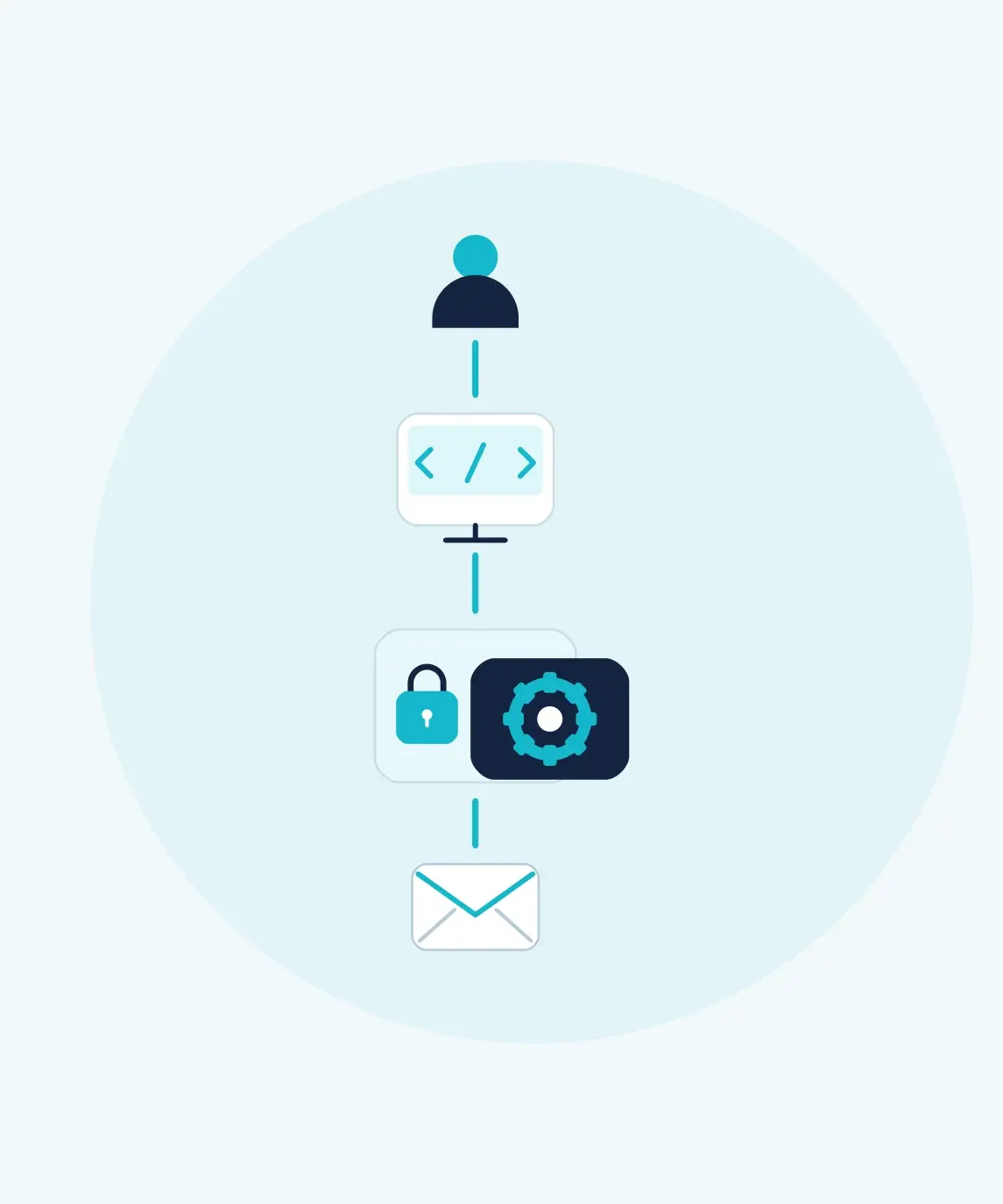
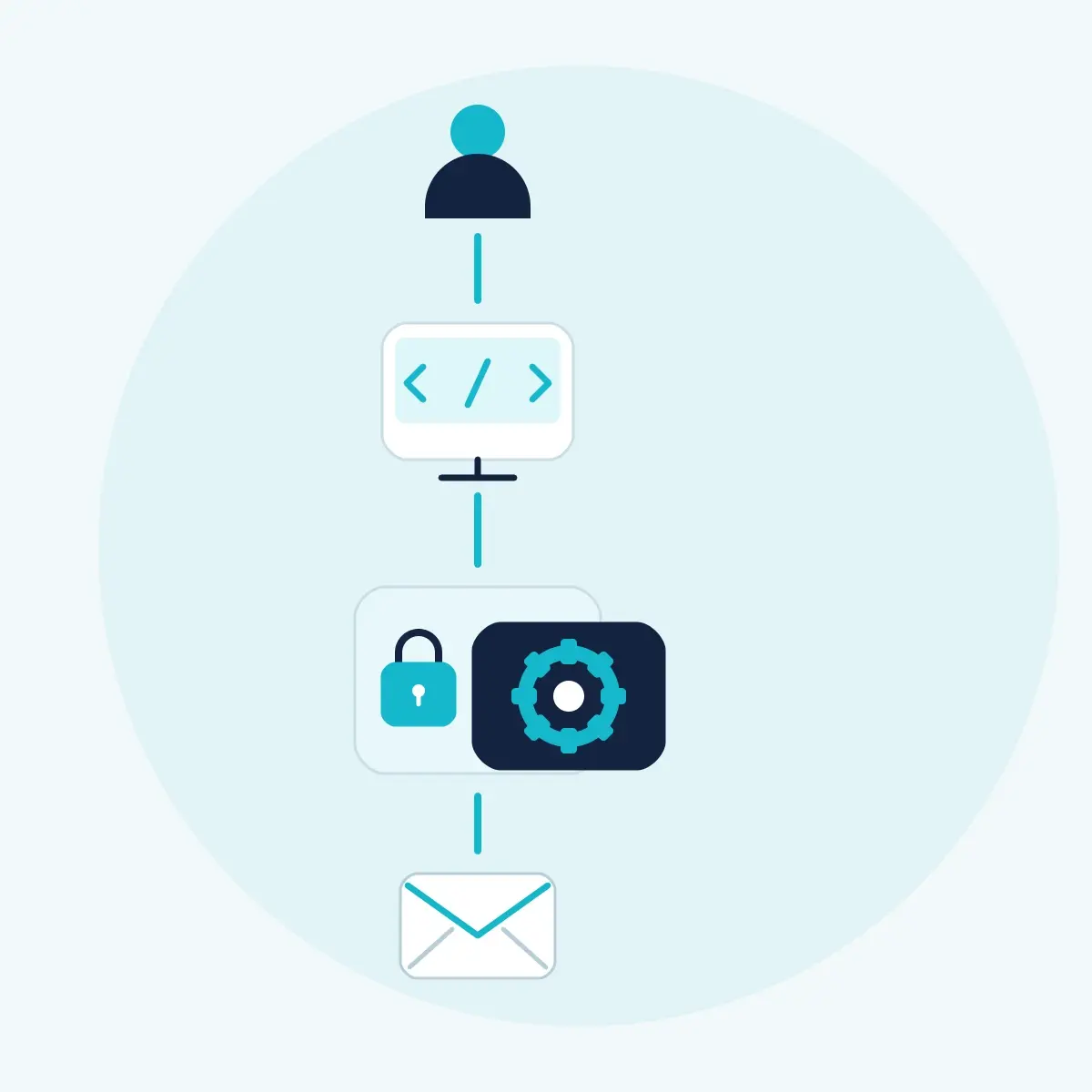
Portal → Authorized Backend → ATRS
How Does Your Portal Connect to ATRS?
Keep the customer-facing controls in your existing application. Send validated requests from its backend to ATRS Tableau report scheduler.
Your application
Your Portal Owns the Customer Experience
Identify the signed-in customer and the reports and schedules they may use.
Validate every proposed time, parameter and recipient against your customer rules.
Keep the approved write configuration and the relationship between customer, schedule and destination IDs.
ATRS
ATRS Runs the Configured Reporting
Authenticate backend requests using the configured ATRS user or client credentials.
Save supported schedule choices and execute the selected reporting job.
Return identifiers, execution status and history for your backend to interpret.
Customers do not need the ATRS desktop interface to use your portal. This integration is separate from the ATRS Web Application, which is installed and configured as its own interface.
What Reporting Choices Can Customers Control?
Offer a focused set of choices that your backend maps to the supported request model. Keep unrestricted administration out of the customer form.
Approved Tableau Content
Use account, project, workbook and view discovery to build a customer-specific selection. The backend maps the choice to the correct account and report identifiers.
Delivery Time and Recurrence
Expose permitted recurrence and execution-time choices through the single schedule’s Schedule settings. Translate the portal’s time display to the local ATRS schedule time.
Report Values and File Settings
Map approved values to Parameters and supported ClientRenderingSettings. Restrict choices to formats and rendering settings that work for the selected Tableau content.
Recipients and Destinations
Offer approved email recipients and, where appropriate, permitted disk destinations. Your backend supplies EmailDestinations or DiskDestinations and retains their identifiers.
One Customer Changes Their Weekly Delivery
For example, an authorized customer opens an existing weekly Tableau schedule, chooses a permitted delivery time and replaces the main email recipients.
Validate and Save the Choices
The backend checks ownership and saves the time using the complete intended single-schedule configuration. It retains all destinations and their IDs. Use the dedicated email update operation for the recipient change, explicitly preserving the other email settings.
Request a Run
The customer chooses Run now. The backend checks authorization again, submits the saved schedule and stores the returned execution ID against the portal request.
Show the Result
Track the execution to completion and inspect its result. Confirm the destination outcome before displaying Delivered. If it fails, show a useful status and retain the IDs your support team needs.
Schedule configuration guide · Complete recipient and execution recipes.
Keep Self-Service Clear and Operable
The portal owns customer separation. A recipient address or report parameter does not automatically isolate one customer’s data from another’s.
Can Customers Run Reports on Demand?
Yes. A permitted customer action can request an immediate run through the backend. That request is separate from changing the saved recurrence; your portal can offer either or both.
How Should the Portal Show Status?
Distinguish a saved configuration from a submitted job, a completed execution and confirmed delivery. Use the execution ID and history to support the message shown to the customer.
What Does Your Team Maintain?
Your team maintains the portal, customer authorization, allowed choices and API integration. ATRS maintains the saved reporting job and performs its configured production and delivery on a supported Windows host connected to Tableau.
Read the setup and authentication guides for the latest ATRS version. Download the latest ATRS from ChristianSteven. For report delivery and recovery details, see Tableau report delivery.
To weigh native methods, your own code and ATRS, compare Tableau report automation APIs. For the broader capability and deployment decision, see the ATRS Tableau report automation API overview.
Trusted Report Automation for More Than 20 Years
ChristianSteven Software has helped organizations automate business intelligence reporting and delivery for more than two decades.
Questions About Adding Report Scheduling to Your Portal
Your portal authenticates its customers. Its backend authenticates to ATRS and performs only the operations each customer is allowed to request.
Offer only the content your application authorizes for that customer. Discovery supplies report identifiers; it does not replace your portal’s access rules.
Yes. Your backend can use the email destination update operation with the saved destination ID. Follow the documented field rules to preserve the subject, body, sender, format and other recipient lists.
Yes. Save a permitted time using the complete single-schedule update model, then submit a separate execution request when the customer requests an immediate run.
No. This approach adds reporting choices to your existing customer portal through its backend. The ATRS Web Application is a separate installed interface.
No. Acceptance means the execution request was submitted. Follow its execution status, inspect the result and confirm the destination outcome before reporting successful delivery.
Let Customers Manage Tableau Report Delivery

Use your free 30-day trial or demonstration to connect one authorized portal journey: change a schedule, request a run and display its result.