

{{ js_integration_head_start() }} {{ head_elements() }} {{ head_css() }} {{ head_js() }} {{ js_integration_head() }} {% if "Compare Crystal Reports SDK services, SAP Crystal Server integration and the CRD REST API." != "" %}{% endif %} {% if "Compare Crystal Reports SDK services, SAP Crystal Server integration and the CRD REST API." != "" %}{% endif %} {{ include_default_custom_css(content.include_default_custom_css, template_meta.include_default_custom_css, domain_settings.include_default_custom_css) }} {{ include_attached_css(content_group.attached_stylesheets or domain_settings.attached_stylesheets, content.enable_domain_stylesheets, template_meta.enable_domain_stylesheets, theme_meta.enable_domain_stylesheets, domain_settings.enable_domain_stylesheets) }} {{ include_attached_css(template_meta.attached_stylesheets, content.enable_layout_stylesheets) }} {{ include_attached_css(content.attached_stylesheets) }} {{ require_attached_js(template_meta.attached_js) }}

Crystal Reports API Comparison

Choose How Your Application Will Run Crystal Reports.

CRD Crystal Reports Scheduler

Compare a Crystal SDK service, Crystal Server integration and the CRD REST API around the same reporting job. Choose CRD for the configured scheduling, customer output and delivery workflow your application needs. All CRD functionality is included in the licence, with no paid feature add-ons.

Compare the same existing report and finished deliverable.

Decide which reporting responsibilities your team will maintain.

Integrate the CRD operations that fit the recurring business job.

Evaluate the finished output and operator recovery.
Download the CRD Internal Evaluation Guide START FREE TRIAL
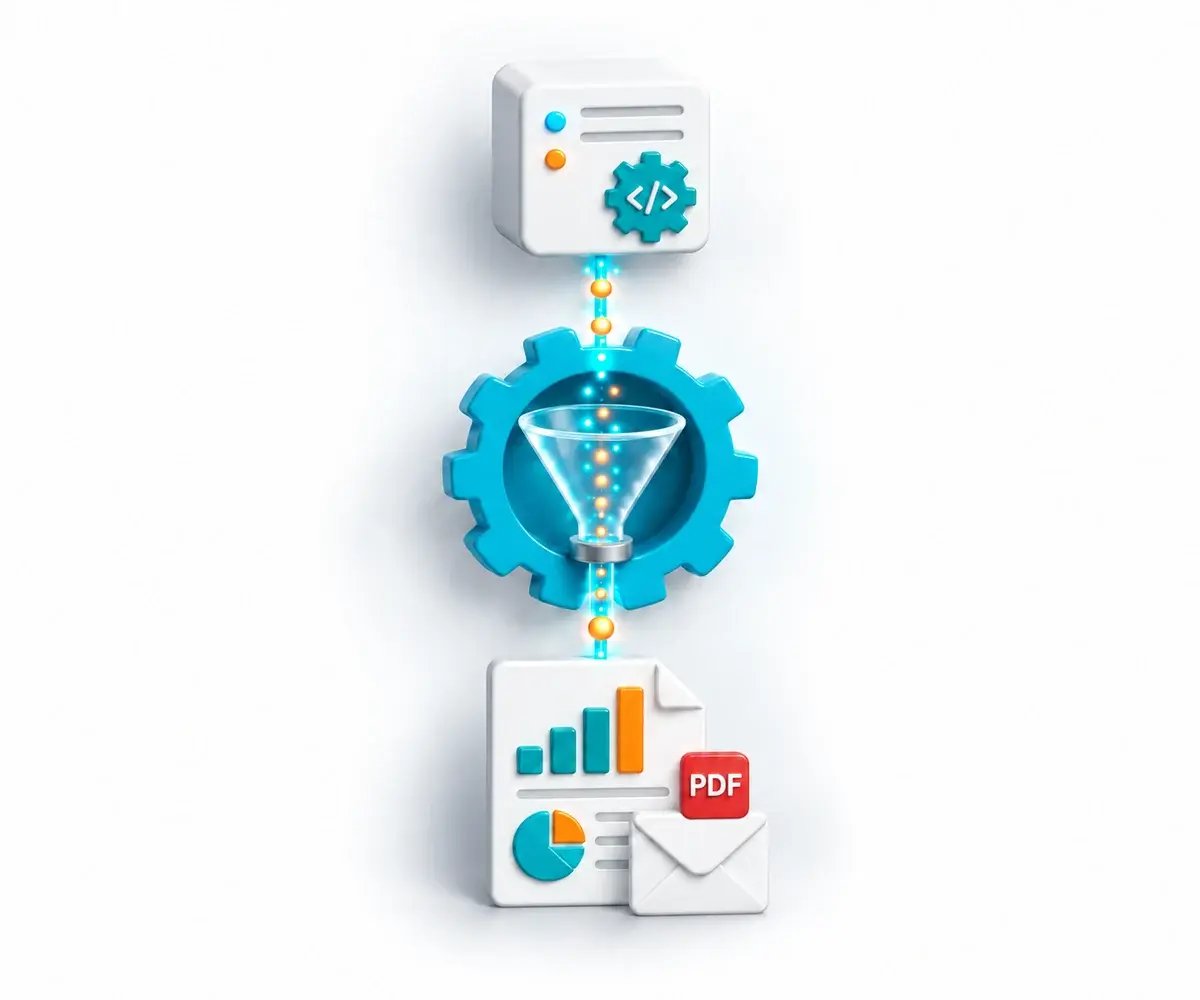
Application requests a Crystal Report through CRD automation

The Reporting Integration Decision

Know Which Reporting Work Your Team Will Own.

Your application needs a reporting process that someone can configure, run and maintain. Compare the surrounding work as well as the generation of the report file.

Who Starts the Job?

Decide how a business event or reporting timetable initiates the required report.

Who Prepares the Deliverable?

Account for customer instructions, workbook preparation and complete report packs.

Who Handles the Exception?

Give the team a way to investigate a failed run and recover the required output.

Choose Your Reporting Approach

Compare Three Reporting Integration Approaches

Use the same customer report or pack to compare the application code, server configuration and operating process each approach requires.

SDK + Your Service

Crystal Reports SDK

Use an applicable Crystal SDK to generate report output from application code.

Your team designs and operates the surrounding scheduling, customer rules, pack assembly, delivery and recovery that its reporting service requires.

Check the SDK, runtime and deployment terms that apply to the application you will operate.

SAP Platform Integration

SAP Crystal Server

Crystal Server already provides scheduling, browser-based report access and publishing under the appropriate entitlement.

Use the SDK or interface applicable to the report type and installed version, then compare the server configuration and application work your job requires.

Its Java, .NET and web-services components let applications connect to the reporting platform.

CRD Reporting Workflow

CRD REST API

Integrate supported schedule management, parameters, email destinations, packages, bursting, execution and status operations.

Your application controls the business request and user permissions. CRD performs the configured report production and delivery.

All CRD functionality is included in the licence, with no paid feature add-ons.

Connect to a Configured Reporting Workflow

For example, a billing application requests an approved customer pack. CRD runs the selected reporting job, prepares the configured output and delivers it. Your application follows the returned execution status and checks the finished result.

✓

Maintain Reporting Jobs

Use the supported discovery, schedule and parameter operations rather than rebuilding the equivalent job configuration in your own reporting service.

✓

Prepare Customer-Specific Files and Packs

Use applicable packages, data-driven settings and bursting for the required deliverable. These CRD features are included in the licence at no additional feature cost.

✓

Follow the Run and Its Delivered Result

Use the applicable execution and operator controls. Keep request acceptance, execution completion and confirmed delivery distinct, with an agreed response to exceptions.

START FREE TRIALBOOK A DEMO
CRD processes application requests into report packs and delivery results

Evaluate the Same Reporting Job Across the Three Approaches

Use the free 30-day trial with a representative Crystal report or customer pack. Compare the required customer data, output structure, destination and failure scenario. Check who maintains the configuration and operating procedure, then choose CRD when its configured workflow fulfils that job.

✓ Same representative reports ✓ Same customer rules ✓ Same finished output ✓ Same failure scenario

Built by ChristianSteven Software

Reporting automation experience from organizations around the world.

20+
Years of reporting automation experience
Nearly 5,000
Organizations helped worldwide
47
Countries with customer organizations
SOC 2 Type II
Independent assurance over security and operational controls
Visit Our Trust Center →
Before You Start

Your API and SDK Decision Questions, Answered

Practical questions about integration approaches and the reporting work CRD supplies.

How does a Crystal Reports SDK differ from the CRD REST API?

A Crystal SDK is a report-development component used from application code. The CRD REST API exposes operations around a CRD reporting installation and its configured jobs. A CRD execution response is not an automatic report-file download; compare the programming and delivery model your application needs.

Does SAP Crystal Server have integration interfaces?

Yes. SAP lists Crystal Server Java, web-services and .NET SDK components. Check the actual interface, report type, version and entitlement. Classic Crystal reports, Crystal Reports for Enterprise and Web Intelligence do not all have the same integration contract.

When can a custom SDK reporting service be sufficient?

It can fit a focused requirement when your team supplies and maintains the required surrounding service. Choose CRD when its configured schedules, customer-specific output, package assembly, delivery and operator controls fit the recurring reporting job you need to integrate.

Can CRD manage schedules and report packages?

Yes. The API documents supported single-report lifecycle operations, parameter and email-destination changes, package and data-driven package operations, bursting, execution and status. API, package, data-driven and bursting functionality is included in the CRD licence at no additional feature cost.

What does our application still need to own?

Your application authorizes users and reporting context, protects credentials, manages concurrent changes to saved jobs and provides any portal, viewer or file-download experience it needs. Include these responsibilities in your integration evaluation.

How should we evaluate the required output and delivery?

Use the same reports, permitted customer data, finished file or pack, destination and exception scenario across the approaches. Follow a run through its final result and actual delivery. Evaluate CRD with the workflow your business will operate.

Ready to Evaluate CRD for Your Application?

Show Us the Reporting Workflow You Need to Integrate

Bring your existing reports, required customer output and the responsibilities your team wants CRD to perform. See how its configured workflow fits the integration.

START FREE TRIAL BOOK A DEMO
✓ Free 30-day trial✓ Installed in your Windows environment✓ Evaluate your own report and destination