

TABLEAU QUESTIONS

Why Is the Subscribe Option Missing in Tableau?

With the Tableau Subscribe option missing, check the published view, View and Download Image/PDF permissions, source credentials and subscription settings. On Tableau Server, unavailable subscription schedules or restricted trusted authentication in an embedded view can also explain the missing control. Seeing the dashboard alone does not establish that subscriptions are available.

Consider a new operations analyst who can open the weekly sales dashboard in a company portal but cannot subscribe to Monday’s update. Start by finding where the control disappears. Once native access is working, consider Advanced Tableau Report Scheduler (ATRS) if the reporting job also needs different exports, audiences or delivery destinations.

  
THE DIRECT ANSWER

Find the control in the published view

For the analyst’s first check, open the published dashboard directly in its Tableau Cloud or Tableau Server site, using the intended account. Look under Watch > Subscriptions. This separates the report itself from the portal that embeds it. A Tableau Desktop workbook is not the published subscription interface.
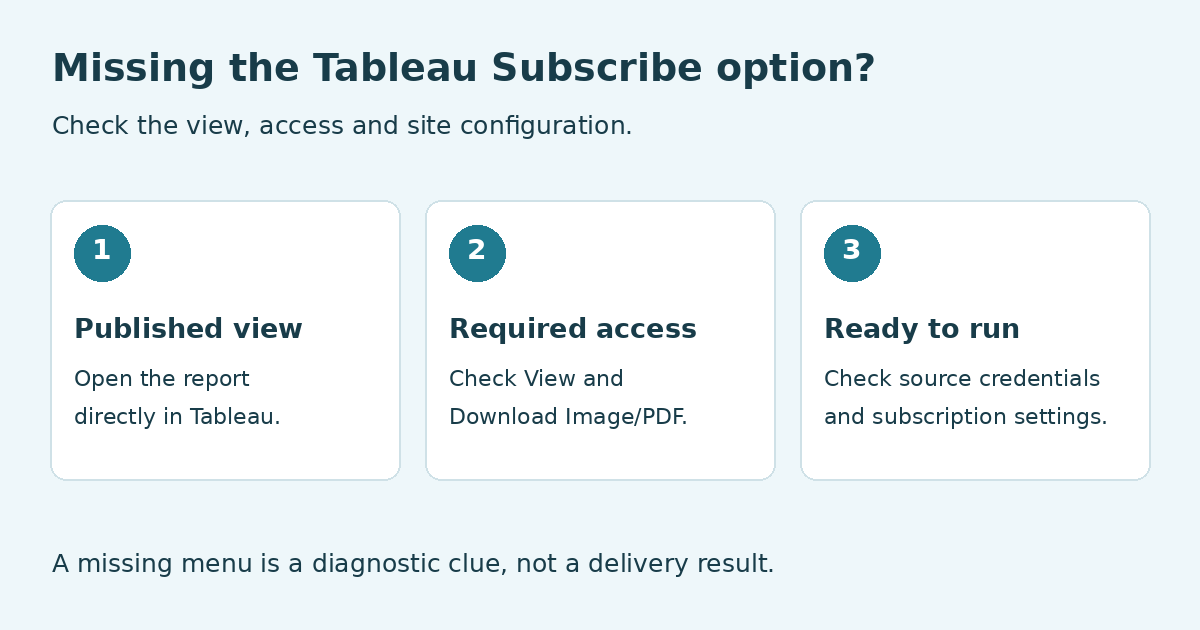
Three checks for a missing Tableau Subscribe option: published view, required access, and source credentials and subscription settings.

Work through these checks before changing the report’s delivery schedule.

If the control appears directly in Tableau but disappears in the portal, investigate the embedding and authentication configuration. Tableau documents that embedded views using restricted trusted authentication do not show Subscribe or Alert controls. That is a specific authentication condition; it does not mean every embedded dashboard lacks subscriptions.

If the control is absent in the direct published view too, check the user’s effective permissions and the data connection next. For native subscriptions, the recipient needs View and Download Image/PDF access. Ask the content owner or administrator to review those capabilities on the actual view rather than inferring them from a job title or a working dashboard link.

Also describe precisely what is missing. A visible subscription dialog without When Data Refreshes is a different problem from an absent Subscribe control. Bridge-backed sources, live connections and multiple extracts have particular refresh-trigger limitations. Changing email settings will not make an unsupported refresh trigger appear.

The Tableau subscription instructions show the published-view workflow. Use the Cloud troubleshooting guidance or Server troubleshooting guidance for your deployment.

Record the exact symptom

Location: Identify the portal or direct Tableau view.

Account: Confirm the signed-in site and user.

Control: Separate an absent button from a failed send.

Audience: Distinguish subscribing yourself from other users.

  
REQUIREMENTS AND LIMITATIONS

Separate access problems from subscription settings

The analyst can now give the administrator a reproducible report: the account, site, dashboard and whether Watch > Subscriptions appears outside the portal. That is more useful than requesting a general permission increase. Match the correction to the observed condition.

RequirementNative Tableau routeATRS implications
The analyst can view but cannot subscribeReview View and Download Image/PDF access on the intended content.Its export account also needs authorized access; ATRS does not repair a denied Tableau permission.
The live report asks for database credentialsConfigure a supported noninteractive source-credential arrangement.Configure and verify the Tableau integration account, then test the actual report.
The control disappears only in an embedded viewCheck whether restricted trusted authentication is the cause.A separate maintained export-and-delivery job may meet the file requirement without adding a portal subscription control.
No usable subscription schedule on ServerThe administrator checks whether schedules exist and are enabled, alongside subscription configuration.ATRS maintains recurrence for its own reporting jobs.
The reader needs a different output or destinationNative subscriptions offer the supported image/PDF subscription workflow.Evaluate an ATRS job for the required export, recipient mapping and destination.

Tableau Server adds an administration layer: subscription email must be configured and allowed at the server and site levels. Its troubleshooting documentation also identifies missing or disabled subscription schedules as a cause of an absent icon. Do not look for customer-managed Server SMTP settings in a Tableau Cloud account.

If subscribing yourself works but adding colleagues does not, check who is permitted to subscribe other users. Ownership, administrative status and project leadership with the appropriate site role affect that action. Expanding the audience is a separate decision from restoring the analyst’s own subscription.

Give the administrator useful evidence

View: Share the published report location.

Access: Request the specific required capabilities.

Source: Describe any database sign-in prompt.

Site: Identify Cloud or Server before changing settings.

  
END-USER WORKFLOWS

Restore access, then choose the delivery workflow

Restore the simplest suitable route first. If the analyst needs an ordinary Monday image or PDF, have the owner resolve the documented access or configuration issue, create the native subscription and inspect a received sample. There is no need to replace a subscription that meets the requirement.

Suppose the same sales update later needs an Excel file for finance and a PDF sent through the operations mailbox. A Tableau report scheduler becomes relevant because the deliverable has changed. ATRS can hold the report selection, export and destination configuration together for repeated delivery. It does not make unauthorized source content available.

In ATRS, open Integrations > Tableau > Add. Give the account a recognizable name and select the authentication type supported by your setup. Supply the server, site and required authentication details, select the API version and use Verify before Save & Close. Follow the ATRS Tableau account instructions for the fields required by that method.

A successful account verification is the starting point. Create a Single Schedule for the permitted sales report, select its output and reporting period, then preview that content. Configure a controlled test destination and use Tools > Test before extending delivery to the production audience. The ATRS Single Schedule guide explains the report workflow.

Three checks before recurring delivery

Connection: Verify the configured Tableau integration account.

Report: Preview the intended view with its actual source access and reporting values.

Received file: Open the received file and confirm its content and destination.

For the analyst, the benefit is a maintained export-and-send routine when the job grows beyond the original snapshot. Keep the source-access decision with the Tableau owner and the audience decision with the reporting owner.

Prove one authorized report

Connection: Verify the intended Tableau account.

Content: Preview the approved view and period.

Destination: Send the first file to a controlled address.

Result: Inspect the received file and execution history.

  
DEVELOPER AND API WORKFLOWS

Keep browser sign-in and automation credentials distinct

A portal login, a Tableau source connection and an application request to ATRS serve different purposes. The analyst’s ability to open a dashboard in a browser does not prove that an unattended reporting process has usable credentials. Conversely, an absent portal Subscribe button does not establish that an authorized export integration is unavailable.

A live connection that requires someone to type database credentials cannot supply an unattended native subscription as-is. For OAuth-backed connections, review the supported saved or embedded credential arrangement and whether its refresh token remains valid. Tableau’s subscription access guidance explains the source-access requirements.

For an ATRS integration, keep the configured Tableau credentials separate from the credentials used to call the ATRS API. The former allow the reporting job to reach Tableau; the latter authorize an application to request an ATRS operation. Do not pass an analyst’s browser session to a background process or assume that a successful API sign-in grants access to every view.

If the portal eventually offers a report-delivery request, map the signed-in reader to an approved report configuration on the server. Keep source credentials and API tokens there. Test the requested report with that configuration and retain the request and execution result together. A hidden subscription control should not become a reason to expose an unrestricted export function.

Use the ATRS Developer Hub when building that application workflow. First establish the permitted source connection and a working report job; adding an execution request cannot repair missing source permissions.

Separate the identities

Reader: Identify who opens the portal.

Tableau: Identify the account used for the export.

ATRS: Authorize the application’s reporting request.

Sender: Use the approved delivery account.

  
CHOOSE YOUR NEXT STEP

Verify the restored reporting route

Return to the original symptom and reproduce the analyst’s steps. If the native control was missing, confirm it now appears for the intended account in the intended view. Create the Monday subscription and inspect the received content. If only the embedded route remains different, document the supported route for the reader with the portal owner.

If the requirement has become a separate export-and-delivery process, test the ATRS job with the actual report, audience and output. Verify that the file contains the intended period and that its recurrence matches the reporting requirement. Choose the workflow based on that received result.

Explore ATRS for recurring Tableau report emails

Considering ATRS for your reporting workflow? Share the guide with the colleagues responsible for deployment, source access and delivery requirements.

Download the ATRS Internal Evaluation Guide

Contributors:

Christian Ofori-Boateng

Christian Ofori-Boateng

CEO, ChristianSteven Software