

For hospital medicines optimisation and pharmacy reporting teams

NHS Pharmacy Formulary Dashboards

Make local formulary information easier to explore.

IntelliFront BINHS

IntelliFront BI is self-hosted business intelligence software for National Health Service (NHS) pharmacy teams. Bring your local formulary measures and supporting medicines records into dashboards colleagues can explore in a browser. Keep the reporting on your organisation’s infrastructure.

Unlimited users. Unlimited reports, dashboards and KPIs.

Download the IntelliFront BI Internal Evaluation Guide START FREE TRIAL
  • Explore medicines data against your local formulary.
  • Investigate the records behind a formulary measure.
  • Keep unmapped items and local exceptions in view.
Medicine packs and capsules matched to a reference book, with a magnifying glass for formulary review

Move from a formulary percentage to the medicines behind it

Your review shows a change in a local formulary measure. The next questions are practical: which medicines contribute, where were they prescribed, and which records need a closer look?

IntelliFront BI’s pharmacy formulary dashboards bring that supporting detail within reach. Give medicines optimisation colleagues an interactive view of the measure and its records, so the discussion can move from a headline figure to a focused review.

Make your local list useful in the reporting

Your organisation maintains the formulary. Bring its medicine descriptions, formulations and local classifications together with the prescribing records your team wants to review.

Compare an agreed medicine group, ward or service over a defined period. Keep items awaiting mapping visible alongside known classifications and recorded exceptions, so colleagues can distinguish a data question from an item that needs review.

Book a demonstration around one local measure. See how IntelliFront BI could make its supporting detail easier to explore.

A starting view for each formulary responsibility

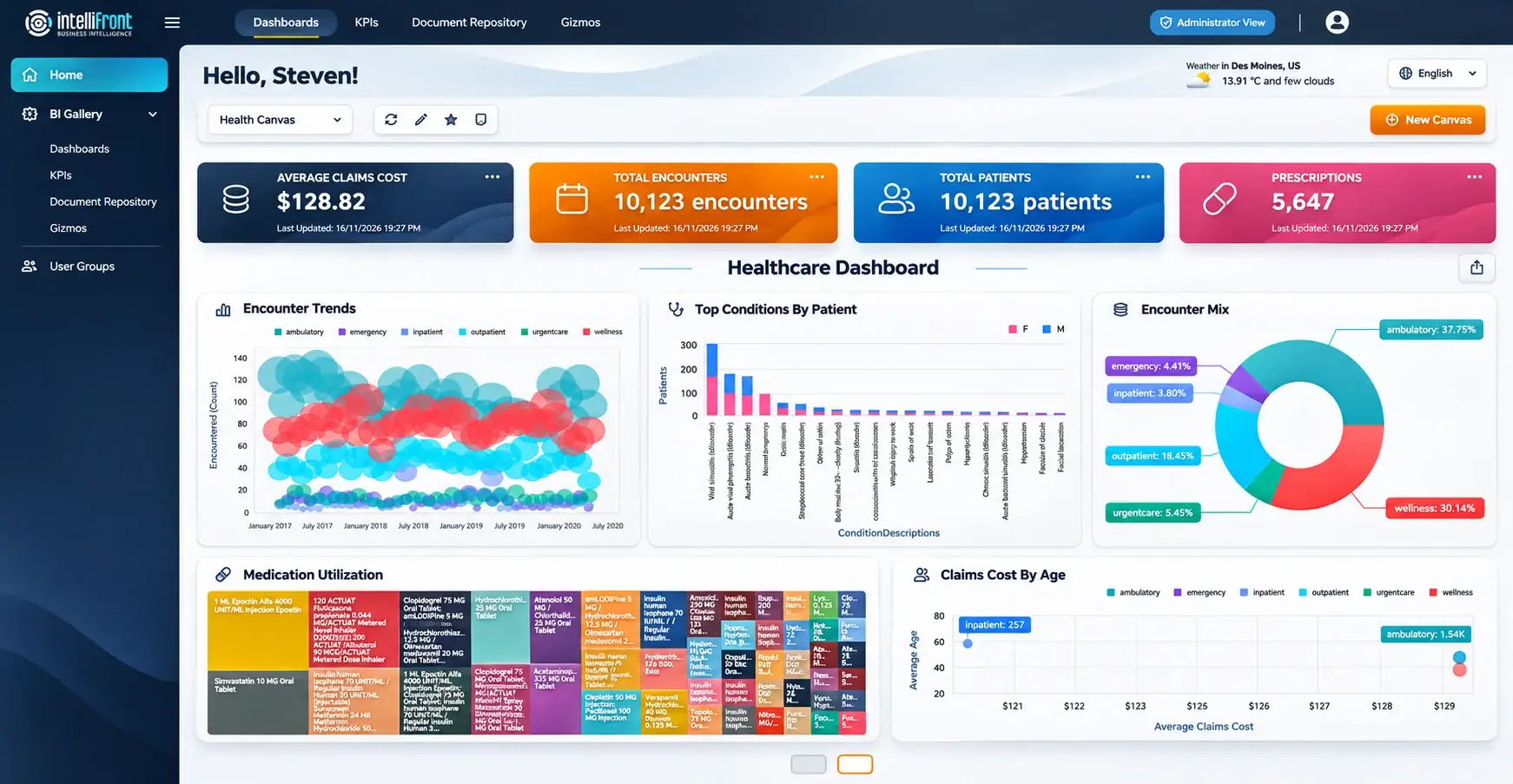
A medicines optimisation pharmacist may follow a medicine group. A reporting colleague may return to items awaiting mapping. Each reader can keep assigned dashboards and KPIs together in a personal Canvas.

Maintain separate Canvases for local review and a wider service meeting, then set a favourite as the home view. Your authors maintain the reporting centrally; colleagues organise the assigned views they use most.

Personal Canvas with healthcare dashboards and KPIs. View the full Canvas.
BOOK A DEMOSTART FREE TRIAL

Keep mapping questions and exceptions within reach

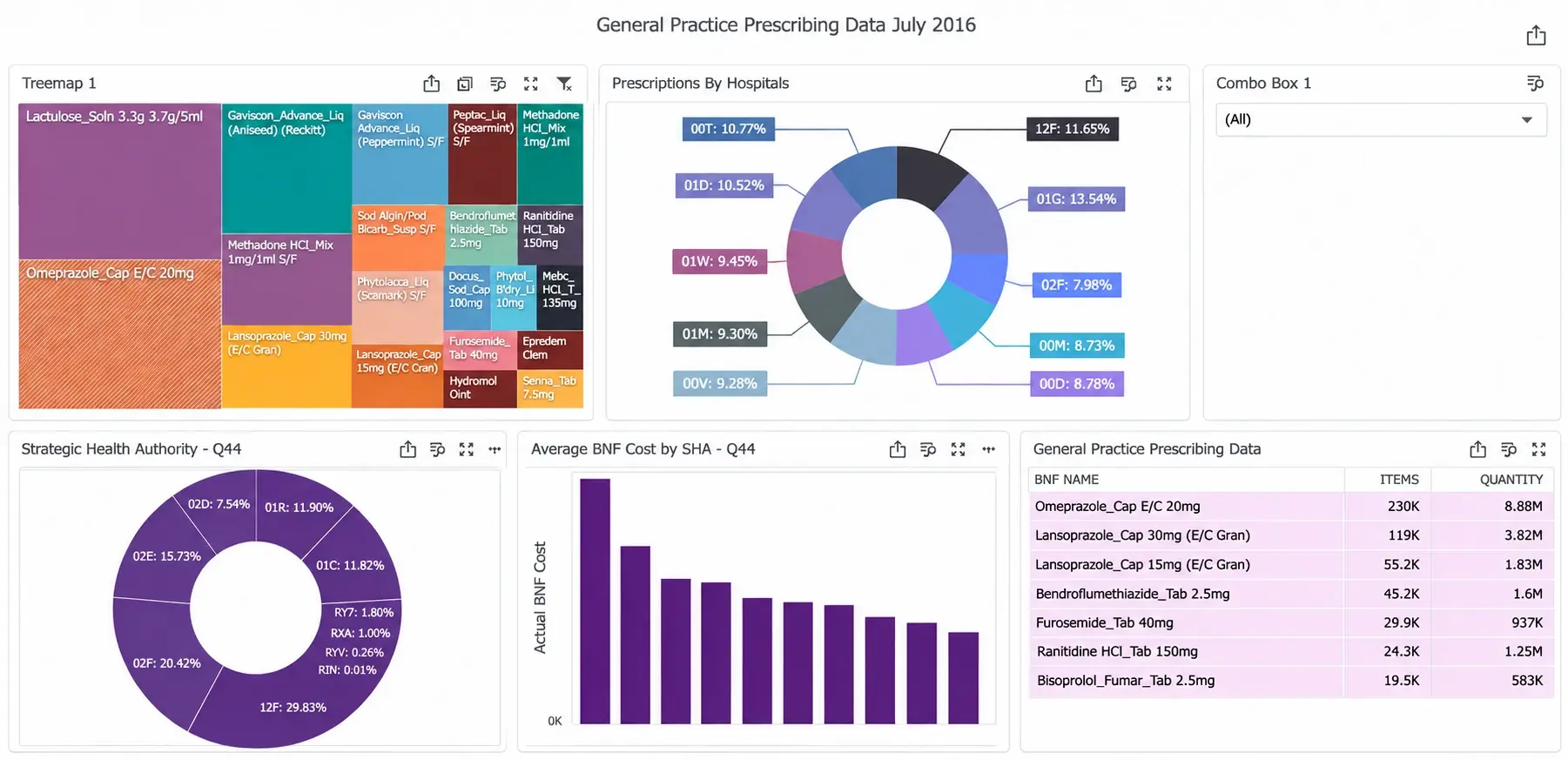
A medicine absent from a matched list and a medicine with no mapping need different follow-up. Give your team a reporting view that keeps those groups distinct, with relevant exception records beside the measure.

Explore the medicine, formulation, location and period behind a selected result. Colleagues get a more useful starting point for investigating a change and deciding which records to review together.

Prescribing dashboard with medicine quantities and cost analysis. View the full dashboard.
BOOK A DEMOSTART FREE TRIAL

Share maintained reporting with the people who use it

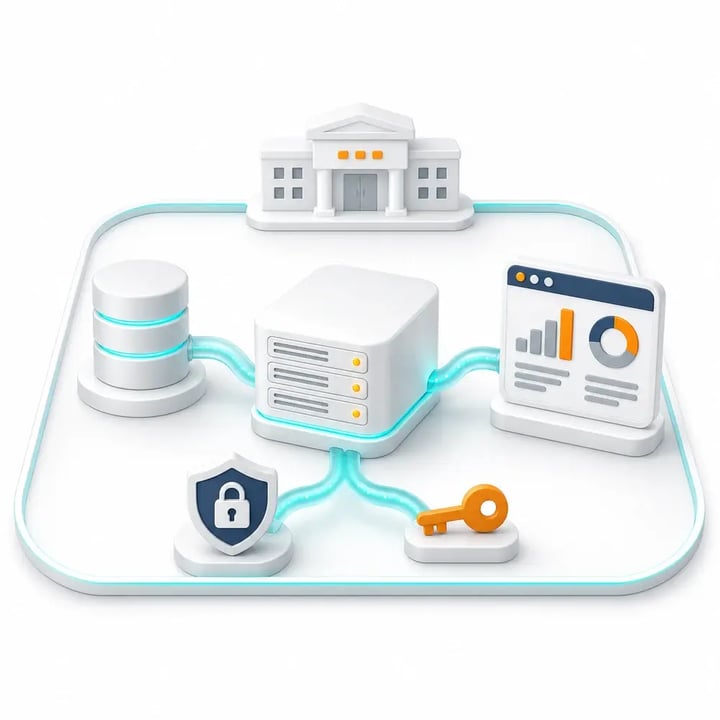
Give authorised pharmacy colleagues browser access to the formulary views assigned to them. IntelliFront BI runs on your infrastructure, with access managed by user and group.

Your reporting owners maintain the source connections, medicine mapping and update arrangements. Readers can return to the same maintained view for their next review, with related dashboards and reports available in the reporting portal.
BOOK A DEMOSTART FREE TRIAL
Concept illustration of organization-operated reporting infrastructure with administered access

Bring one formulary measure to your demonstration

Choose a medicine group or local measure your team regularly reviews. We’ll explore how IntelliFront BI can present the overview, the supporting records and a reader’s personal Canvas around that question.

Include the pharmacy colleague who uses the information and the reporting owner who prepares it. See the reader experience together, then start a free 30-day trial to assess the reporting on your own infrastructure.

Serving the NHS for over 25 years

We support NHS trusts and health boards in Scotland, Wales and England. Our experience spans hospital pharmacy reporting and partnerships including System C, JAC, WellSky and CareFlow Medicines Management.

NHS user feedback has helped shape IntelliFront BI’s reader and author workflows. That practical experience informs the support we give your pharmacy and reporting teams.

Over 25 years
ChristianSteven’s experience serving the NHS
Scotland, Wales & England
Supporting NHS trusts and health boards
NHS pharmacy experience
IntelliFront BI used for hospital pharmacy reporting
System C, JAC, WellSky & CareFlow
Experience with reporting around medicines-management data
Shaped by NHS feedback
Reporting workflows informed by pharmacy users
SOC 2 Type II
Independent assurance over security and operational controls
Visit Our Trust Center →

Talk to a team that understands NHS pharmacy reporting.

Before you evaluate

Questions about pharmacy formulary dashboards

Can we report against our own local formulary?

Yes, with suitable medicines data and a maintained mapping to your local formulary. We’ll discuss which medicine descriptions, formulations, dates and local decisions the reporting needs to reflect.

Does a medicine outside the formulary mean the prescription is inappropriate?

No. A local list match alone does not establish whether a prescription is appropriate. The reporting can help staff find records to review, with relevant exception information where available. Clinical assessment remains with the appropriate professionals.

What happens to medicines that have not been mapped?

The reporting can distinguish unmapped items from medicines with a known local status. Keeping those items visible gives your reporting team a way to investigate the mapping, rather than treating missing classification as a clinical finding.

Can we compare formulary measures between wards or services?

Where suitable data is available, dashboards can compare agreed locations or services. The populations, periods, medicine mapping and calculation rules need to be consistent, with differences in service context considered during review.

Does IntelliFront BI maintain the formulary or approve exceptions?

IntelliFront BI presents reporting over prepared data. Your organisation maintains its formulary decisions and exception processes. We’ll discuss how those records can inform the reporting you want staff to explore.

Can we see a demonstration around a local formulary question?

Yes. Tell us which medicine group or local measure your team needs to explore. We can show the dashboard and Canvas experience, then discuss the mapping, supporting records and access your proposed view would need.

IntelliFront BI for NHS formulary reporting

See the detail behind your next formulary review

IntelliFront BINHS

See how your team could explore a local formulary measure and the records behind it. Book a focused demonstration, or start a free 30-day trial.

BOOK A DEMO START FREE TRIAL