

For NHS clinical pharmacy and prescribing teams
NHS Prescription Review Dashboards
See prescription review work, ward by ward.

IntelliFront BI is self-hosted business intelligence software for National Health Service (NHS) pharmacy teams. Bring recorded prescription-verification status, ward-level detail and supporting reports into one browser-based reporting portal.
Unlimited users. Unlimited reports, dashboards and KPIs.
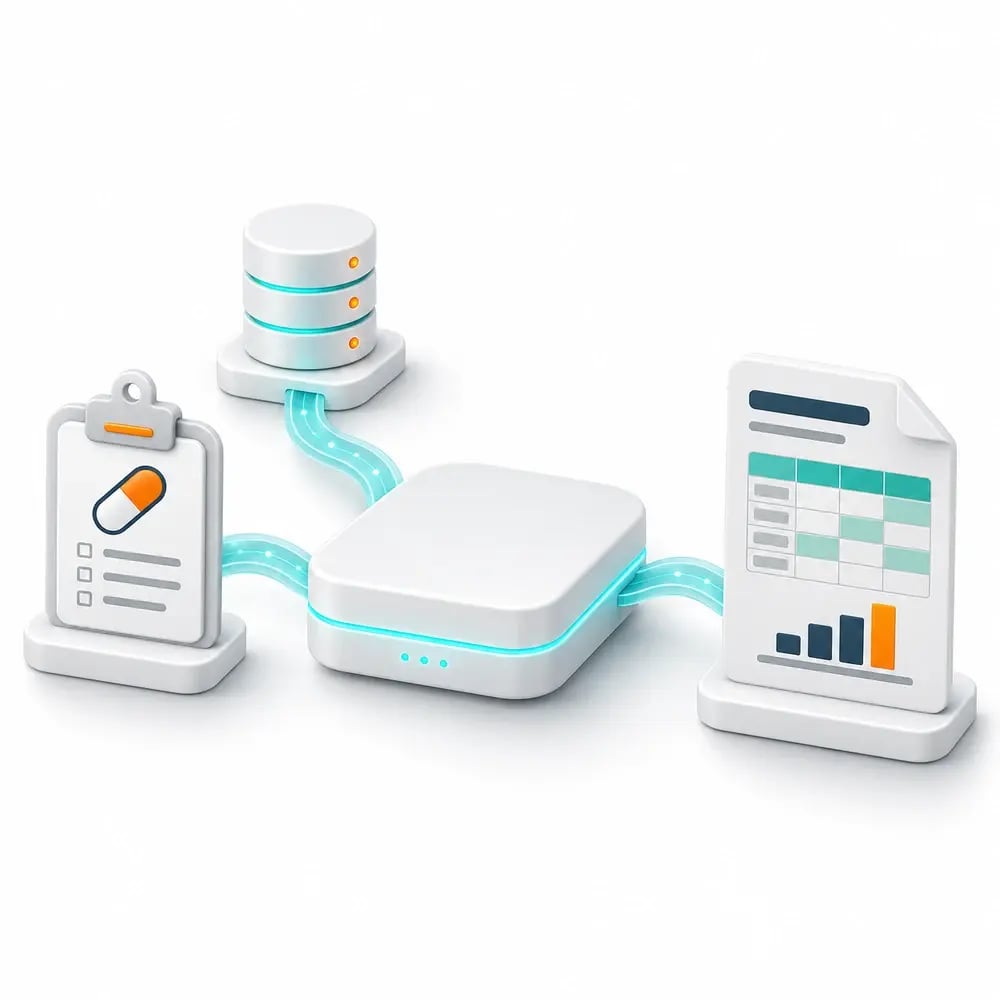
- ✓See verified and unverified prescriptions by ward.
- ✓Explore the supporting detail behind the review totals.
- ✓Keep relevant review dashboards together in your personal workspace.
Know where prescription review work is recorded
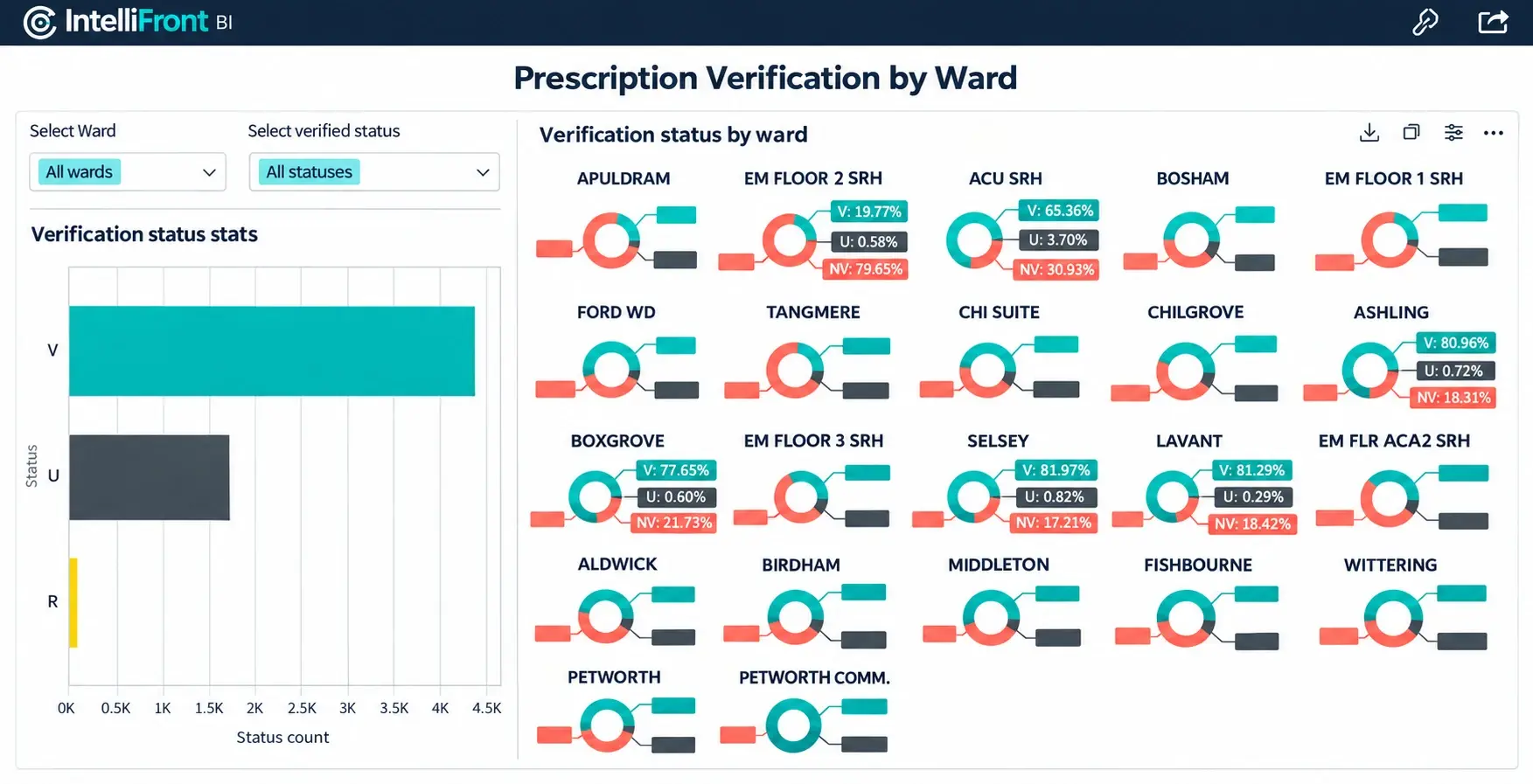
A single hospital total leaves the ward picture out of sight. Bring verified and unverified prescription information together in IntelliFront BI so pharmacy colleagues can see how recorded review work is distributed.
Give your team an interactive view for its daily ward review, with supporting detail behind the totals. Keep the reporting on your organisation’s infrastructure and the clinical work in your prescribing system.
A ward-level view for the next pharmacy visit
Focus on the wards your team covers, compare recorded verification totals and explore the prescriptions behind a selected view. Relevant supporting detail gives colleagues context for their next review.
Build the view around your local status definitions and available prescribing data. An aggregate count can show the distribution of work; whether a changed prescription item needs a new review depends on your source records and local rules.
Start the day with the reporting you need
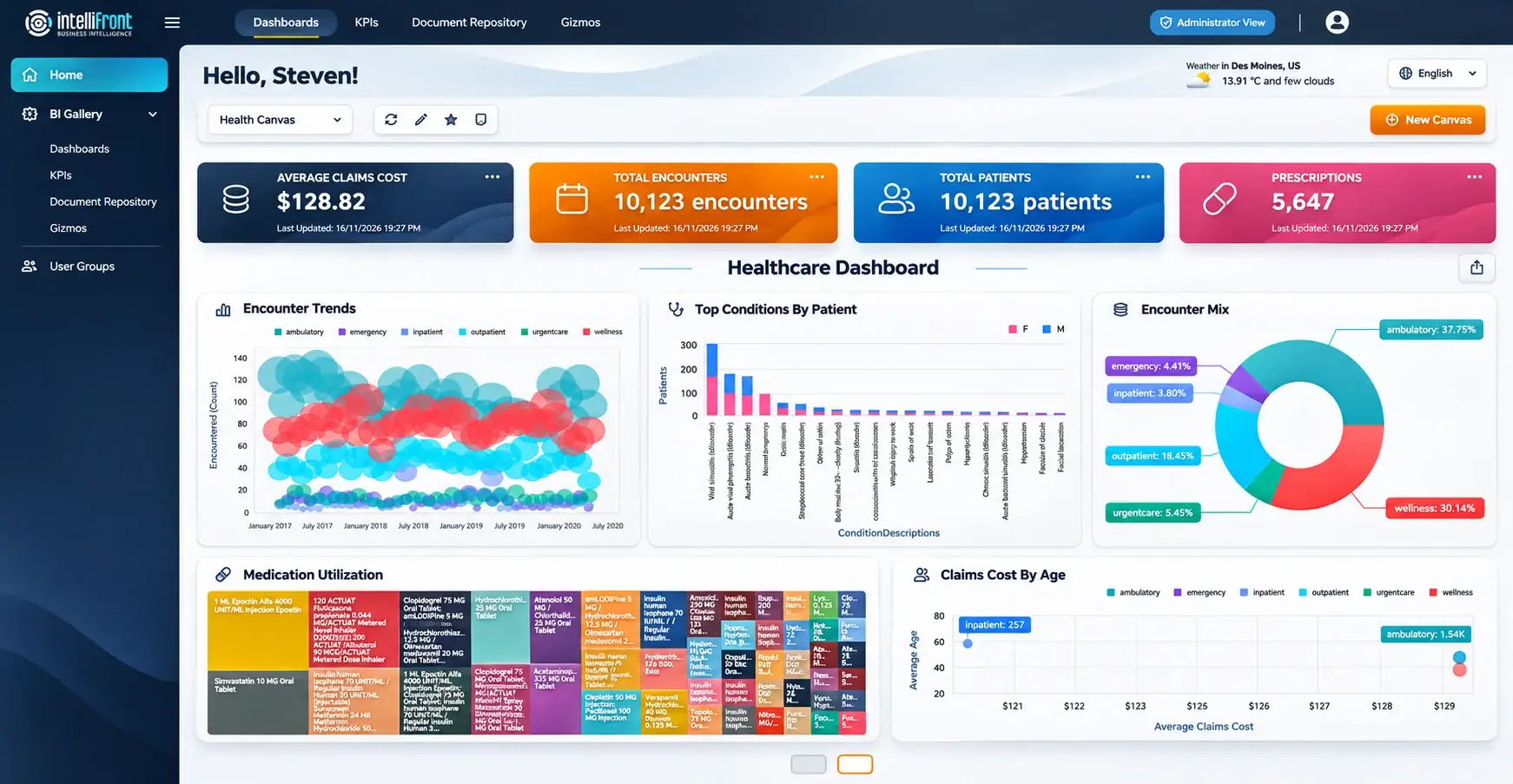
Keep assigned dashboards and KPIs together in a personal Canvas. Pharmacy colleagues can organise the views relevant to their ward responsibilities and set a favourite Canvas as their home view.
Maintain another Canvas for a service meeting or a different reporting responsibility. The dashboards remain centrally maintained while each reader chooses how to organise their workspace.
Personal Canvas with healthcare dashboards and KPIs.
Give each colleague the view for their wards
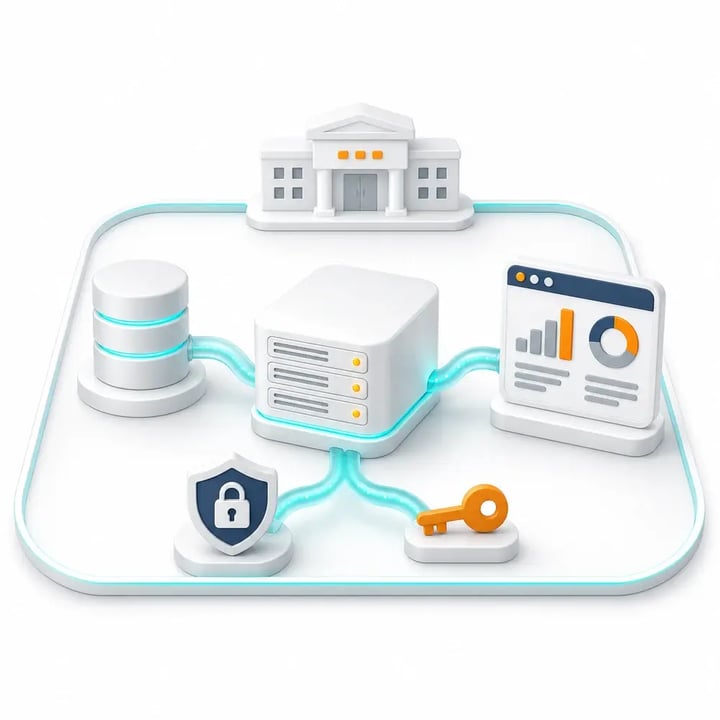
Make maintained review reporting available through the browser, with access managed by user and group. Colleagues can reach the dashboards assigned to them without needing to build or maintain their own copy.
Keep ward-level information and supporting reports within the same reporting portal. Your team defines the reporting and access; readers get a consistent place to return to.
A review view that fits your working day
Make update frequency part of the reporting you evaluate. A daily briefing and an active ward review may need different refresh arrangements.
We’ll discuss how changes in recorded verification status reach your reporting view, what data your source makes available and the frequency your team needs. Assess a setup that fits the task before rolling it out.
Bring a real ward-review question to your demo
Show us the review total or ward report your pharmacy team uses today. We’ll discuss the available verification records and supporting detail, then demonstrate how IntelliFront BI could present that reporting to a pharmacy reader.
See the dashboard, the reader’s access and the personal Canvas together. Your team can assess a familiar reporting task before starting a trial.
Serving the NHS for over 25 years
We support NHS trusts and health boards in Scotland, Wales and England. Our experience spans hospital pharmacy reporting and partnerships including System C, JAC, WellSky and CareFlow Medicines Management.
NHS user feedback has helped shape IntelliFront BI’s reader and author workflows. That practical experience informs the support we give your pharmacy and reporting teams.
Talk to a team that understands NHS pharmacy reporting.
Questions about prescription review dashboards
It reflects the verification status in the selected source records, using the definitions agreed by your reporting team. An aggregate unverified count is not automatically a list of current prescription-item versions needing review, and does not mean a medicine has not been supplied or administered.
Yes, where ward information is available in your reporting data. We’ll discuss which wards your team needs to see, the supporting records and the access required for each reader.
IntelliFront BI presents reporting. Pharmacists carry out and record clinical review in the appropriate prescribing or clinical system; viewing a dashboard does not mark a prescription as reviewed.
That depends on the source and configured refresh arrangements. We’ll confirm how changes reach the reporting view and the update frequency needed for your review workflow.
A verification status alone does not establish clinical urgency. Any priority information shown must come from suitable data and locally agreed criteria. Clinical judgement remains with the pharmacy team.
The view needs relevant electronic prescribing and medicines administration records, verification status and the ward context your team wants to use. We’ll review the available fields, definitions and source access for your setup.
Give your team a clearer view of prescription review

See ward-level review reporting and a pharmacy reader’s daily workspace in action. Book a demonstration focused on prescription verification, or start a free 30-day trial.