

Self-hosted customer and partner reporting portal
Give Customers a Clear View of the Service You Deliver
Make your service performance easier to see.

Give customers and partners a branded place to review performance and find the reports behind it. IntelliFront BI from ChristianSteven Software combines personal Canvases and centrally managed access in a self-hosted customer reporting portal.
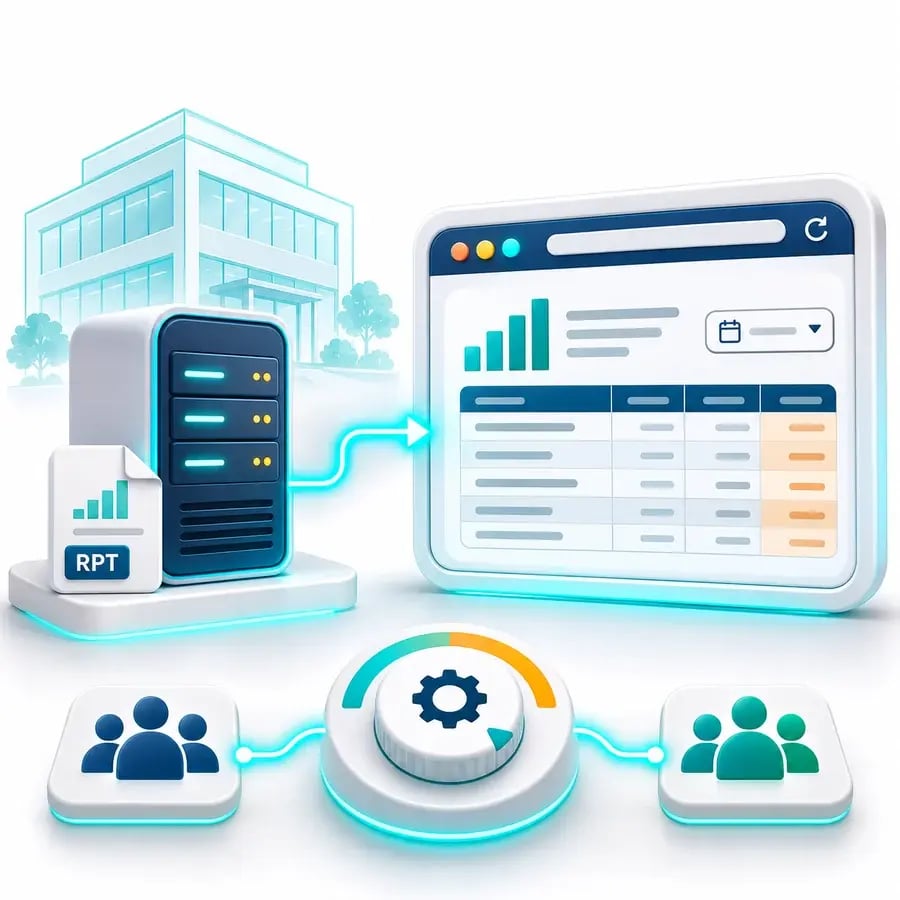
- ✓Give customers a reporting service with your own branding.
- ✓Let each reader choose dashboards and KPIs for a personal Canvas.
- ✓Keep service measures and supporting reports easy to find.
Spend the service review on the conversation, not finding the figures
Your customer wants to understand response performance, outstanding incidents and the work behind the numbers. When those answers are scattered across emailed reports, the review starts with finding the right version.
Give both sides a familiar reporting destination. Customers can review the measures before the meeting and return to the supporting detail when a follow-up question arises.
“We can incorporate our own documentation templates for each report, categorize reports into functional groups, and provide dashboards and KPI's geared to each customer's needs.”
On reporting for different customer needs
Help customers see what your service delivers
A response-time measure shows how the service is performing. A workload view shows what is still open. Together, they give the customer a more useful starting point than an isolated figure in a monthly email.
Bring assigned dashboards and KPIs into a personal Canvas, with supporting reports available through the portal. Your account team, the customer and delivery partners can prepare for the review using the reporting shared with them.
Make the next service review more specific
When a response measure changes, your customer needs an explanation they can follow. Supporting incident views and reports give the discussion a useful basis beyond a headline percentage.
Your account team can explain the agreed reporting period and investigate the work behind the result with the customer. Follow-up then has a clear subject for the people responsible for the service.
Let each customer prepare for the same conversation
The customer's service lead wants the response measures. Their account sponsor may need the contract's supporting reports. Give both a recognizable place to review the reporting shared with them before the meeting.
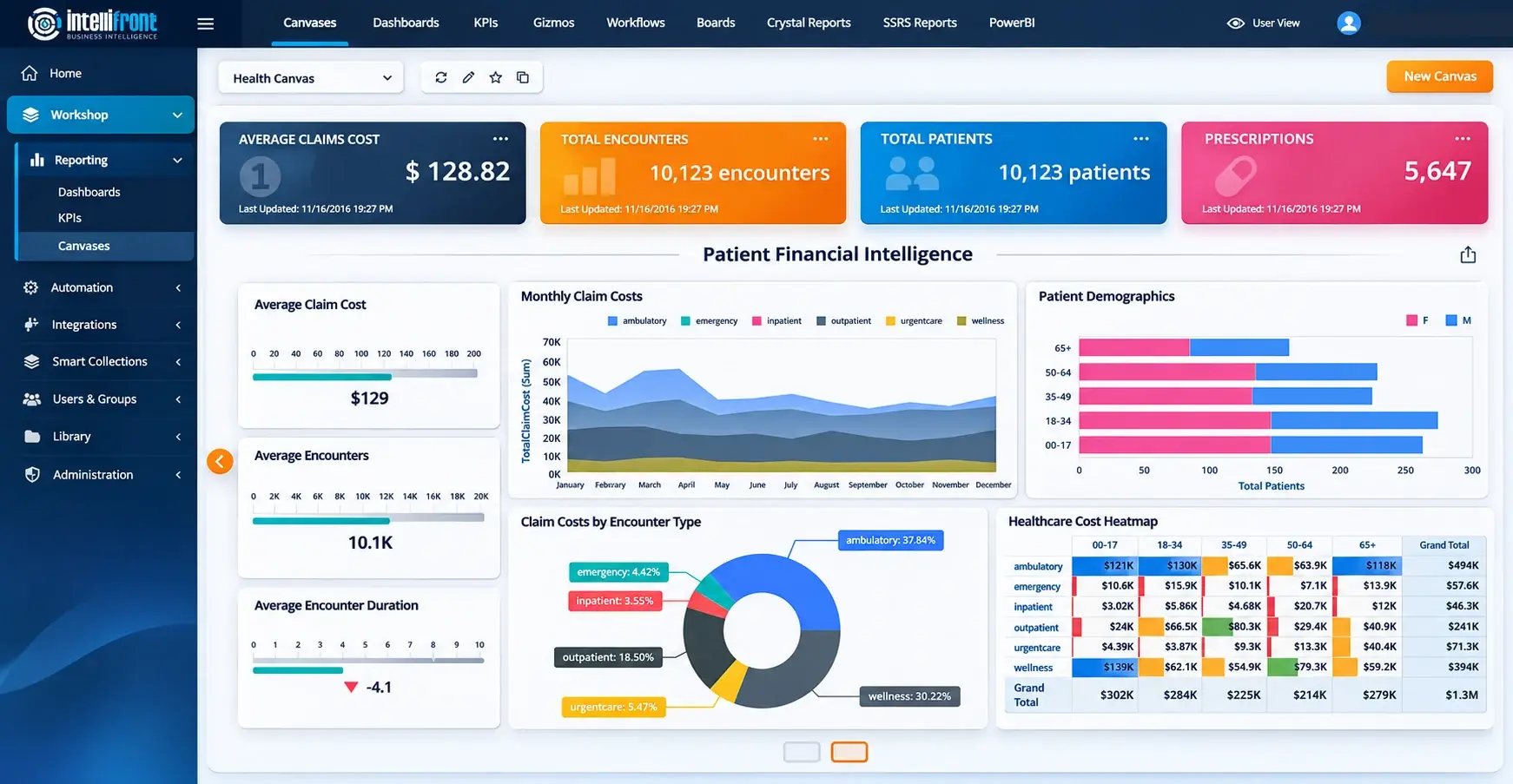
A personal Canvas keeps assigned dashboards and KPIs together; Smart Collections help readers find related reports for the service or contract.
Enhanced Canvas illustration showing a healthcare financial example. Click the image or view the full Canvas.
See the review from the customer's side. Book a demo of the agreed measures and the evidence behind them, or explore the experience in a 30-day trial.
Make the account and contract recognizable
The portal can carry your service identity through white labeling. Customer group and workspace branding help a reader recognize the organization, account or contract they are reviewing.
That context matters when a service lead works across several contracts. A recognizable reporting destination supports a continuing relationship, before and after the scheduled review.
Explore the customer's return visit. See the branding and reporting context together in a demo, or try them alongside the content you share today.

Share the evidence intended for that customer
Your team manages the users, groups, content permissions and underlying data restrictions behind the service. The customer sees the reporting supplied to their audience, while your organization operates the platform.
That lets the account team maintain an ongoing reporting relationship around the service it delivers, with access and content managed behind the familiar branded portal.

A Return Visit to the Dashboard. A File for the Review.
Share a sign-in-protected dashboard link when a customer needs to return to the reporting view. Provide an enabled export when they need a file for their review.
The link brings the reader back to the dashboard; the exported file holds the result captured for that output. Your team configures sharing and access for the intended audience.
Business Intelligence Backed by More Than 20 Years of Experience
ChristianSteven Software has helped nearly 5,000 organizations in 47 countries with business intelligence and reporting automation. IntelliFront BI brings that experience to your customer reporting service, with a branded reader experience, native BI tools and support for the team behind the portal.
Questions about customer and partner reporting
Yes. White labeling gives the reporting service your identity. Customer group branding identifies the customer organization, and workspace branding can help readers recognize the account, project or contract they are reviewing.
Your team manages users, groups, content permissions and the underlying data restrictions. Set these for the intended customer audience and confirm the result with a customer account. Branding identifies the context; permissions and data controls govern access.
Yes. Readers can select assigned dashboards and KPIs for personal Canvases, create several Canvases and choose a favourite home view. Your team maintains the underlying reporting and permissions.
Smart Collections group reports using tags, helping customers find content by service, contract or task. Readers see the content they have permission to use.
A reporting view can let the reader copy an incident reference to use in the appropriate business application. Copying a reference does not update the incident or complete an action in that application.
IntelliFront BI is self-hosted business intelligence software. Your organization hosts and operates the platform and maintains the reporting service supplied to customers and partners.
Make the Next Customer Review a Better Conversation
Book a demo around one customer contract. Explore the welcome the customer recognizes, the service measures they review and the supporting evidence your account team can discuss.
Prefer to evaluate it yourself? Start a 30-day trial with representative contract reporting and check the experience from the customer's side.