

Self-hosted healthcare and pharmacy reporting

Help Pharmacy Teams See the Work That Needs Attention

A clearer view of review work and service performance.

IntelliFront BI

Bring prescription status, ward information and service measures into a useful daily view. IntelliFront BI from ChristianSteven Software is self-hosted business intelligence software for reporting that fits your hospital’s data and ways of working.
Download the IntelliFront BI Internal Evaluation Guide START FREE TRIAL
  • See prescription status and ward details in one reporting view.
  • Choose assigned dashboards and KPIs for a personal Canvas.
  • Find supporting detail before continuing in the clinical application.
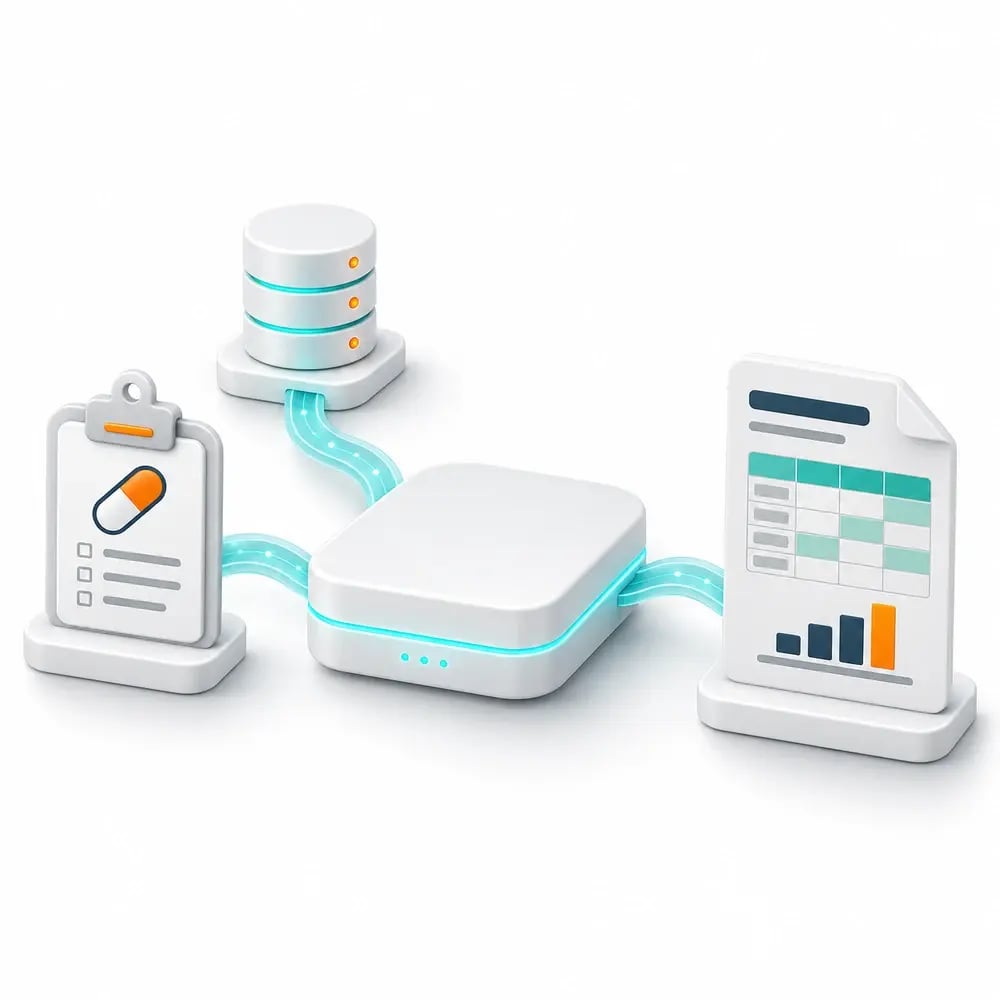
Concept illustration of pharmacy data becoming ward-level reporting and KPIs

Give pharmacy colleagues the context behind the list

A list of prescriptions awaiting clinical review is only useful when colleagues can understand what each item represents. Status, ward information and supporting detail help them see the work in context before continuing in the clinical application.

IntelliFront BI brings those details into reporting built around your hospital’s data and definitions. Pharmacy teams get a view shaped around their questions, while reporting authors retain control of the design.

“user access control, including secure multi-user access; the transfer of some responsibility back to clinical teams; the ability to view specific data by wards; and more.”
Sandra H.
University Hospitals Sussex NHS Foundation Trust (UK National Health Service)

From the review list to the detail behind an item

Which prescriptions were awaiting review at the last update? Which ward does an item relate to? Bring source status, ward context and supporting information together so colleagues can investigate those questions in one reporting view.

Useful filters help the reader narrow the list. When it is time to continue the review, they can copy the appropriate record reference and find the item in the clinical application.

IntelliFront BI supports the reporting journey; clinical review and prescription changes remain in the clinical workflow.

A reporting workspace for each pharmacy role

A ward reader needs the prescription-review reporting assigned to that audience. A pharmacy manager may also need an overview of service workload. Personal Canvases keep each reader’s chosen dashboards and KPIs together, ready for their next visit.

Readers can create several Canvases and choose a favourite home view. Your team maintains the reporting and permissions behind those views.

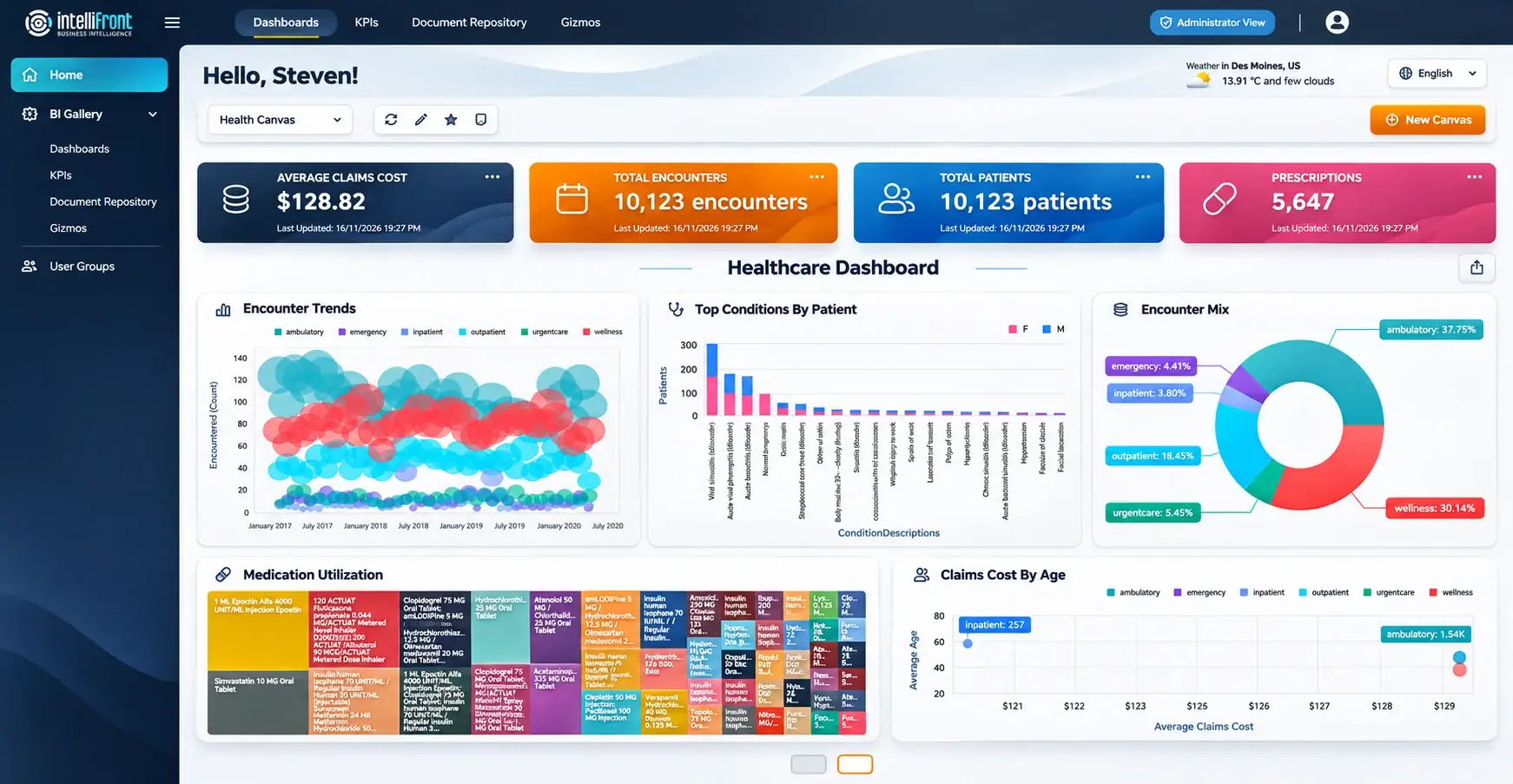
Enhanced Canvas illustration showing a healthcare dashboard and KPIs. Click the image or view the full Canvas.

See the workspace from your team’s side. Book a demo around a pharmacy reporting question, or explore your prepared data in a 30-day trial.
BOOK A DEMOSTART FREE TRIAL

Reporting shaped around the pharmacy question

A prescription review list, discharge activity and medication stock holdings tell different stories. IntelliFront BI lets reporting authors build each view from the appropriate prepared datasets, definitions and reporting period.

Relevant ward and operational context, clear labels and conditional formatting make the result easier to understand. Your team can develop useful reporting around the way the hospital works.

See a view built around your question. Bring a deidentified example to a demo, or explore it in a 30-day trial.
BOOK A DEMOSTART FREE TRIAL
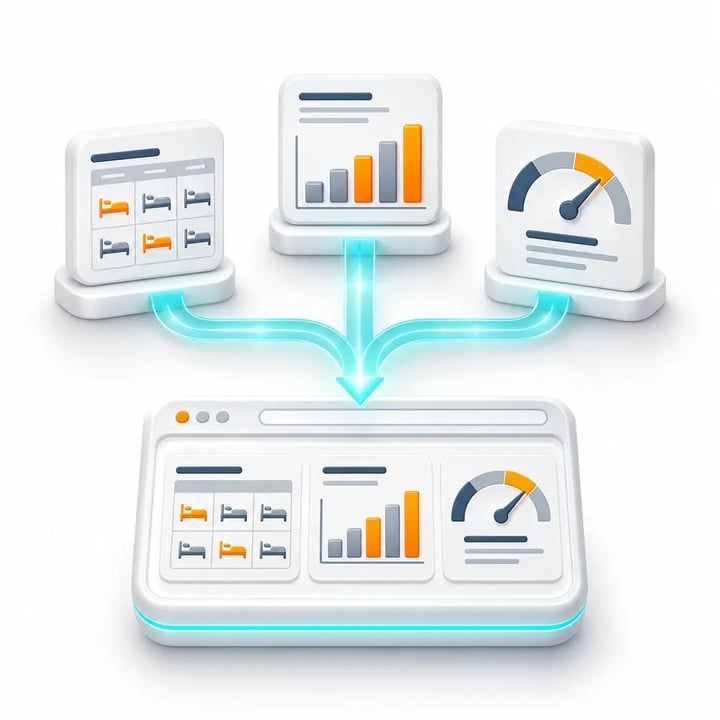
Concept illustration of pharmacy reports, charts and performance measures organized in a shared reporting view

Hospital reporting on infrastructure you control

IntelliFront BI is self-hosted. Your organization hosts and operates the platform, reporting authors maintain the datasets and definitions, and administrators manage access for the intended pharmacy and ward teams.

Readers reach their permitted reporting through a browser. Reporting periods, source status and update information help them understand what each view covers.
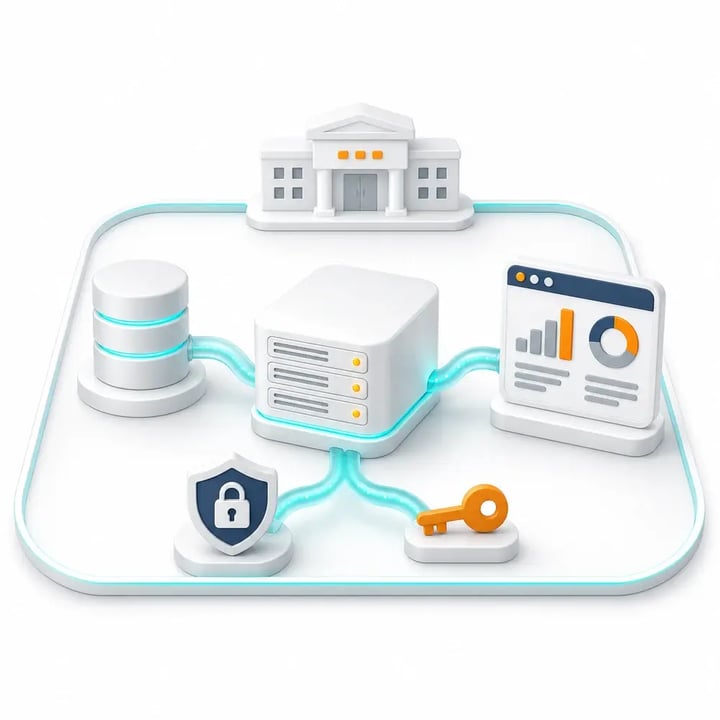
Concept illustration of organization-operated reporting infrastructure with administered access

See the wider workload alongside the daily review

Pharmacy managers also need to understand how activity changes across wards, hours and days. Dashboards and KPIs give service discussions a view of that workload for an agreed reporting period.

Retrospective medication-administration reporting can show recorded non-administration reasons and gaps in that documentation. Alongside the daily review view, it gives colleagues a separate starting point for investigating patterns over time.

Your team can develop distinct views for prescription review, administration, discharge activity and stock holdings, each using the source data and definitions appropriate to that question.

Business Intelligence Backed by More Than 20 Years of Experience

ChristianSteven Software has helped nearly 5,000 organizations in 47 countries with business intelligence and reporting automation. IntelliFront BI brings that experience to hospital reporting teams, with native dashboards and KPIs, personal reader workspaces and support as reporting needs develop.

20+
Years of business intelligence and reporting experience
Nearly 5,000
Organizations helped worldwide
47
Countries with customer organizations
SOC 2 Type II
Independent assurance over security and operational controls
Visit Our Trust Center →
Technical Support
Support and maintenance included with your IntelliFront BI subscription
All Features
Full IntelliFront BI functionality for dashboards, KPIs, Canvases and reporting
Before you evaluate

Questions about healthcare and pharmacy reporting

What data do we need for pharmacy reporting?

Your reporting team prepares the datasets for the question you want to answer. A prescription review view might combine source status, record references and ward information. Use the appropriate definitions for each question, including workload, discharge activity or stock holdings.

How current is the information in a reporting view?

Freshness depends on the source data and the refresh arrangements your team configures. Show the reporting period and relevant update information so readers understand what the view covers. A retrospective service measure should be kept distinct from a current review list.

Can pharmacy and ward teams see different reporting?

Yes. Your team manages users, groups, reporting permissions and the underlying data restrictions for the intended audience. Each reader can choose from their assigned dashboards and KPIs for a personal Canvas.

Does copying a record reference update the clinical system?

No. Copying helps the reader continue in the appropriate application. It does not itself change a prescription, complete a clinical review or write back to the source system.

Can a pharmacy manager keep several reporting workspaces?

Yes. Readers can create several Canvases from assigned dashboards and KPIs and choose a favourite home view. A manager might keep workload and service measures together, while another reader chooses reporting relevant to a ward.

Where does the pharmacy reporting platform run?

IntelliFront BI is self-hosted business intelligence software. Your organization hosts and operates the platform, maintains the reporting and manages access. Authorized readers use dashboards, KPIs and reports through a browser.

Explore IntelliFront BI

See Your Pharmacy Reporting Question More Clearly

Book a demo around a deidentified question from your team. Explore a review view, the context behind an item and a separate overview of service workload.

Prefer to evaluate it yourself? Start a 30-day trial with suitable prepared data and involve your pharmacy, reporting and IT colleagues.

BOOK A DEMO START FREE TRIAL