

Self-hosted business intelligence software
Business Intelligence on Infrastructure You Control
Keep control. Give your teams a clearer view.

IntelliFront BI from ChristianSteven Software is self-hosted business intelligence software for organizations that need to run their own reporting environment. Create native reports, dashboards and KPIs, then give teams browser access and personal Canvases for the information they need.
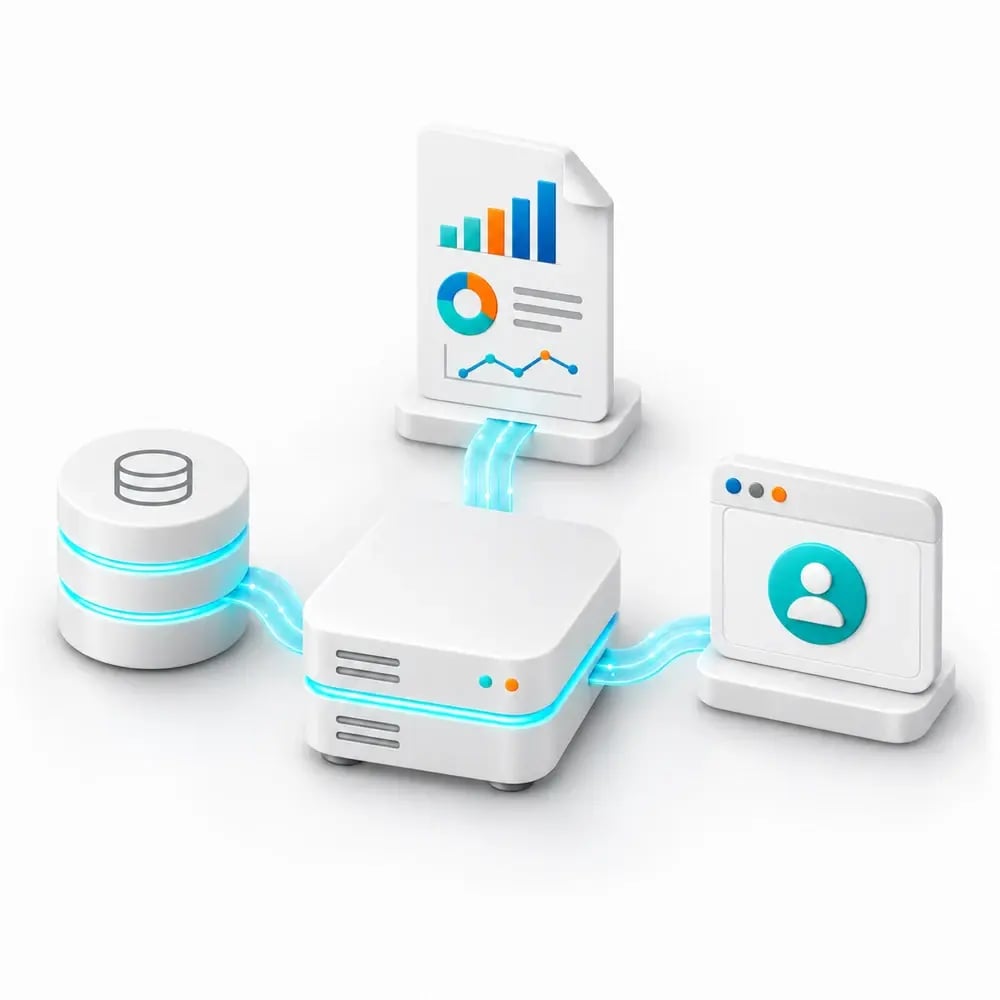
- ✓Operate the reporting service on your infrastructure.
- ✓Manage reporting access through users and groups.
- ✓Give readers assigned dashboards and KPIs in their browser.
Meet the hosting requirement. Make reporting useful.
Your organization needs to operate its reporting environment. Your teams still need an easy way to find the figures, understand performance and return to the information that matters to their work.
IntelliFront BI brings those needs together. IT retains control of the environment while reporting owners build native analytics and readers get a personal starting view in their browser.
“control of the reports and refresh rates without input from IT”
On day-to-day reporting control at a UK National Health Service hospital organization
Turn a hosting requirement into reporting people can use
A self-hosted platform should do more than satisfy an infrastructure decision. IntelliFront BI brings native reports, dashboards and KPIs into one browser-based reporting service, with access arranged for the teams who need it.
Give a finance team its cost overview, managers their service measures and reporting owners the tools to maintain those views. Your organization chooses the reporting and operates the environment behind it.
Your infrastructure. A useful reporting home for every team.
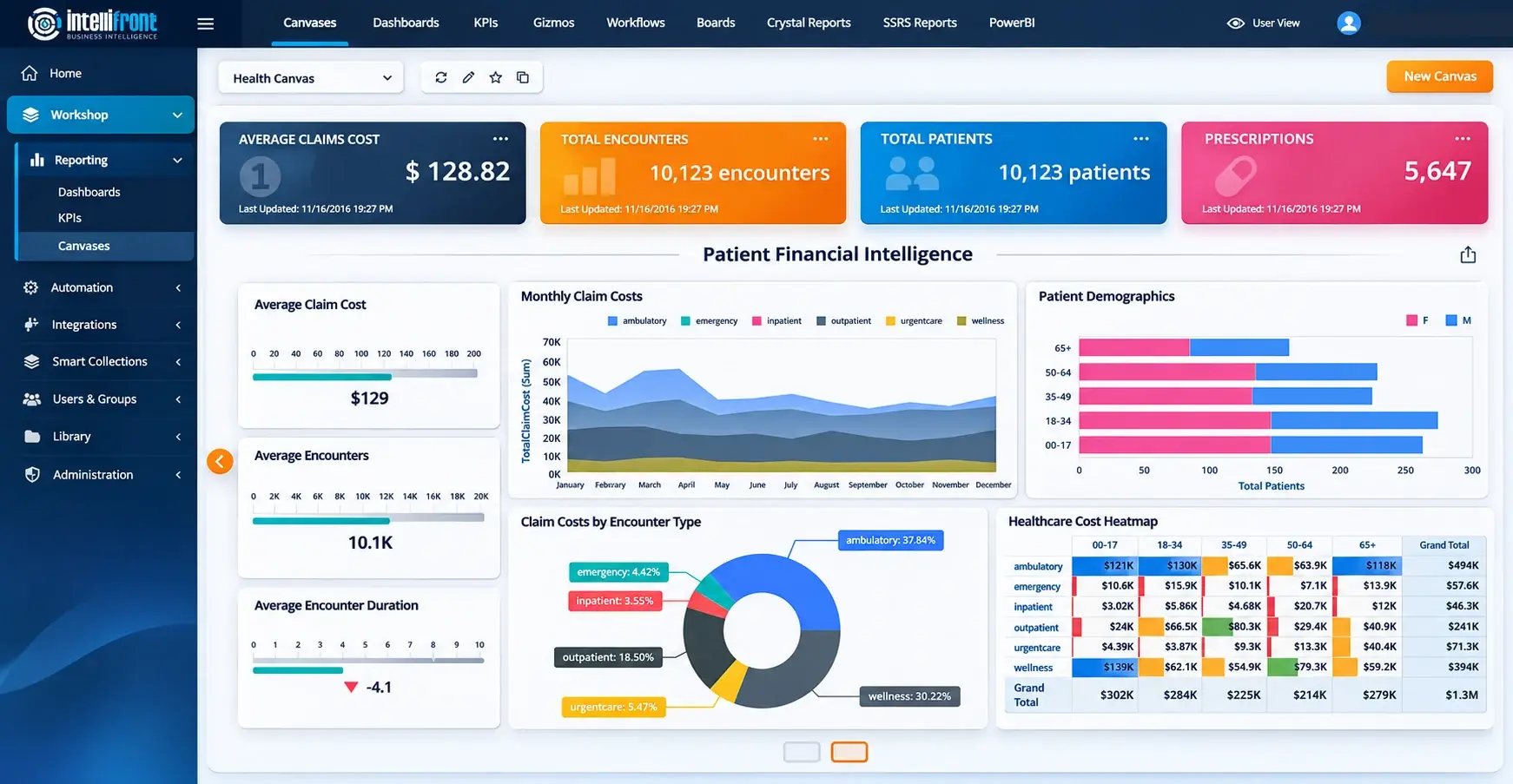
Give readers a practical reason to use the platform your organization hosts. They can reach assigned dashboards and KPIs through their browser and bring the views they need together in a personal Canvas.
Your reporting owners maintain the definitions. Readers get a focused starting point for the figures they return to, while IT retains responsibility for the environment.
Enhanced healthcare financial Canvas illustration showing a personal reporting workspace.
View the complete Canvas at full size →
See the reader experience and the administration behind it. Bring IT and your reporting owner to a demo, or evaluate both during a 30-day trial.
Bring your existing reporting into the plan
Build native analytics in IntelliFront BI and include existing Crystal Reports or SSRS reporting where it belongs in your service. Keep familiar reporting useful while adding dashboards and KPIs for new questions.
Power BI integration keeps that content accessible alongside other reporting, subject to Microsoft’s requirements. It does not move Power BI itself onto your infrastructure.
Explore a deployment that fits your reporting estate. Bring the systems and audience you need to support to a demo, or start a 30-day trial with a representative reporting view.

Keep reporting control close to the people who need it
Your organization operates IntelliFront BI and manages authentication, users, groups and reporting access. Reporting owners maintain the datasets and definitions behind each view, so everyday reporting changes have a clear home.
For a pharmacy team, that can mean IT helping prepare source access and complex queries while reporting owners maintain the dashboards used by colleagues. Query performance, timeouts and a clear support handover belong in the deployment conversation.
Dataset dependencies, refresh information and usage records give administrators a starting point when reporting needs attention.

Make the decision with IT and the business together
The strongest evaluation answers both questions: can your organization operate the platform, and does it give people reporting they will use?
Bring an IT owner and a reporting owner to the same demo. Explore a familiar business question, a reader’s personal Canvas and the administration behind that experience, so both teams can assess the fit.
Business Intelligence Backed by More Than 20 Years of Experience
ChristianSteven Software has helped nearly 5,000 organizations in 47 countries with business intelligence and reporting automation. IntelliFront BI brings that experience to the environment your organization operates, with native BI tools, personal reader workspaces and support for your reporting team.
Questions about self-hosted business intelligence software
Your organization hosts and operates IntelliFront BI on its infrastructure. Include installation, authentication, access, backups and recovery in your deployment review, and agree who will maintain the service.
Authorized readers use IntelliFront BI through a browser. They can open the reporting available to them and arrange assigned dashboards and KPIs on a personal Canvas.
Configure authentication, users, groups and dashboard sharing for the intended audiences. Check access with representative reader accounts as part of your evaluation.
No. IntelliFront BI can provide access to Power BI alongside other reporting, but the integration does not change where Power BI itself operates. Review the deployment and access requirements of each reporting system you include.
Dataset dependencies, refresh information and usage records help administrators understand which reporting relies on a dataset, when data was refreshed and how the service is being used.
No. Self-hosting gives your organization control of the reporting environment. Compliance depends on the deployment, access controls, operating processes and requirements you apply.
Evaluate the Reporting Service You Will Own
Book a demo with your IT and reporting owners. Bring your hosting requirements and one business question, then review the native reporting, audience access and administration behind that service.
Prefer to assess it in your environment? Start a 30-day trial and evaluate both the reader outcome and the responsibilities your team will maintain.